
Project Proposal
Docs + Word5 pages
Free176 templates
Docs + Word5 pages
Free
Slides + PowerPoint11 slides
Free
Docs + Word6 pages
Free
Docs + Word6 pages
Free
Sheets + Excel3 slides
Free
Slides + PowerPoint11 slides
Free
Slides + PowerPoint10 slides
Free
Slides + PowerPoint11 slides
Free
Docs + Word9 pages
Free
Docs + Word8 pages
Free
Slides + PowerPoint12 slides
Free
n8n
Free
Docs + Word3 pages
Free
Docs + Word7 pages
Free
Slides + PowerPoint10 slides
Free
Docs + Word7 pages
Free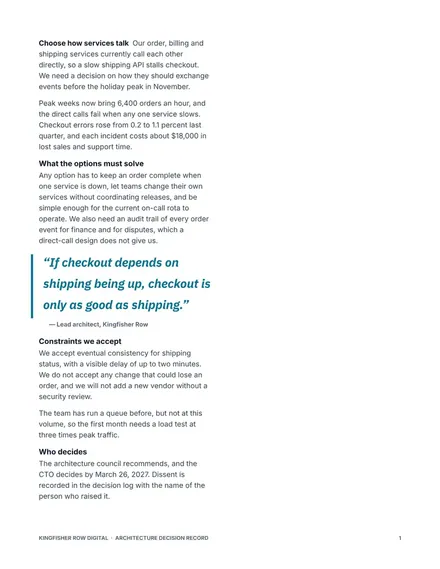
Docs + Word6 pages
Free
Slides + PowerPoint10 slides
Free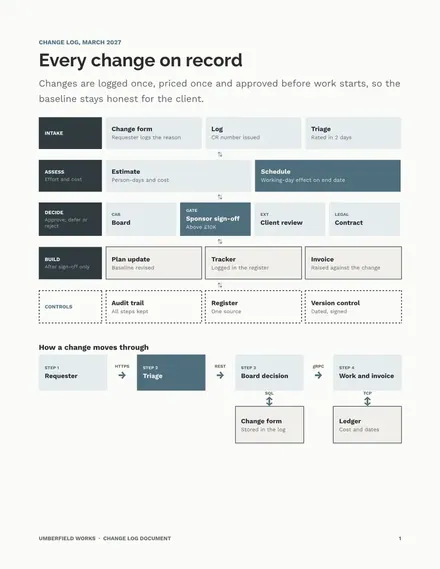
Docs + Word3 pages
Free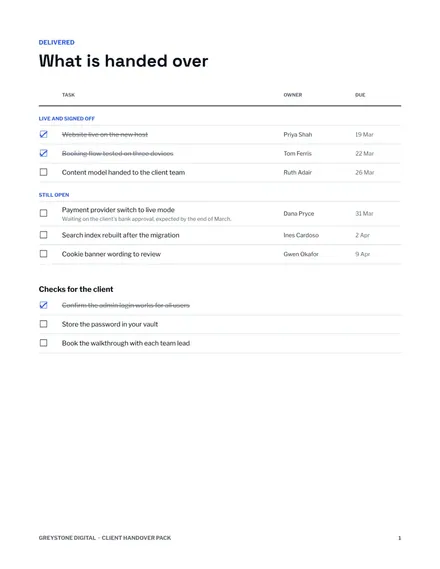
Docs + Word6 pages
Free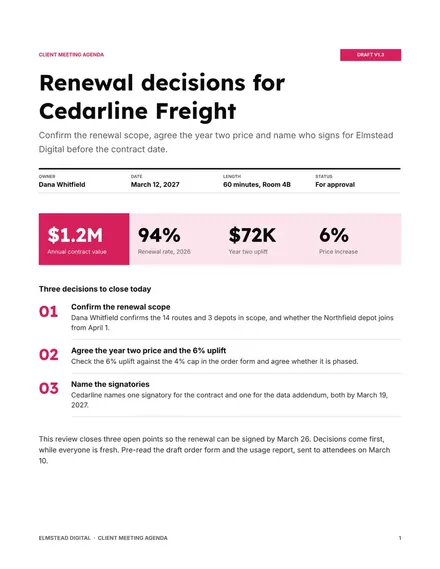
Docs + Word3 pages
Free
Docs + Word7 pages
Free
Docs + Word7 pages
Free
Docs + Word7 pages
FreeProject templates help at the moments that are easy to get wrong: agreeing scope before work starts, communicating a plan, and keeping goals visible once the work is underway.
Pick a template for the tool your team already reviews things in. A proposal reviewed in Google Docs comments, for example, will get more feedback than one attached to an email.
Most projects stall on the same few gaps: nobody agreed the scope, nobody owns the next step, and nobody can see the status. A project charter, a timeline and a weekly status report close those gaps before they cost you a deadline.
This category holds 176 templates for Google Docs, Microsoft Word, Google Slides, Microsoft PowerPoint, Google Sheets, Microsoft Excel, and n8n, 1 to 12 pages long.
Start with a project brief or charter so the scope is agreed, then a timeline and a RAID log. Add a status report once work is moving.
No. They hold the decisions and the reasoning, while a task tool holds the daily to-do list. Many teams link one from the other.
All 176 templates are free, with no account or email needed.
They work in Google Docs, Microsoft Word, Google Slides, Microsoft PowerPoint, Google Sheets, Microsoft Excel, and n8n. Open any template to see whether it copies to your Google account, downloads as a file, or both.