Capacity Planning Slides
Slides + PowerPoint10 slides
Free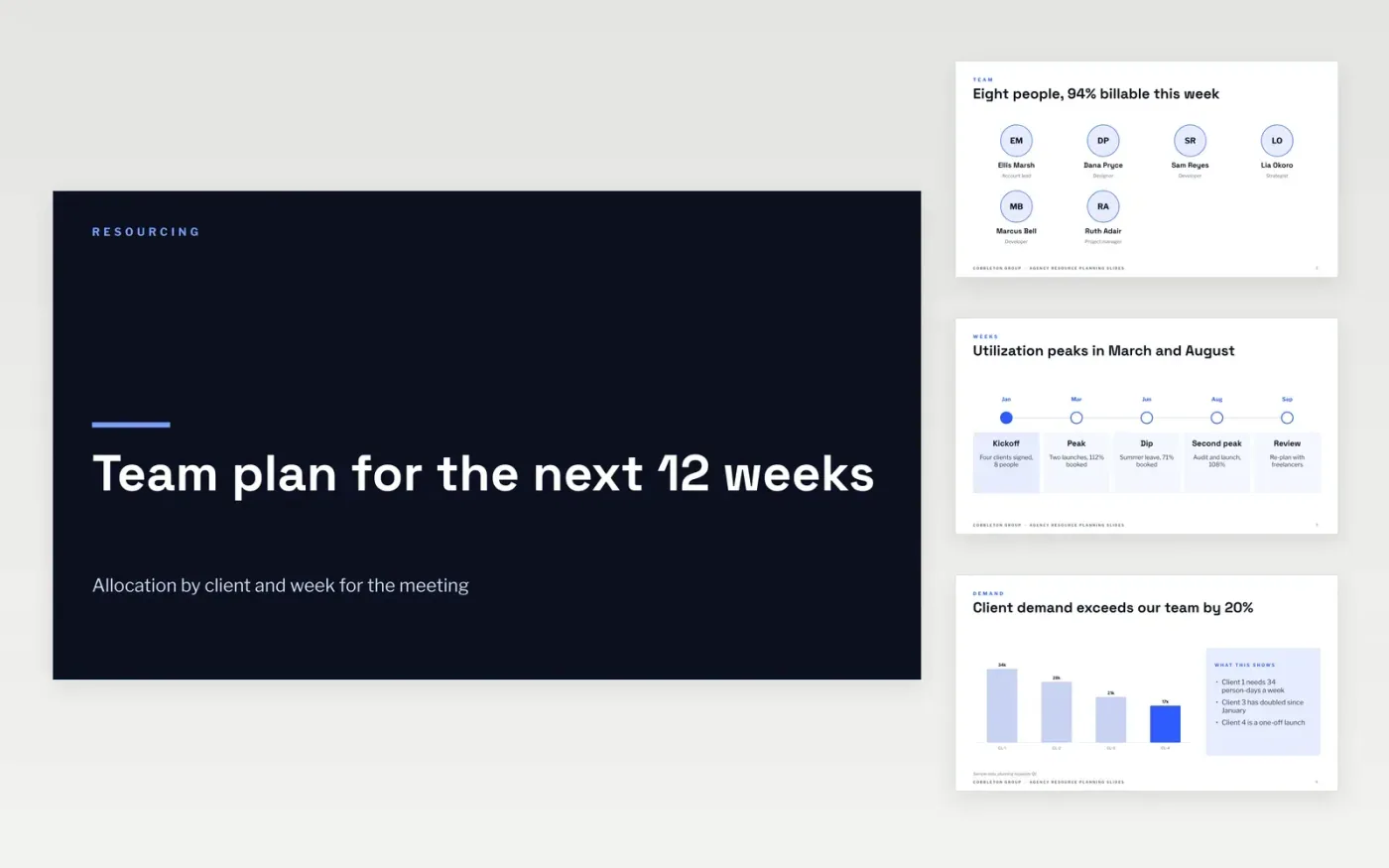
This resource planning template is a ready-made Google Slides deck for agency operations leads who run a weekly resourcing meeting. It shows the team by week, client demand, the gaps and the cost of freelancers across eleven slides, in days, percentages and names rather than general talk of capacity.
Each slide uses sample figures for Cobbleton Group, a fictional creative agency with eight people and four clients. Replace the people, clients and day rates with your own, and show every peak above 100 percent in red. Keep the gaps slide with a named owner for each, so the meeting ends with decisions.
Click Make a copy in Google Slides, then confirm on the Google page. The copy is saved to your own Google Drive.
Replace the team, clients and day rates with your own.
Show every week above 100% booked in red, and say why.
Delete the guide slide, then present the deck at the resourcing meeting.
No. Cobbleton Group, its staff, clients and day rates are fictional sample figures, written to show a finished resource plan.
Yes. Add rows to the team and client slides, keep the weeks in order, and group the gaps by role so the meeting can decide on each one.
Show totals and terms to the team, but keep individual freelancer rates within the leadership group, since they are commercially sensitive.
More Google Slides templatesMore project management templates
Slides + PowerPoint10 slides
Free
Docs + Word7 pages
Free
Docs + Word5 pages
Free










