
Content Calendar
Docs + Word1 page
Free6 templates
Docs + Word1 page
Free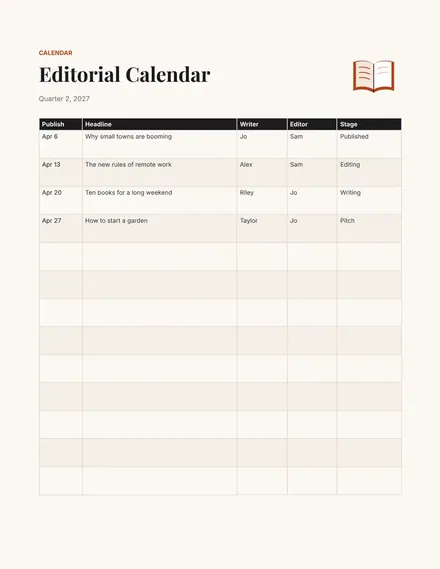
Docs + Word1 page
Free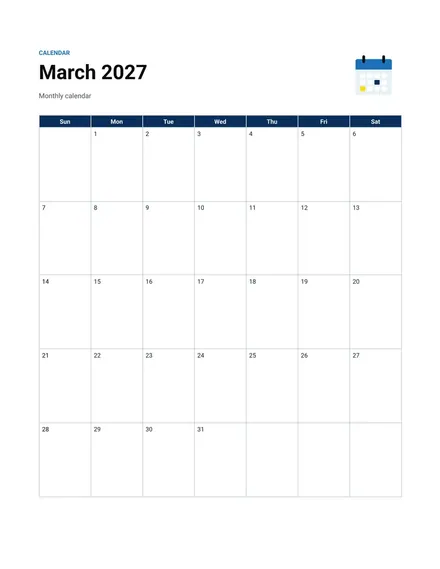
Docs + Word1 page
Free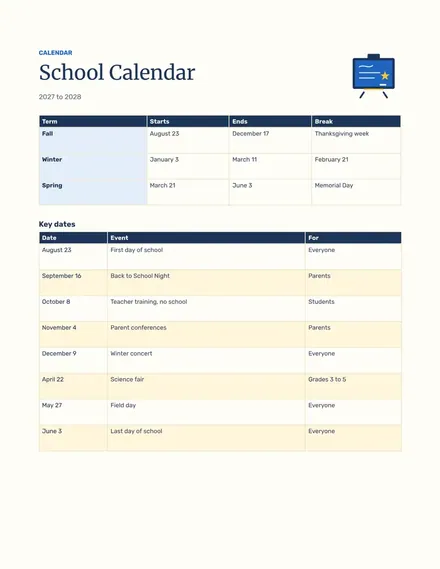
Docs + Word1 page
Free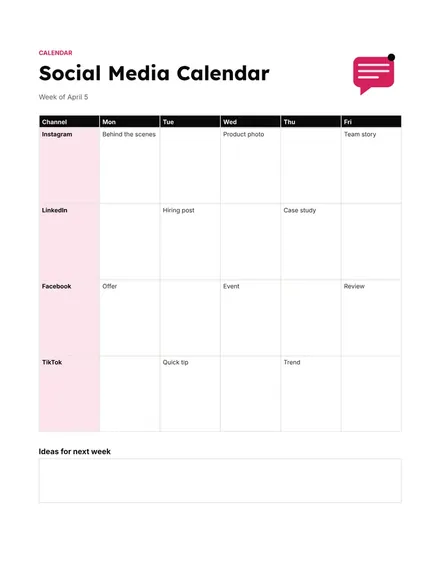
Docs + Word1 page
Free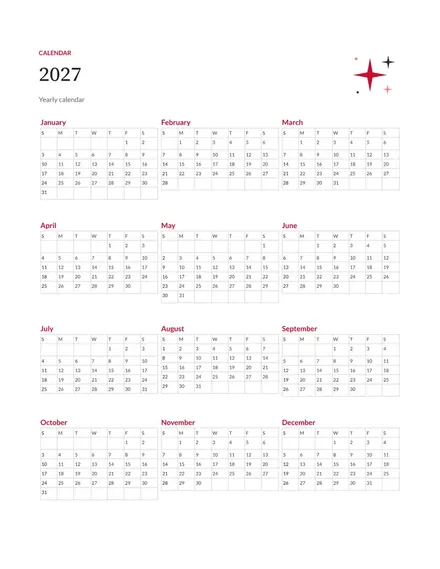
Docs + Word1 page
Free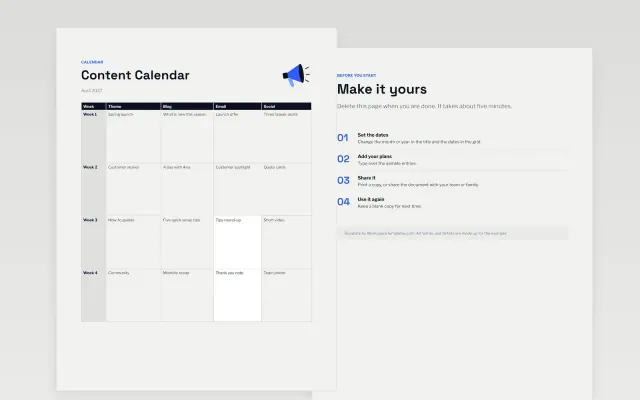 Content Calendar | 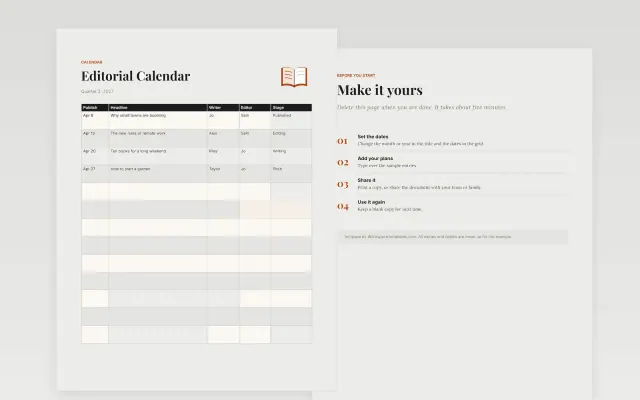 Editorial Calendar | 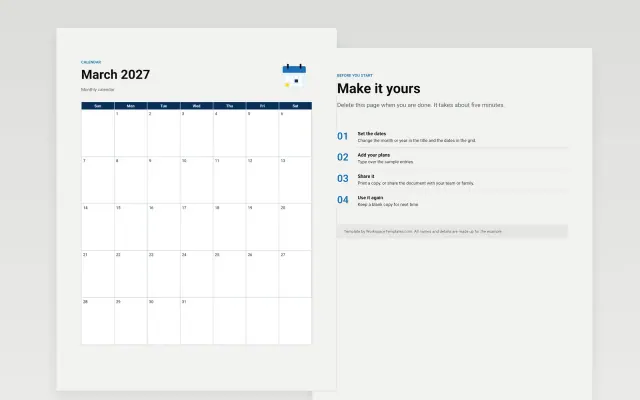 Monthly Calendar | 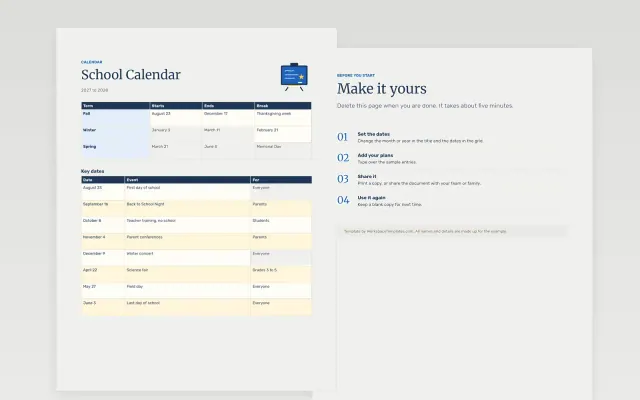 School Calendar | |
|---|---|---|---|---|
| Format | Document | Document | Document | Document |
| Works in | Google Docs and Word | Google Docs and Word | Google Docs and Word | Google Docs and Word |
| Length | 1 page | 1 page | 1 page | 1 page |
| Style | Modern | Editorial | Corporate | Friendly |
Calendar templates give you a grid of dates to fill with your own events. You will find monthly and yearly calendars, plus content, editorial, social media and school calendars for teams and classrooms.
Cover the month and year, a grid of days with room to write, holidays and fixed dates, deadlines and due dates, a notes area, and a key if you use colors.
Add fixed dates first, such as holidays and deadlines, then fit other plans around them. Start next year’s calendar by December 1.
Compare Content Calendar, Editorial Calendar, and Monthly Calendar, all 1 page long, then pick the closest match and replace the sample text with your own.
Calendar templates give you a grid of dates to fill with your own events. You will find monthly and yearly calendars, plus content, editorial, social media and school calendars for teams and classrooms.
Include the month and year, a grid of days with room to write, holidays and fixed dates, deadlines and due dates, a notes area, and a key if you use colors. Add fixed dates first, such as holidays and deadlines, then fit other plans around them. Start next year’s calendar by December 1.
Open a template and choose Make a copy. Each month is a table, so you can type in the cells and change the colors. Change the month name and shift the dates to match the new month.
The two terms overlap. An editorial calendar usually covers written pieces such as articles and newsletters. A content calendar can include any format, such as video and social posts.
List the days you will post and what each post is about. Add the platform, the format and who writes it. Plan a month at a time and leave a few open slots for timely news.
Yes. Open File, then Print, and choose landscape orientation for a wide month grid. Print a test page first to check that all the rows fit.
Start with Content Calendar: Plan a month of content by week, topic and channel. If that is not the right fit, compare it with Editorial Calendar.
The templates here are 1 page long. Cut any section you do not need; each template explains what its sections are for.
Yes. These calendar templates work in Google Docs and Microsoft Word. All 6 templates are free, with no account or email needed.
Mostly education and research. The sample text in each one is written for a specific situation, so replace it with your own details.