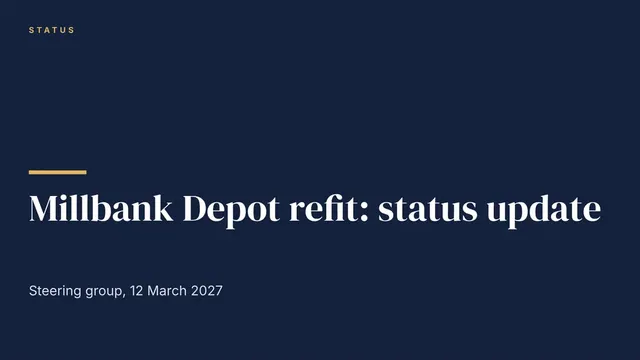
Project Status Update Deck
Slides + PowerPoint11 slides
Free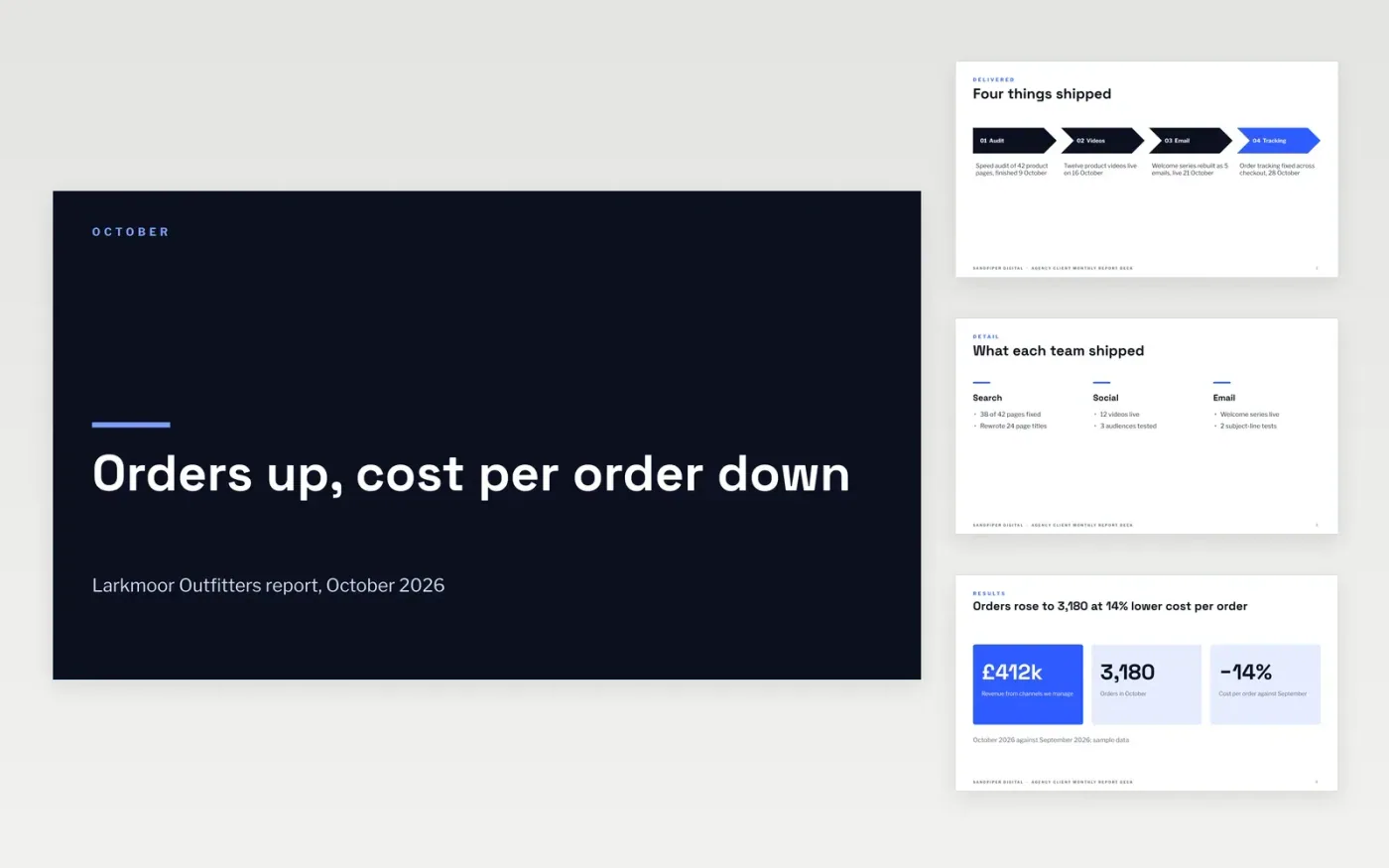
Clients rarely read a long report, and they ask the same questions every month: what did you do, did it work, what did you learn, what happens next and what did it cost. This deck answers them in that order, with one headline per slide and a clear decision for the client.
The sample follows Sandpiper Digital reporting October 2026 to Larkmoor Outfitters: 3,180 orders, a 14% fall in cost per order and £460k spent of an £840k six-month budget. Replace the client, month, results, learnings, dates and budget with your own, then send the deck before the review call.
Click Make a copy in Google Slides, then confirm on the Google page. The copy is saved to your own Google Drive.
Replace the client name, month and the three headline results on the cover and results slides with your own figures.
Update the delivered work, the chart of cost per order and the four learnings, and name the decision you need.
Enter next month's dates and your budget, spend and forecast so the baseline stays visible.
Delete the guide slide, then share the deck with your client or present it on the monthly call.
Yes. It is a free Google Slides template. Make a copy to your own Google Drive and change any slide, number or chart for your client.
Yes. Relabel the budget slide as the retainer or campaign budget, and keep the forecast against baseline so the client can see the position each month.
No. Sandpiper Digital, Larkmoor Outfitters, the people and every figure are fictional sample content. Replace them with your own before sharing.
More Google Slides templatesMore project management templates
Slides + PowerPoint11 slides
Free
Docs + Word5 pages
Free
Slides + PowerPoint11 slides
Free
Docs + Word7 pages
Free
Docs + Word8 pages
Free
Docs + Word3 pages
Free









