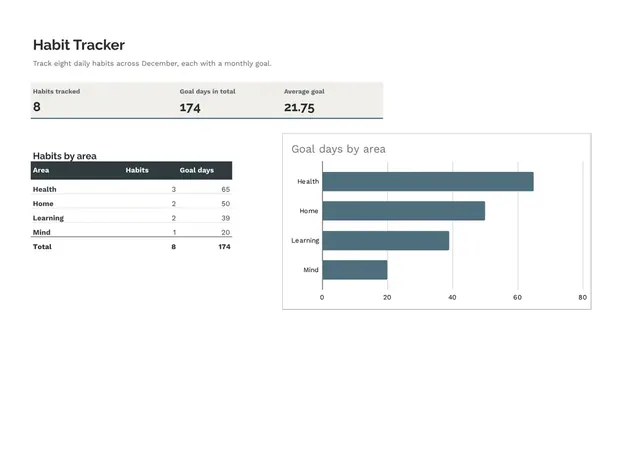
Habit Tracker
Sheets + Excel4 slides
Free10 templates
Sheets + Excel4 slides
Free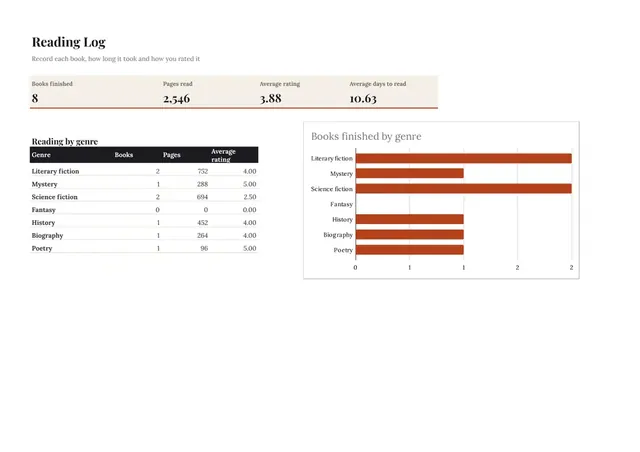
Sheets + Excel3 slides
Free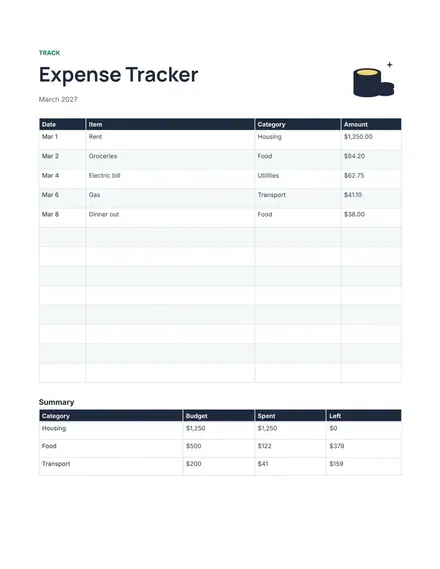
Docs + Word1 page
Free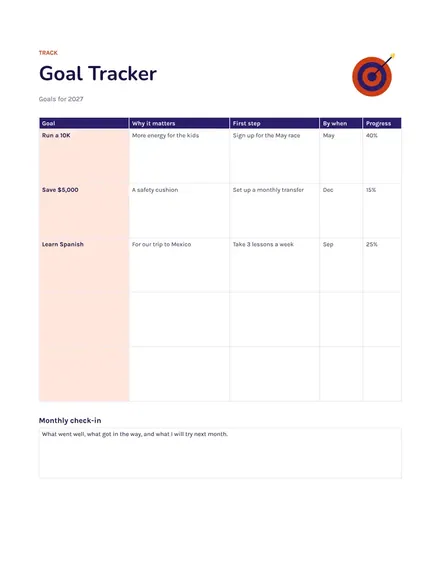
Docs + Word1 page
Free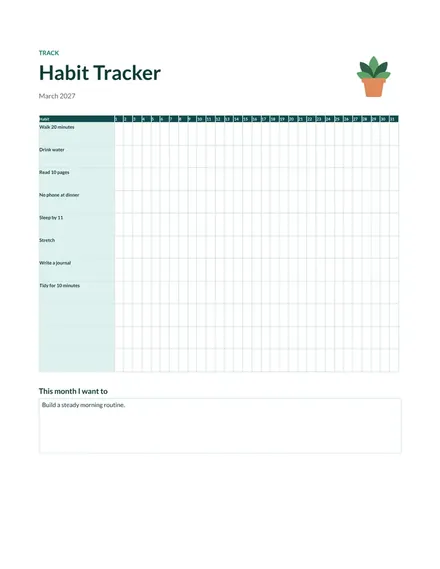
Docs + Word1 page
Free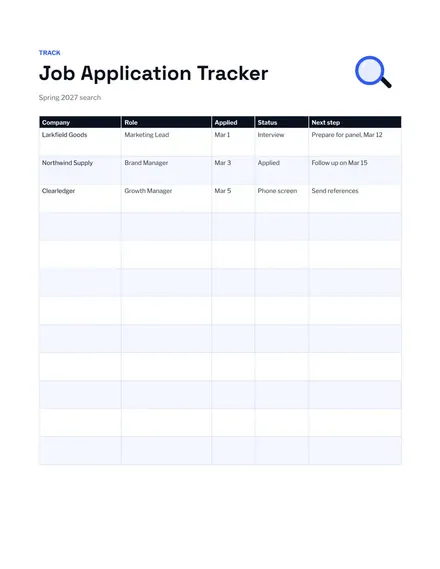
Docs + Word1 page
Free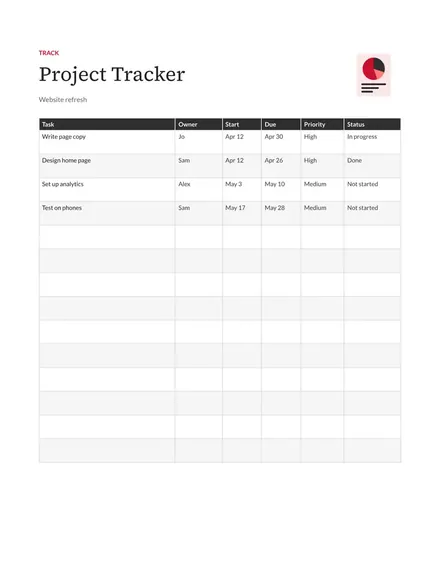
Docs + Word1 page
Free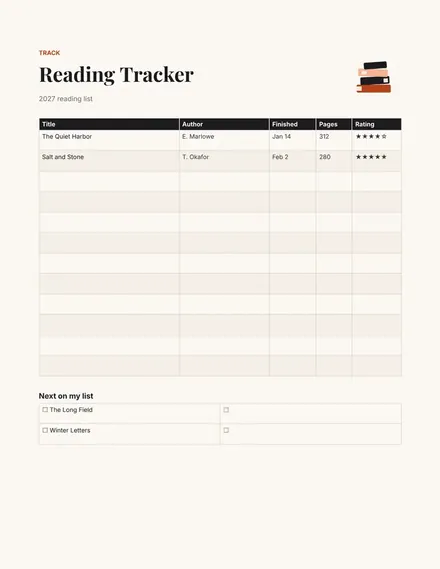
Docs + Word1 page
Free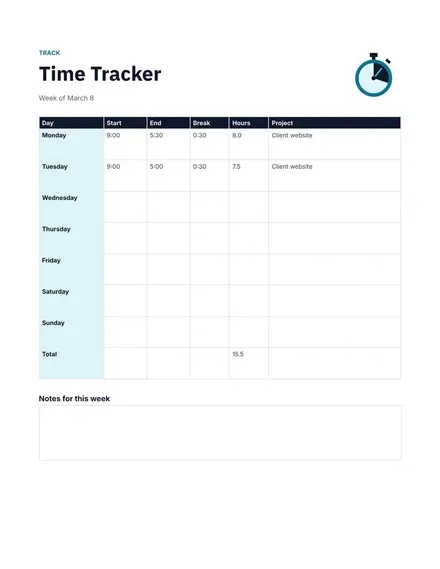
Docs + Word1 page
Free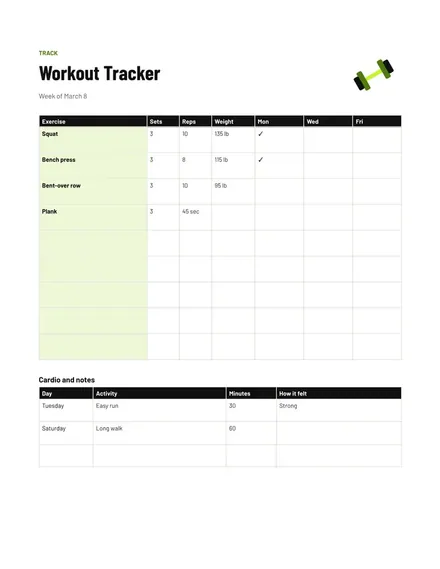
Docs + Word1 page
Free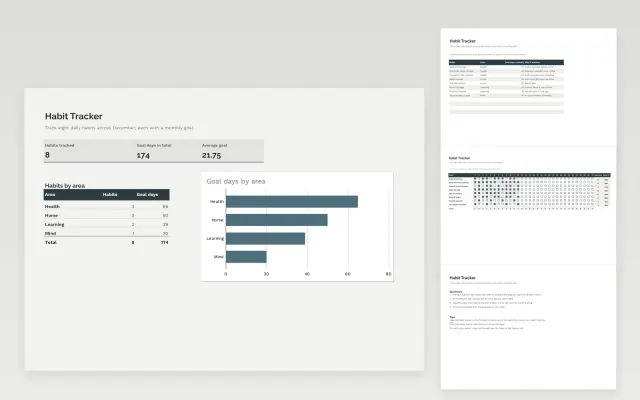 Habit Tracker | 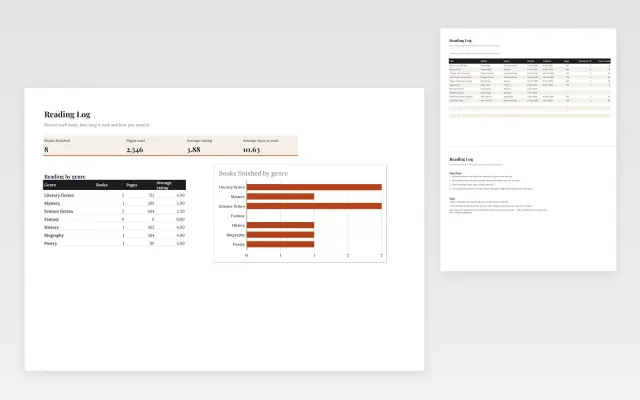 Reading Log | 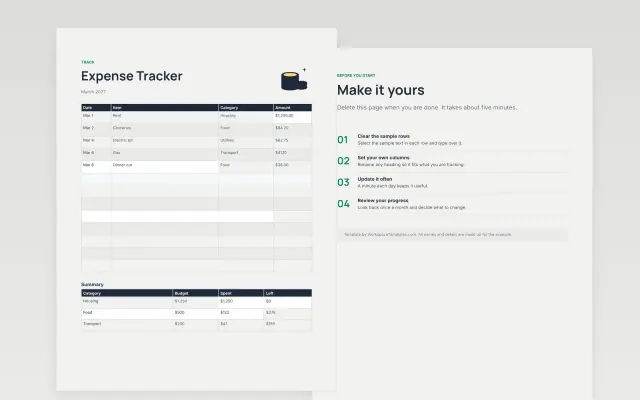 Expense Tracker | 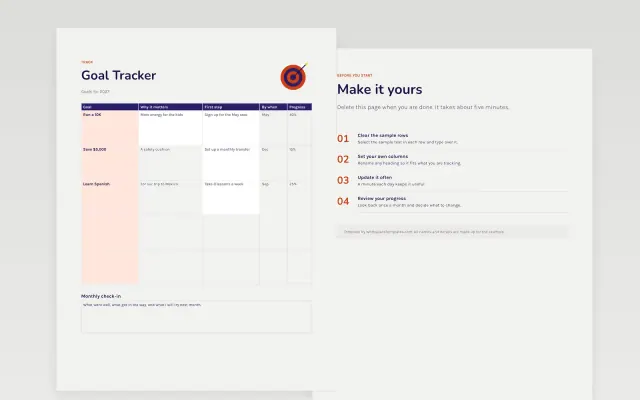 Goal Tracker | |
|---|---|---|---|---|
| Format | Spreadsheet | Spreadsheet | Document | Document |
| Works in | Google Sheets and Excel | Google Sheets and Excel | Google Docs and Word | Google Docs and Word |
| Length | 4 slides | 3 slides | 1 page | 1 page |
| Style | Minimal | Editorial | Modern | Bold |
Tracker templates record progress over time so you can see what is changing. You will find habit, expense, job application, workout, reading, goal, project and time trackers, each laid out as a table you can fill in as you go.
Cover a title and the period tracked, columns for the date and the item, a status or amount column, a totals or summary row, a notes column, and a space to write the goal.
Update it at the same time each day or week. A tracker you fill in from memory a month later is rarely accurate.
Compare Habit Tracker, Reading Log, and Expense Tracker, all 1 to 4 pages long, then pick the closest match and replace the sample text with your own.
Tracker templates record progress over time so you can see what is changing. You will find habit, expense, job application, workout, reading, goal, project and time trackers, each laid out as a table you can fill in as you go.
Include a title and the period tracked, columns for the date and the item, a status or amount column, a totals or summary row, a notes column, and a space to write the goal. Update it at the same time each day or week. A tracker you fill in from memory a month later is rarely accurate.
List the habit across the top and the days of the month down the side. Mark each day you complete it. Look at the pattern at the end of each week and change the plan if you keep missing the same days.
Record the company, role, date applied, contact name and current status for each one. Add a column for the next step and its date. This makes follow-ups easy and stops you from applying twice.
Use a table with columns for the date, what you bought, the category and the amount. Add the amounts at the bottom of each month. For many entries or formulas, a spreadsheet is easier, but a document works well for small lists.
Daily works for habits and workouts, and weekly suits goals and projects. Pick a fixed time so it becomes routine. Review the whole tracker once a month.
Start with Habit Tracker: Tick off daily habits on a month grid and see how many days you hit each one. If that is not the right fit, compare it with Reading Log.
The templates here are 1 to 4 pages long. Cut any section you do not need; each template explains what its sections are for.
Yes. These tracker templates work in Google Sheets, Microsoft Excel, Google Docs, and Microsoft Word. All 10 templates are free, with no account or email needed.
Mostly small businesses. The sample text in each one is written for a specific situation, so replace it with your own details.