
Family Chore Chart
Sheets + Excel4 slides
Free11 templates
Sheets + Excel4 slides
Free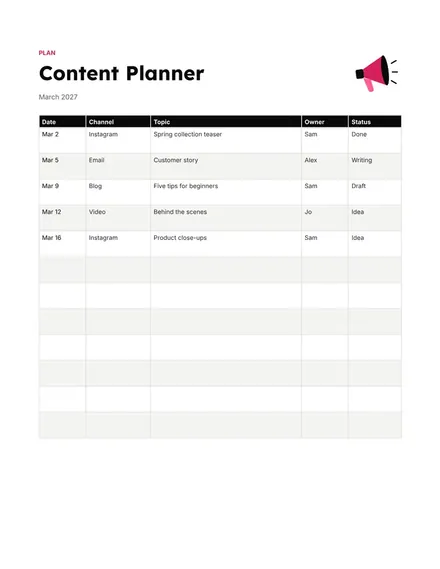
Docs + Word1 page
Free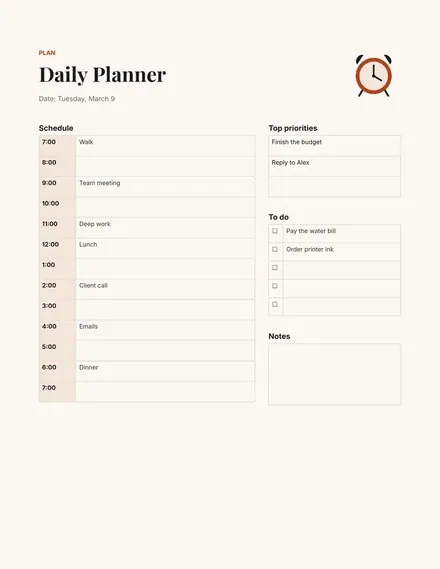
Docs + Word1 page
Free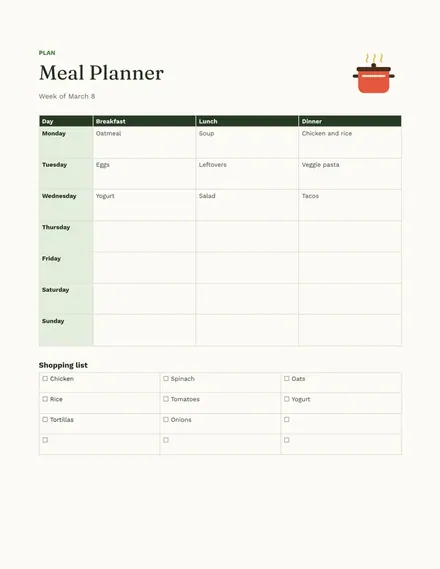
Docs + Word1 page
Free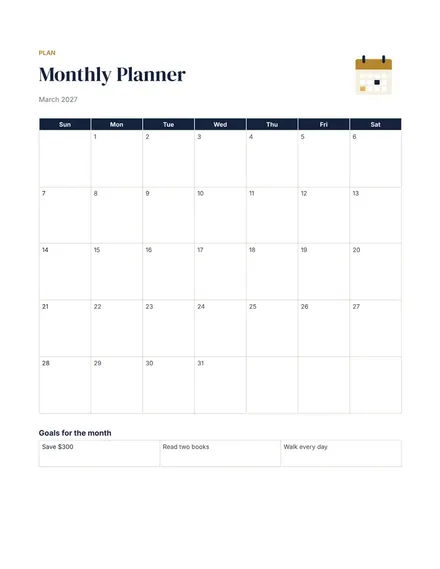
Docs + Word1 page
Free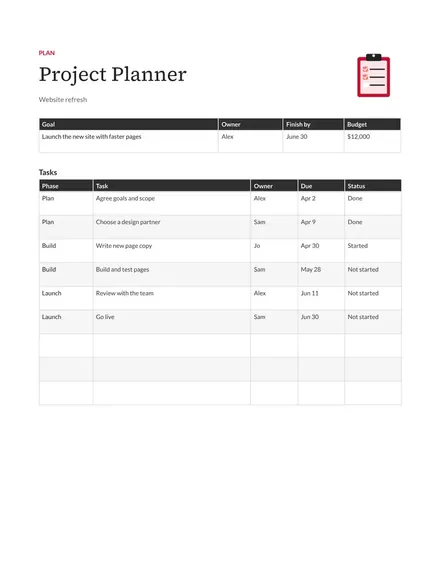
Docs + Word1 page
Free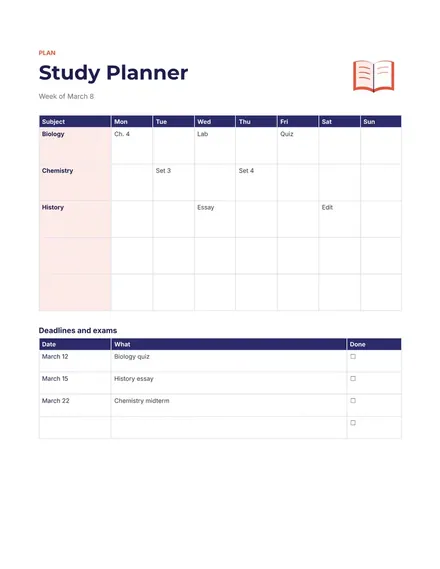
Docs + Word1 page
Free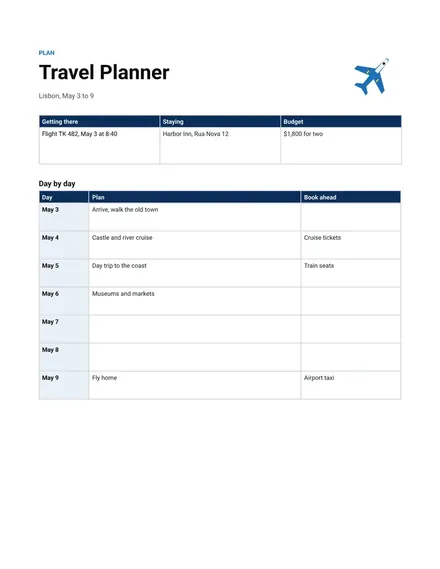
Docs + Word1 page
Free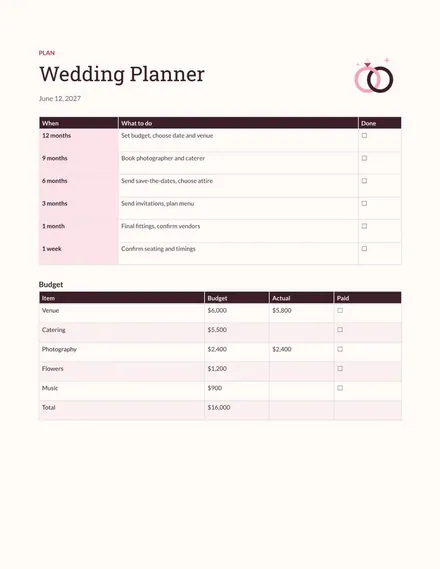
Docs + Word1 page
Free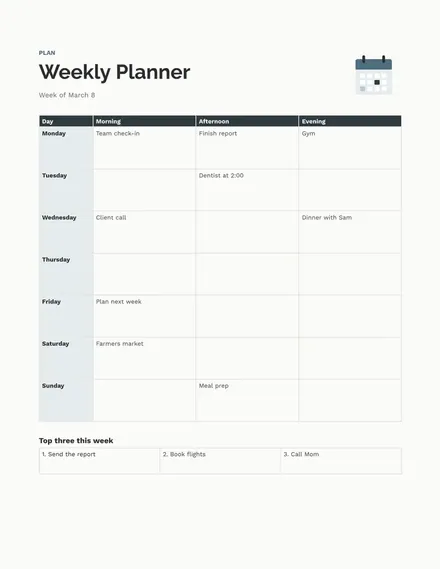
Docs + Word1 page
Free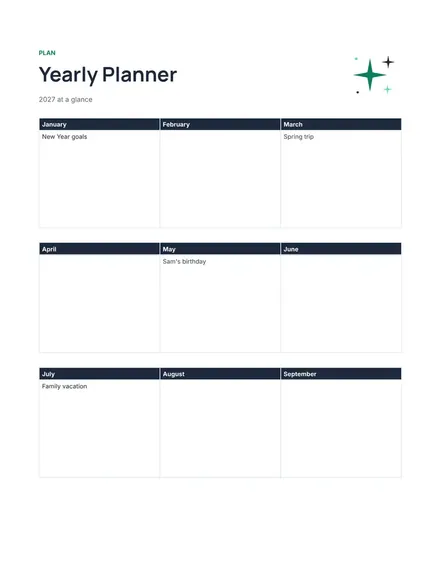
Docs + Word1 page
Free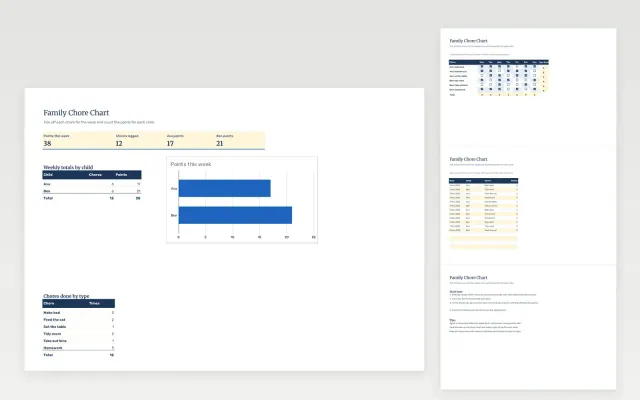 Family Chore Chart | 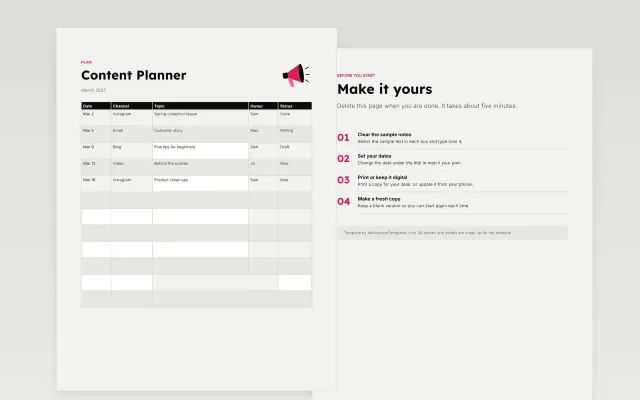 Content Planner | 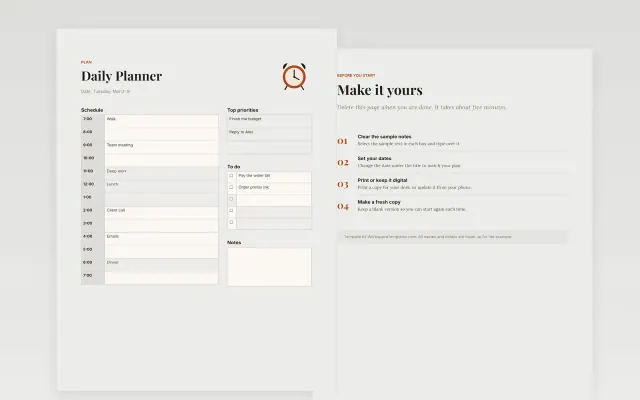 Daily Planner | 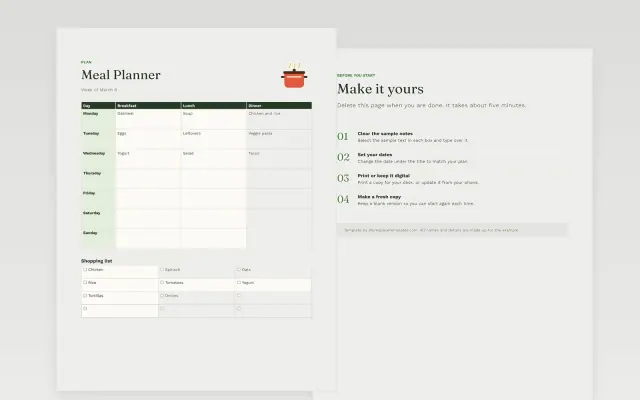 Meal Planner | |
|---|---|---|---|---|
| Format | Spreadsheet | Document | Document | Document |
| Works in | Google Sheets and Excel | Google Docs and Word | Google Docs and Word | Google Docs and Word |
| Length | 4 slides | 1 page | 1 page | 1 page |
| Style | Friendly | Bold | Editorial | Friendly |
Planner templates help you lay out your time and tasks in one Google Doc. You will find weekly, daily, monthly and yearly planners, plus meal, study, content, project, wedding and travel planners for a specific job.
Cover the dates or period it covers, a priority list for the top tasks, time blocks for fixed commitments, space for deadlines and appointments, a notes area for loose ideas, and a weekly review prompt.
Fill in fixed commitments first, then add tasks around them. Next week starts Monday, November 9, 2026, so set up that page this weekend.
Compare Family Chore Chart, Content Planner, and Daily Planner, all 1 to 4 pages long, then pick the closest match and replace the sample text with your own.
Planner templates help you lay out your time and tasks in one Google Doc. You will find weekly, daily, monthly and yearly planners, plus meal, study, content, project, wedding and travel planners for a specific job.
Include the dates or period it covers, a priority list for the top tasks, time blocks for fixed commitments, space for deadlines and appointments, a notes area for loose ideas, and a weekly review prompt. Fill in fixed commitments first, then add tasks around them. Next week starts Monday, November 9, 2026, so set up that page this weekend.
Start by writing down fixed commitments such as work hours and appointments. Then choose three to five priorities and give each a day. Leave some open time for tasks that run over.
Open a template and choose Make a copy. Use tables for the days and time blocks, and type straight into the cells. You can print it or keep it open on your screen.
Plan the week in detail, the month in outline and the year by big dates only. Detailed plans for later months tend to change. Review each longer plan when the next period begins.
Yes. Open File, then Print, and check the paper size and orientation. Print one page first to be sure the table fits and the text is readable.
Start with Family Chore Chart: Tick off chores for each child each day, log points and see weekly totals for the family. If that is not the right fit, compare it with Content Planner.
The templates here are 1 to 4 pages long. Cut any section you do not need; each template explains what its sections are for.
Yes. These planner templates work in Google Sheets, Microsoft Excel, Google Docs, and Microsoft Word. All 11 templates are free, with no account or email needed.
Mostly small businesses and education and research. The sample text in each one is written for a specific situation, so replace it with your own details.