
Market Research Report
Docs + Word6 pages
Free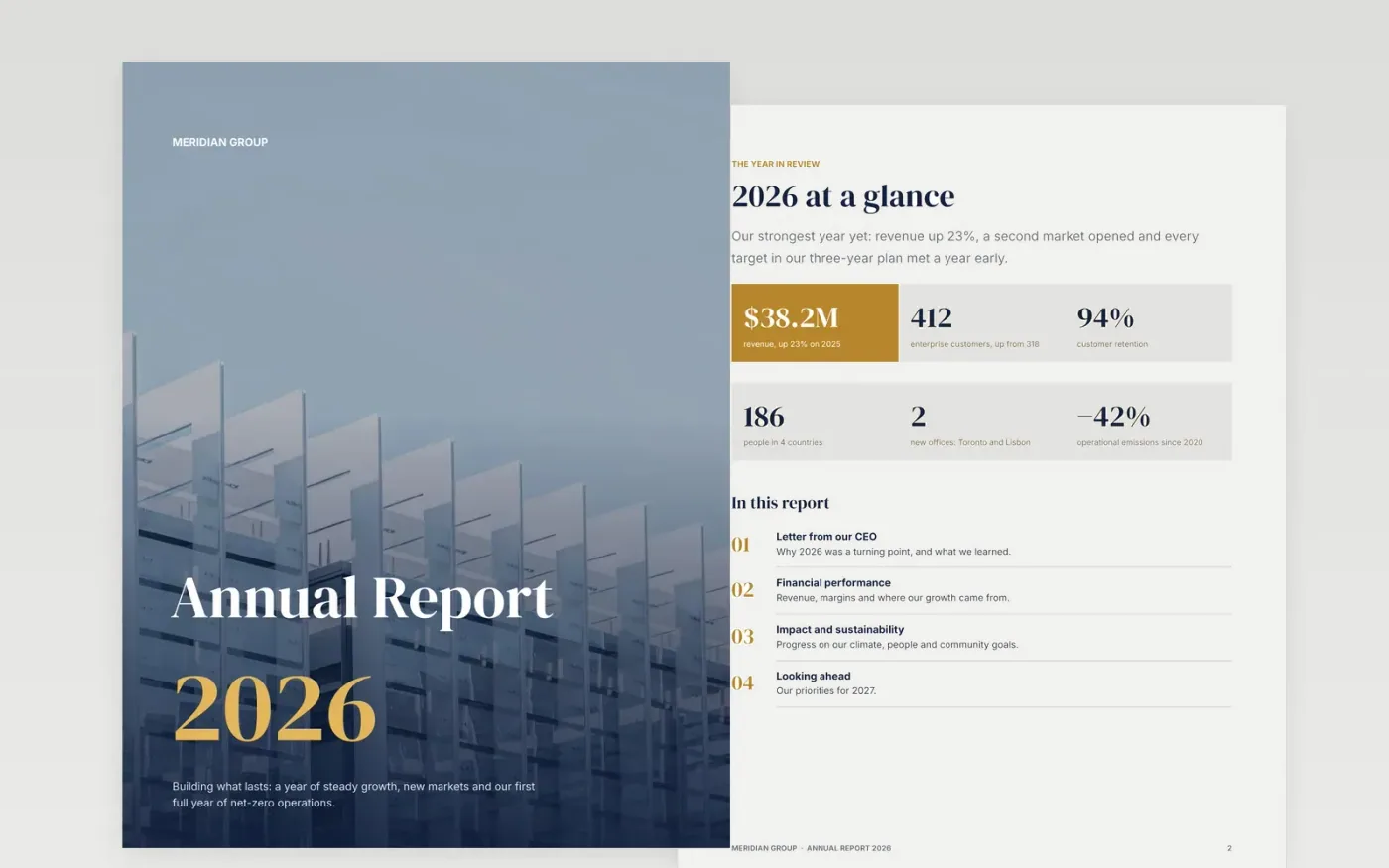
An annual report has to work for investors, customers and your own team at once. This template follows the structure readers expect: the year at a glance, a letter from the chief executive, financial performance with charts and a key figures table, impact and sustainability, and priorities for next year.
It comes complete with sample figures and copy for a fictional company, so every page shows what good looks like. Swap in your own numbers, photos and charts, then delete the guidance box on the last page.
Click Make a copy in Google Docs, then confirm on the Google page. The copy is saved to your own Google Drive.
Replace the company name, the year on the cover and the footer text on each page.
Update every figure and the key financials table from your accounts; the sample numbers are fictional.
Replace the sample charts with live ones using Insert → Chart → From Sheets.
Click any photo, then Replace image, and finish by exporting with File → Download → PDF.
The sample charts are images so they look the same everywhere. Replace them with charts linked to Google Sheets (Insert → Chart → From Sheets) so they update with your data.
No. It is a designed annual review. Statutory financial statements have their own legal format; you can attach them as an appendix.
Joel Filipe, Vitaly Gariev and the American Public Power Association on Unsplash, used under the Unsplash License and credited in the report.
Docs + Word6 pages
Free
Excel
Free
Sheets + Excel4 slides
Free
Slides + PowerPoint11 slides
Free
Docs + Word8 pages
Free
Docs + Word8 pages
Free
Docs + Word8 pages
Free
Slides + PowerPoint11 slides
Free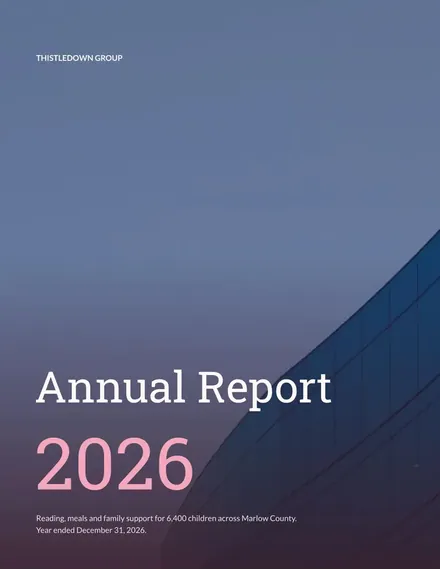
Docs + Word7 pages
Free








