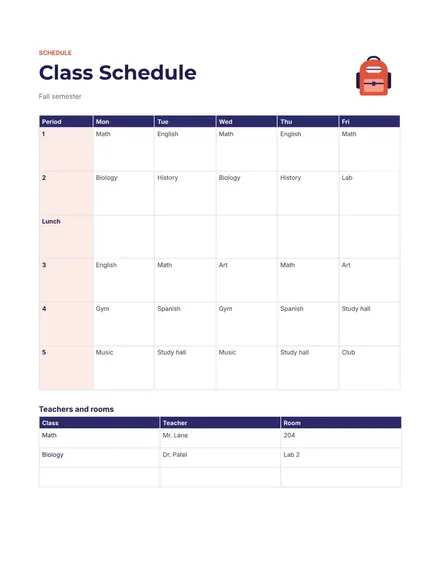
Class Schedule
Docs + Word1 page
Free5 templates
Docs + Word1 page
Free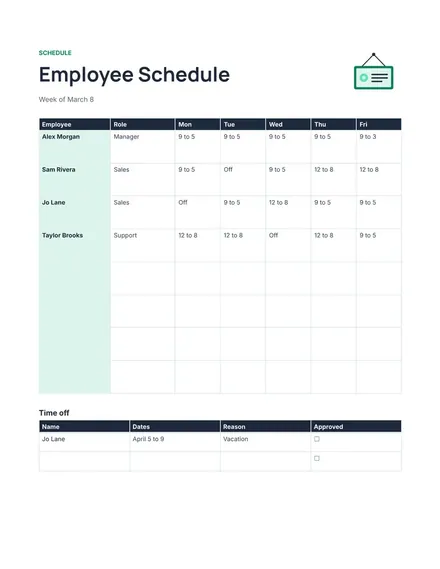
Docs + Word1 page
Free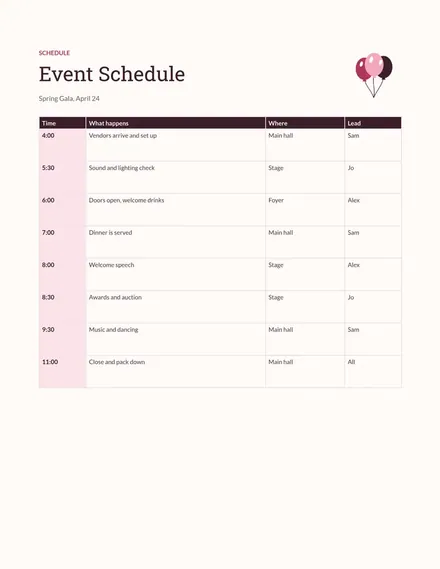
Docs + Word1 page
Free
Docs + Word1 page
Free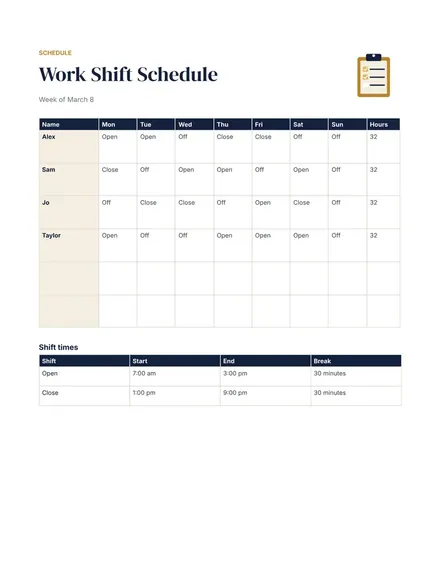
Docs + Word1 page
Free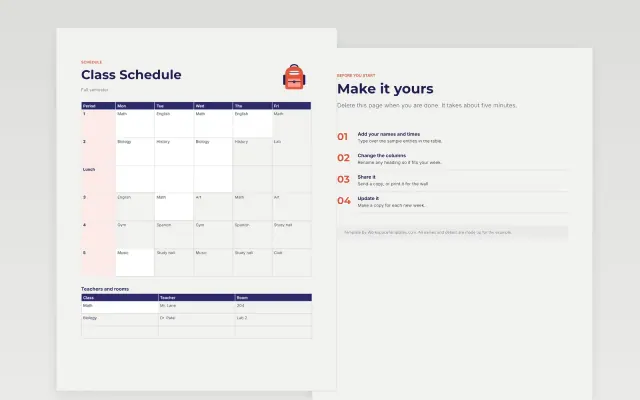 Class Schedule | 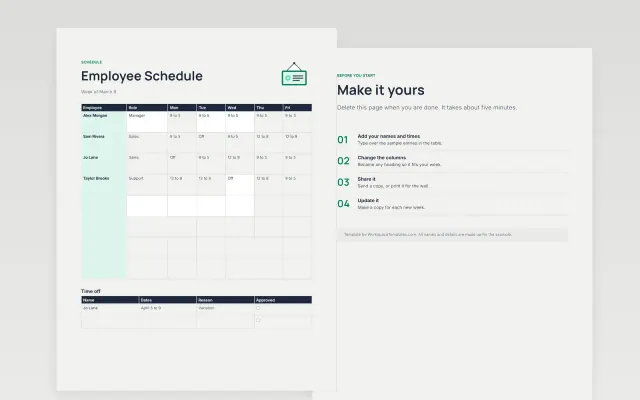 Employee Schedule | 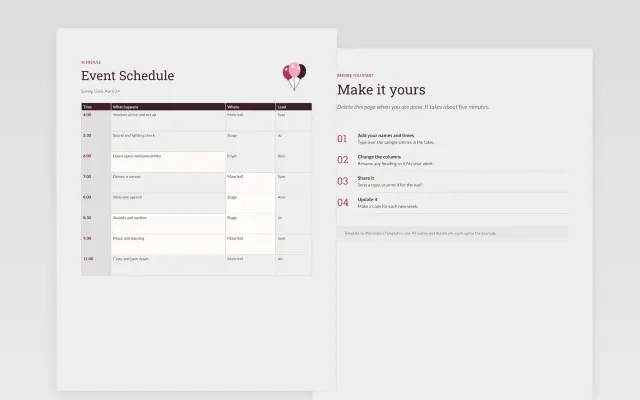 Event Schedule | 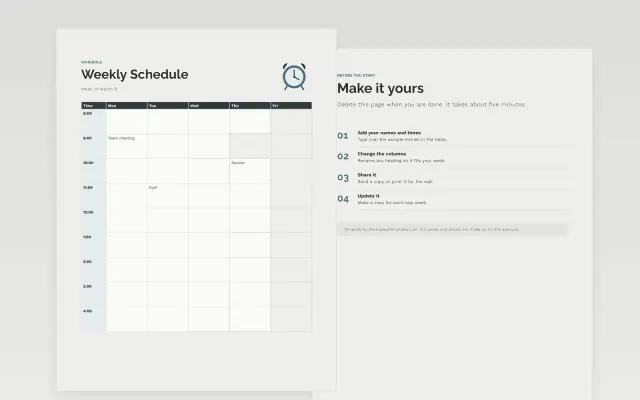 Weekly Schedule | |
|---|---|---|---|---|
| Format | Document | Document | Document | Document |
| Works in | Google Docs and Word | Google Docs and Word | Google Docs and Word | Google Docs and Word |
| Length | 1 page | 1 page | 1 page | 1 page |
| Style | Modern | Modern | Editorial | Minimal |
Schedule templates lay out who is doing what, and when. You will find weekly schedules, work shift schedules, class schedules, event schedules and employee schedules.
Cover days and time slots, names of people or classes, start and end times, locations or rooms, breaks and notes, and a version date.
Share the schedule at least a week before it starts, and put the version date at the top so everyone knows which copy is current.
Compare Class Schedule, Employee Schedule, and Event Schedule, all 1 page long, then pick the closest match and replace the sample text with your own.
Schedule templates lay out who is doing what, and when. You will find weekly schedules, work shift schedules, class schedules, event schedules and employee schedules.
Include days and time slots, names of people or classes, start and end times, locations or rooms, breaks and notes, and a version date. Share the schedule at least a week before it starts, and put the version date at the top so everyone knows which copy is current.
Open a template and choose Make a copy. Type each person’s name down the side and the days across the top, then fill in shift times. Share the document so your team can view it.
A shift schedule lists the hours of each shift, such as morning and evening. An employee schedule lists what each person works across a week or month. Many teams use both together.
Many teams post it one to two weeks ahead so people can plan their time. Check any local rules for your workplace, as some require advance notice.
Yes. Open File, then Print, and choose landscape orientation for a wide table. Print a test page first to check that every column fits.
Start with Class Schedule: See your classes, rooms and teachers for the whole week. If that is not the right fit, compare it with Employee Schedule.
The templates here are 1 page long. Cut any section you do not need; each template explains what its sections are for.
Yes. These schedule templates work in Google Docs and Microsoft Word. All 5 templates are free, with no account or email needed.
Mostly education and research and small businesses. The sample text in each one is written for a specific situation, so replace it with your own details.