
Portfolio Review Deck
Slides + PowerPoint11 slides
Free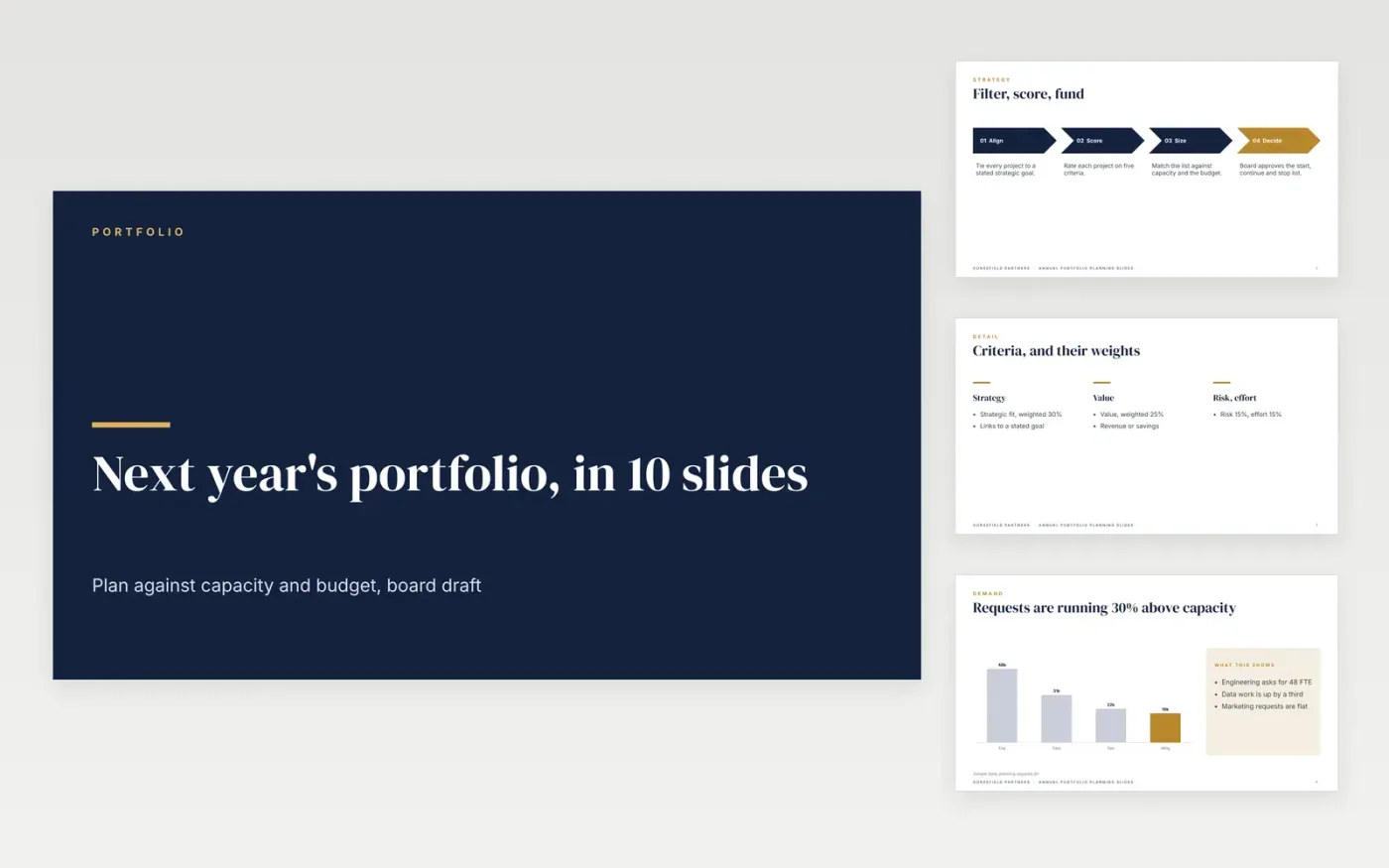
This portfolio review template is a ready-made Google Slides deck for strategy teams that plan next year's projects against capacity and budget. It sets the criteria, shows demand and capacity, proposes start, continue, pause and stop lists, and frames the trade-offs in ten slides for a board decision.
Each slide uses sample figures for Gorsefield Partners, a fictional consultancy, with $8.4M of requests and 120 FTE of demand against 92 available. Replace the projects, weights and capacity with your own, and state the criteria before any score is shown. Keep the trade-off grid, since it turns scores into a decision.
Click Make a copy in Google Slides, then confirm on the Google page. The copy is saved to your own Google Drive.
Replace the projects, weights and capacity figures with your own.
State the criteria and weights on the first slides before any scores.
Delete the guide slide, then present the deck or share it with the board.
No. Gorsefield Partners, its leaders, projects and every figure are fictional sample data, written to show a finished portfolio review.
Yes. Keep the criteria, the value and effort grid and the decision list, and replace the portfolio with the options for that program.
Agree them with the executive team before any project is scored, and record the agreed weights on the criteria slide so the results cannot be reshaped later.
More Google Slides templatesMore project management templates
Slides + PowerPoint11 slides
Free
Docs + Word5 pages
Free
Slides + PowerPoint11 slides
Free









