Project Charter Slides
Slides + PowerPoint12 slides
Free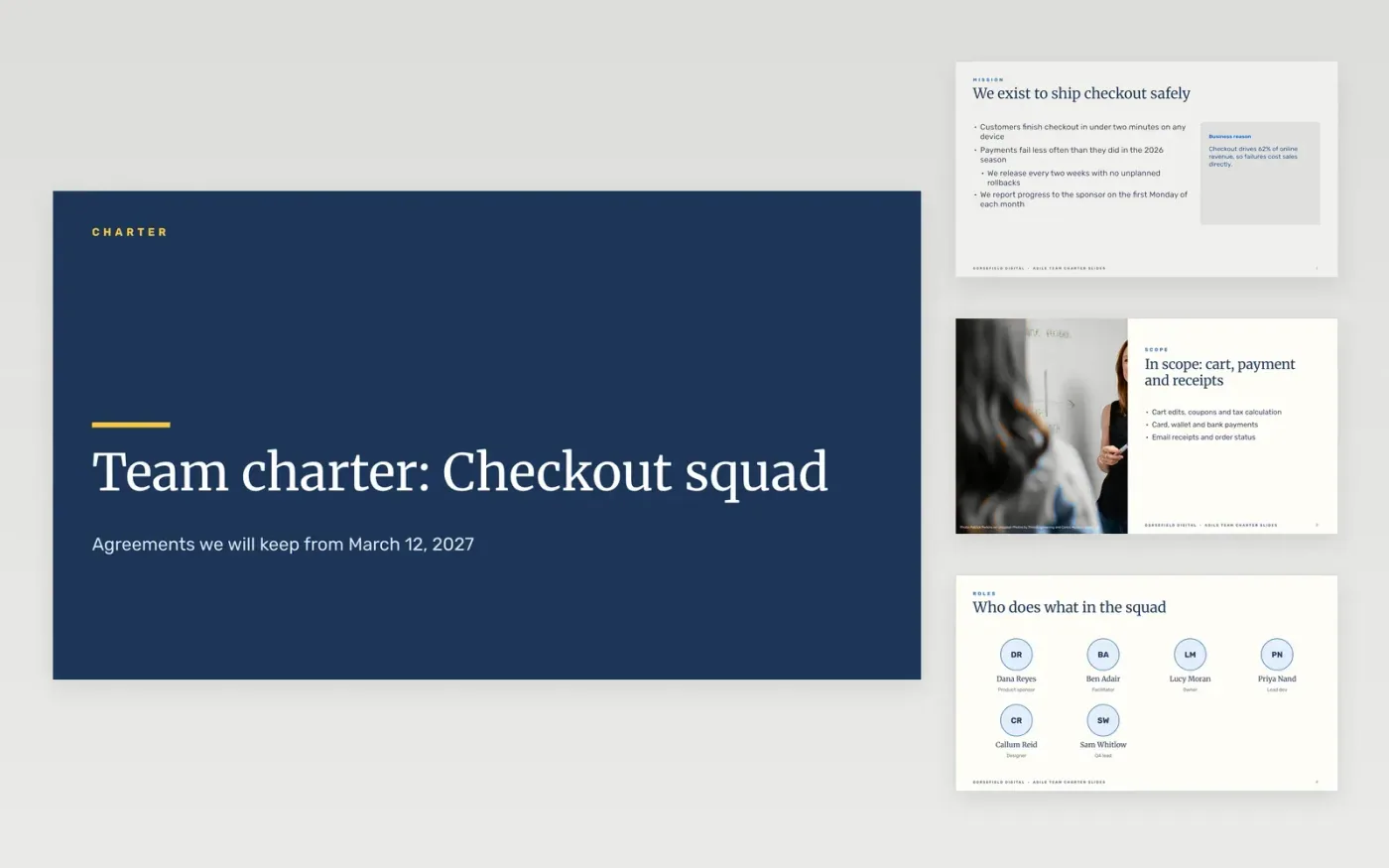
This free Google Slides template helps a new agile team build its charter together in one workshop. It records the mission, the roles, the working agreements, the ceremonies, the values, the milestones and the escalation path, one agreement per slide. A signed charter gives the team and its sponsor a shared reference when scope or priorities are later disputed.
The sample is the charter for a checkout squad at Gorsefield Digital, a fictional company, with invented people, budgets and dates. Replace the mission, roles and agreements with the ones your team agrees, put a budget and a tolerance on every milestone, and close with a signature from the sponsor and the squad.
Click Make a copy in Google Slides, then confirm on the Google page. The copy is saved to your own Google Drive.
Replace the mission and scope with the facts from your project approval.
Name the sponsor and the owner, and confirm each in writing before work starts.
Set the budget and tolerances with the finance partner, then write them into the milestone table.
Delete the guide slide, then share the charter for signature or present it to the team.
The sponsor and every member of the squad should sign, so the agreement is shared. Review the charter after the first two sprints, and update it only with the team's agreement.
No. Gorsefield Digital, the squad members, the budget figures, milestones and dates are fictional sample data. Replace them with your own before the charter is signed.
A workshop of around two hours is usually enough for a small squad. Build it live, one slide per agreement, and leave the slides unsigned until everyone has spoken.
More Google Slides templatesMore project management templates
Slides + PowerPoint12 slides
Free
Docs + Word10 pages
Free
Docs + Word5 pages
Free
Docs + Word8 pages
Free
Docs + Word2 pages
Free










