Board Meeting Minutes
Docs + Word8 pages
Free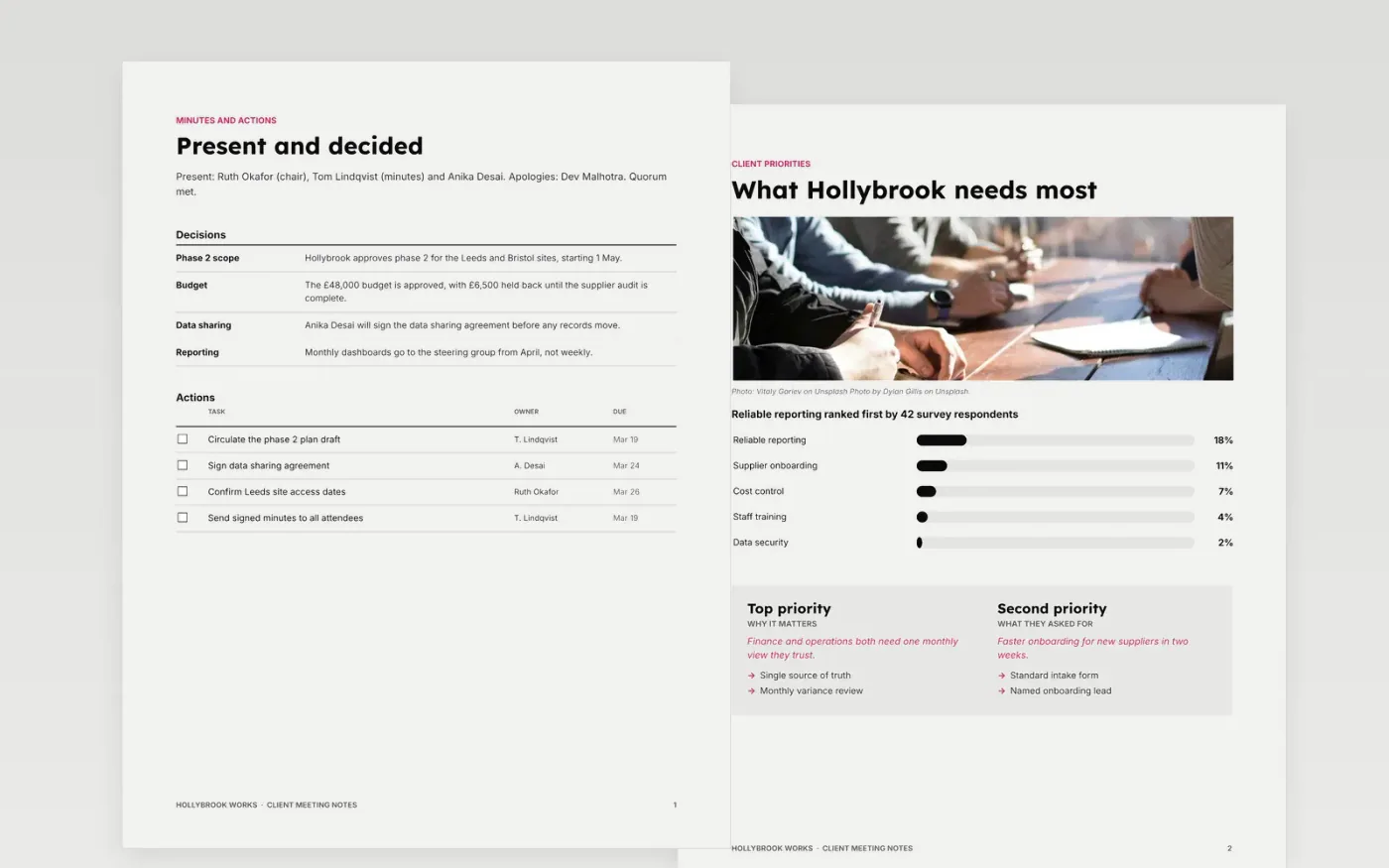
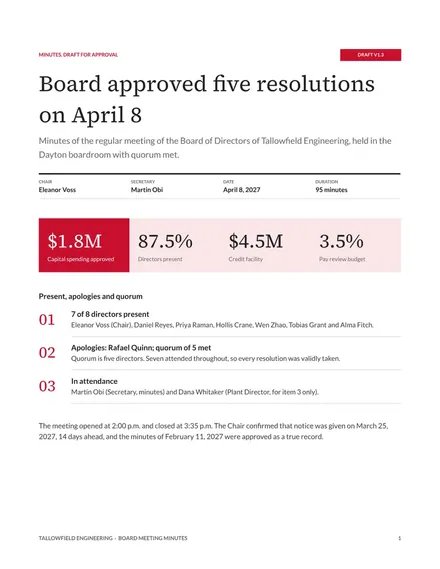
This free Google Docs template gives consultants and agencies a clear record of a client meeting. It sets out who attended, what the client named as a priority, what was agreed and which follow-ups must be sent. Each page answers one question a reader will ask, so colleagues who missed the meeting can find their own actions quickly. The notes stay short and factual, with decisions and owners rather than a transcript.
The sample shows the record for a fictional client, Hollybrook Works, after a 90-minute review on 12 March 2027. Its names, figures and survey results are invented. To use it, replace the meeting details, reduce each item to its decisions and actions, then give every action one owner and a date before the notes go out to attendees.
Click Make a copy in Google Docs, then confirm on the Google page. The copy is saved to your own Google Drive.
Replace the meeting details, attendees and apologies with the facts from your own meeting.
Reduce each agenda item to decisions and actions, then give every action one owner and a date.
Mark the minutes as draft and send them to the chair for approval before the next meeting.
Delete the guide page, then share the minutes with attendees or present them from the first page.
They can be, so check your governance rules. The organisation, people, figures and decisions in this sample for Hollybrook Works are fictional and must be replaced.
No. Minutes record decisions, actions and the reasons behind them, not a transcript. Keep sensitive discussion out of the notes and record only that it took place.
Circulate draft minutes within one working day, and mark them as draft until the chair approves them at the next meeting.
Docs + Word8 pages
Free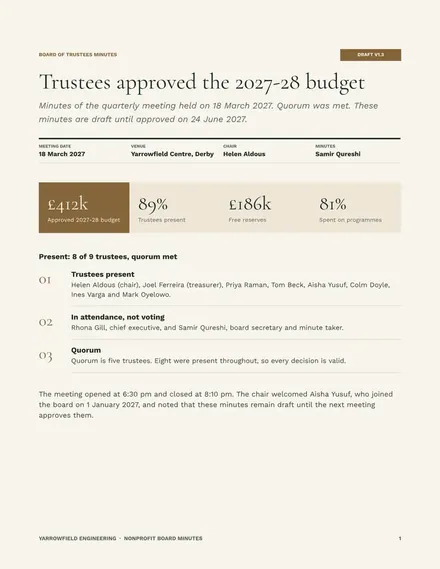
Docs + Word8 pages
Free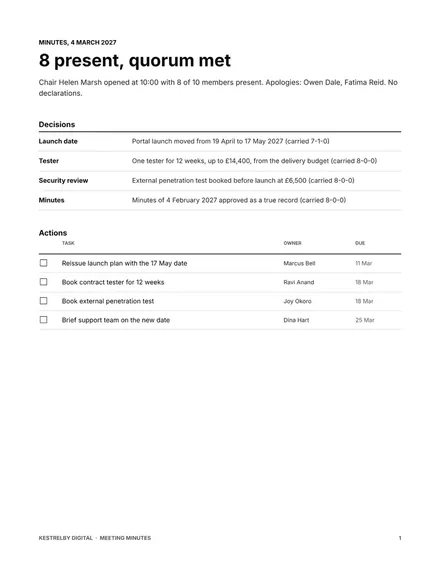
Docs + Word7 pages
Free










