
Construction Programme Gantt Slide
Slides + PowerPoint12 slides
Free5 templates
Slides + PowerPoint12 slides
Free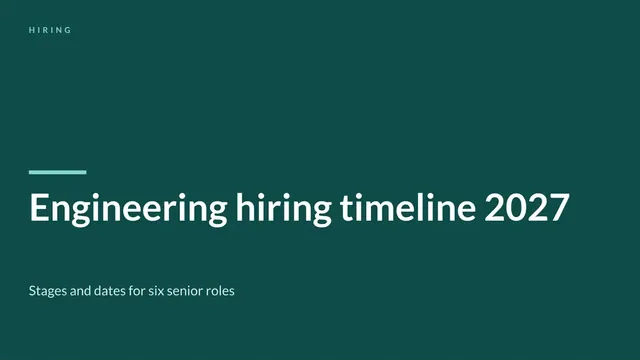
Slides + PowerPoint11 slides
Free
Slides + PowerPoint12 slides
Free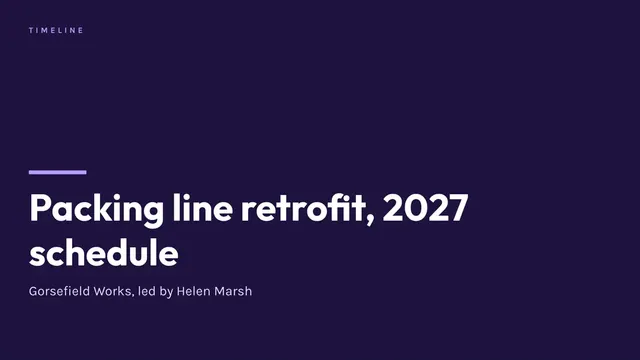
Slides + PowerPoint11 slides
Free
Slides + PowerPoint10 slides
Free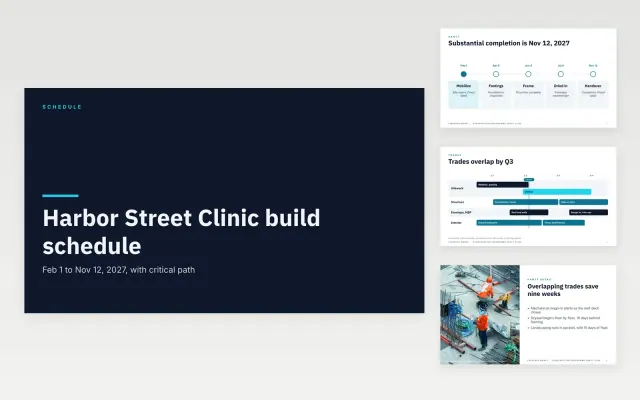 Construction Programme Gantt Slide | 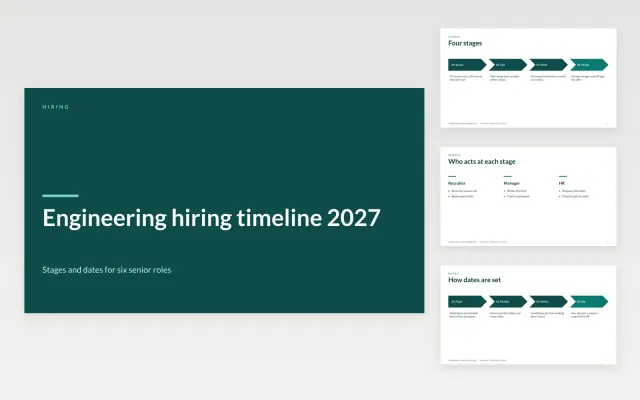 Hiring Timeline Slide | 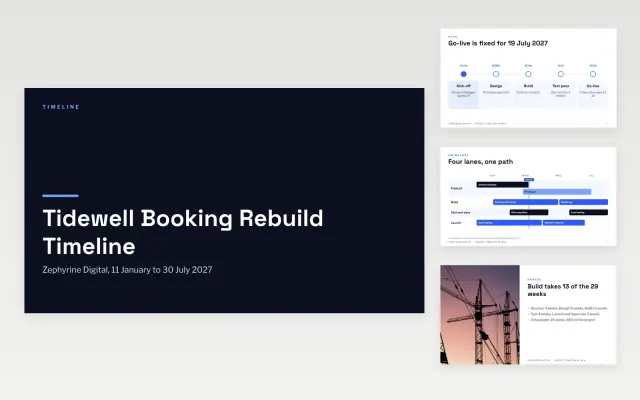 Project Timeline Slides | 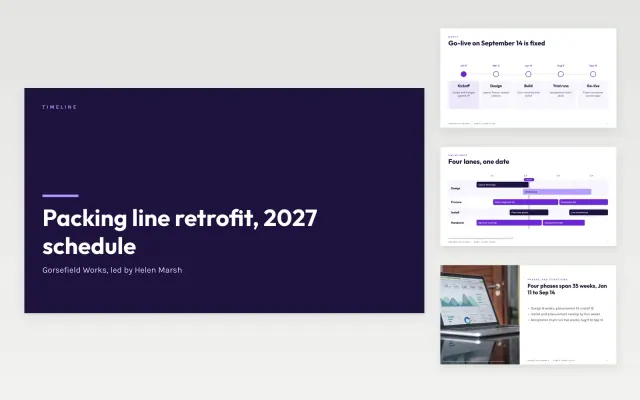 Gantt Chart Slide | |
|---|---|---|---|---|
| Format | Presentation | Presentation | Presentation | Presentation |
| Works in | Google Slides and PowerPoint | Google Slides and PowerPoint | Google Slides and PowerPoint | Google Slides and PowerPoint |
| Length | 12 slides | 11 slides | 12 slides | 11 slides |
| Style | Modern | Friendly | Modern | Modern |
A project timeline lays out tasks and milestones in date order, often as a Gantt-style chart, so anyone can see what happens when.
Cover start and end dates, tasks grouped by phase, milestones, dependencies, and owners.
Mark the tasks that block others, since those are the dates worth protecting.
Compare Construction Programme Gantt Slide, Hiring Timeline Slide, and Project Timeline Slides, all 10 to 12 pages long, then pick the closest match and replace the sample text with your own.
A project timeline lays out tasks and milestones in date order, often as a Gantt-style chart, so anyone can see what happens when.
Include start and end dates, tasks grouped by phase, milestones, dependencies, and owners. Mark the tasks that block others, since those are the dates worth protecting.
Start with Construction Programme Gantt Slide: Show clients when each trade works, which tasks set the end date and which dates are fixed, on a few clear slides. If that is not the right fit, compare it with Hiring Timeline Slide.
The templates here are 10 to 12 pages long. Cut any section you do not need; each template explains what its sections are for.
Yes. These project timeline templates work in Google Slides and Microsoft PowerPoint. All 5 templates are free, with no account or email needed.