Project Change Request Form
Docs + Word2 pages
Free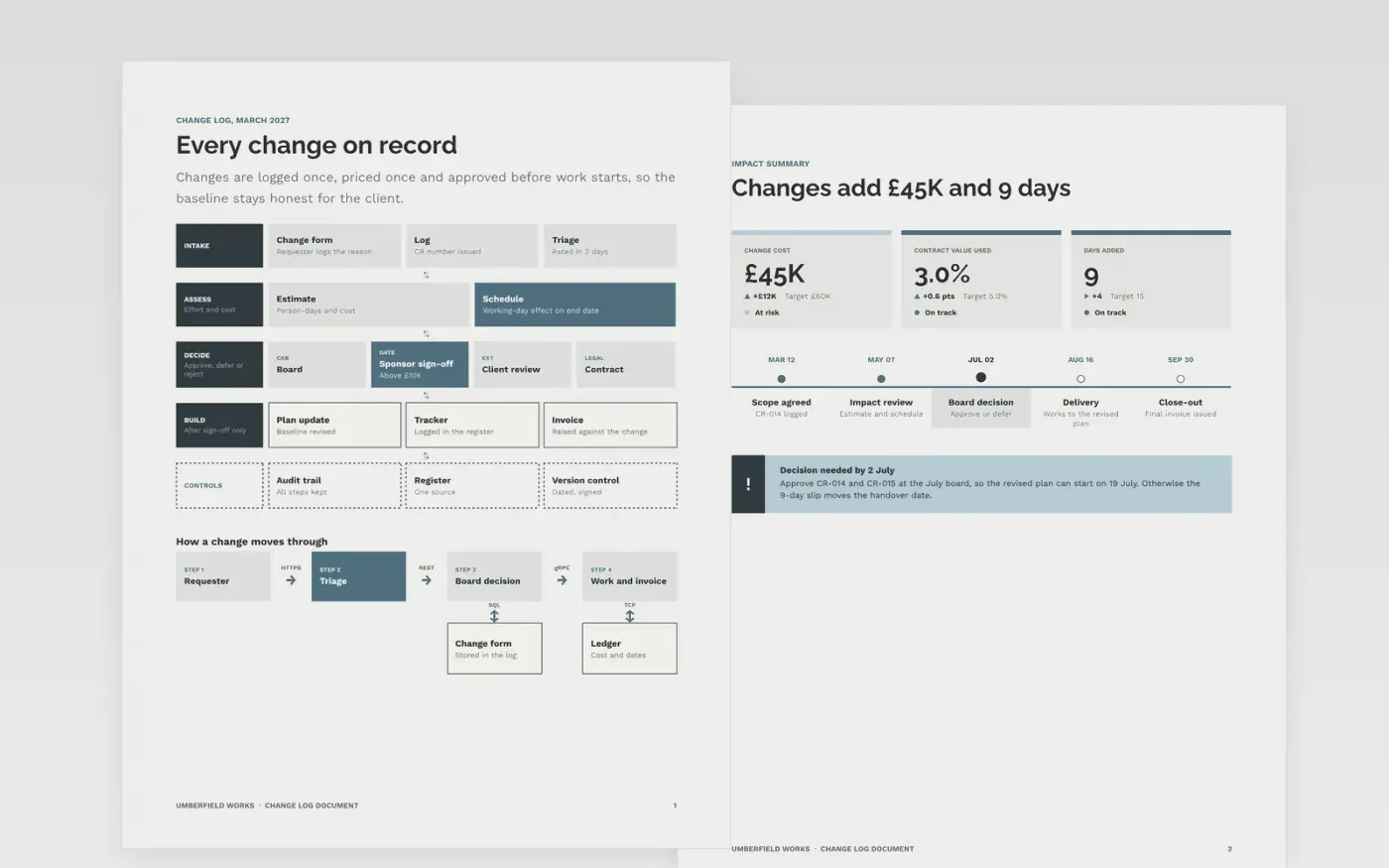
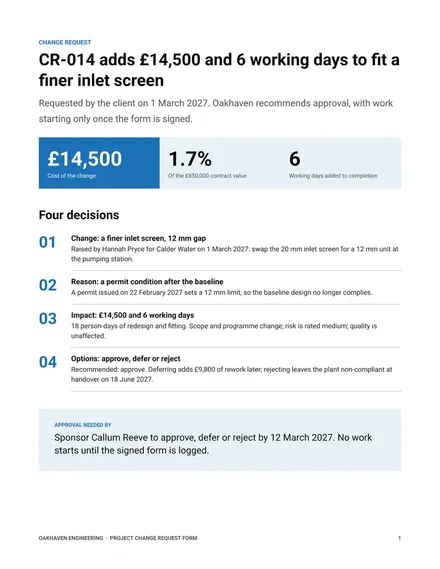
Projects drift when changes are agreed in meetings and never written down, so the cost and end date stop matching what was signed. This template keeps one running log of every proposed change, with its reason, its effect on cost and schedule, and the approval that allowed the work to start. It has three pages: an architecture diagram of the change process, a one-page impact summary with a timeline, and a guide page.
The sample is for Umberfield Works, a fictional contractor with a £1.5M contract. Its figures are sample data: £45K of approved change cost, which is 3 percent of the contract value, and 9 extra working days. Replace the references, dates and numbers with your own, and keep the approval recorded before any work starts.
Click Make a copy in Google Docs, then confirm on the Google page. The copy is saved to your own Google Drive.
Add your project and contract references, then set the reference numbering format.
Log each request with its reason, then record the cost and day effect before any approval.
Replace the sample dates and figures with your own, then update the KPI tiles and timeline.
Delete the guide page, then share the log with the change board or present the summary.
Yes, free of charge. The copy sits in your Drive, so each approved change can be appended as the project moves on.
No. Umberfield Works, the contract value, the change references and every figure are fictional sample data. Replace them with your own records before use.
Yes. Record rejected requests with the reason and the date, so the same request cannot return unnoticed and auditors can see every decision made.
Docs + Word2 pages
Free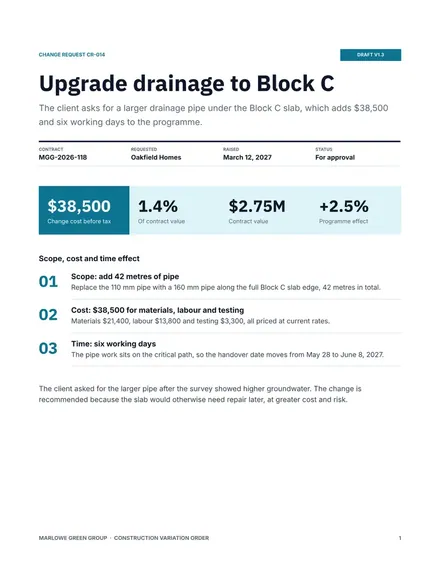
Docs + Word3 pages
Free
Docs + Word5 pages
Free










