
Agile Project Plan
Docs + Word9 pages
Free5 templates
Docs + Word9 pages
Free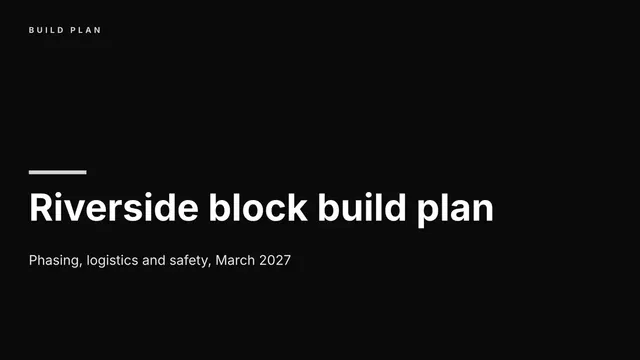
Slides + PowerPoint10 slides
Free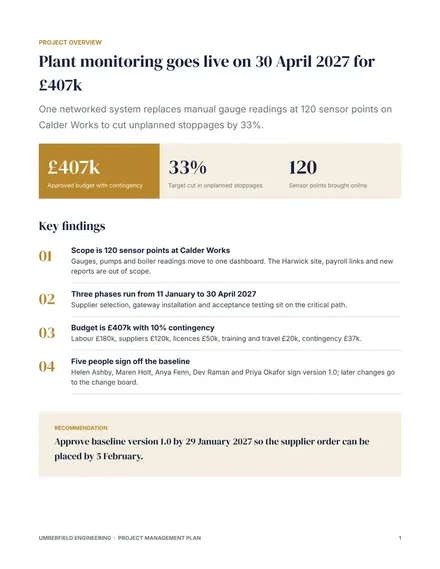
Docs + Word8 pages
Free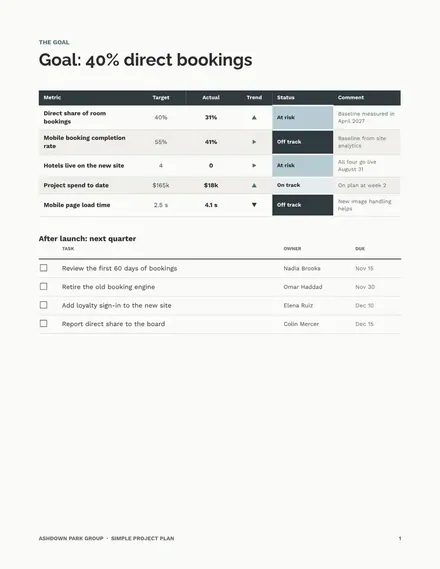
Docs + Word7 pages
Free
Slides + PowerPoint11 slides
Free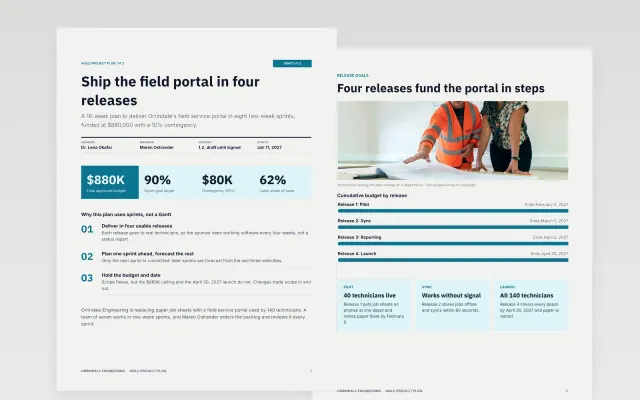 Agile Project Plan | 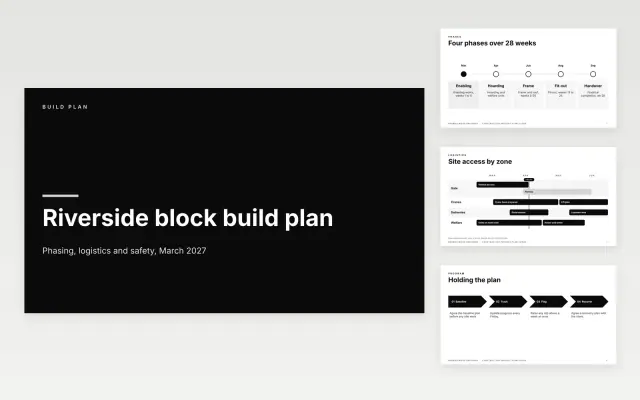 Construction Project Plan Slides | 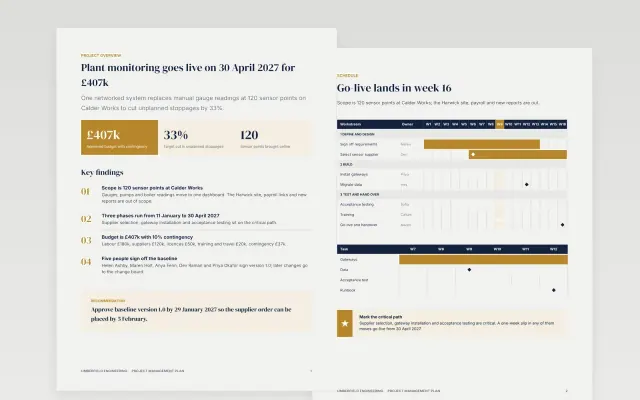 Project Management Plan | 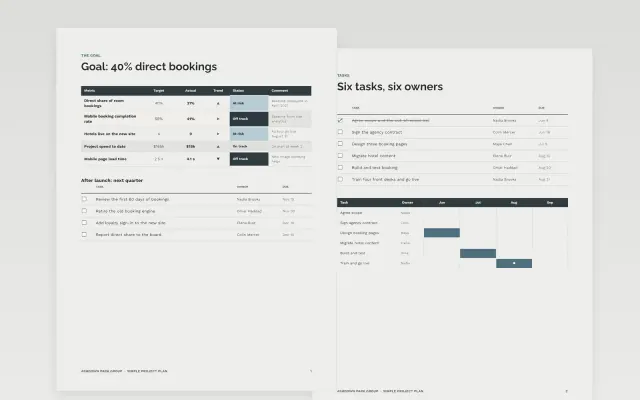 Simple Project Plan | |
|---|---|---|---|---|
| Format | Document | Presentation | Document | Document |
| Works in | Google Docs and Word | Google Slides and PowerPoint | Google Docs and Word | Google Docs and Word |
| Length | 9 pages | 10 slides | 8 pages | 7 pages |
| Style | Modern | Minimal | Corporate | Minimal |
A project plan is the working record of how a project will run. Teams use it after approval to agree who does what and by when.
Cover goals, scope, milestones, schedule, roles, risks, and how progress is reported.
Give every milestone one named owner, because shared ownership is where dates slip.
Compare Agile Project Plan, Construction Project Plan Slides, and Project Management Plan, all 7 to 11 pages long, then pick the closest match and replace the sample text with your own.
A project plan is the working record of how a project will run. Teams use it after approval to agree who does what and by when.
Include goals, scope, milestones, schedule, roles, risks, and how progress is reported. Give every milestone one named owner, because shared ownership is where dates slip.
Start with Agile Project Plan: Plan a product in releases and sprints with a backlog summary, a clear definition of done and a risk register. If that is not the right fit, compare it with Construction Project Plan Slides.
The templates here are 7 to 11 pages long. Cut any section you do not need; each template explains what its sections are for.
Yes. These project plan templates work in Google Docs, Microsoft Word, Google Slides, and Microsoft PowerPoint. All 5 templates are free, with no account or email needed.