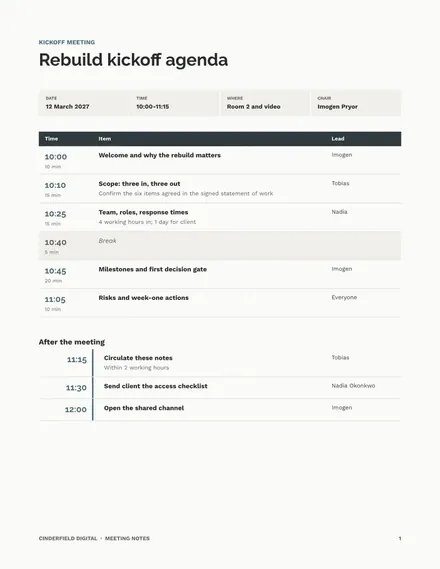
Meeting Notes
Docs + Word7 pages
Free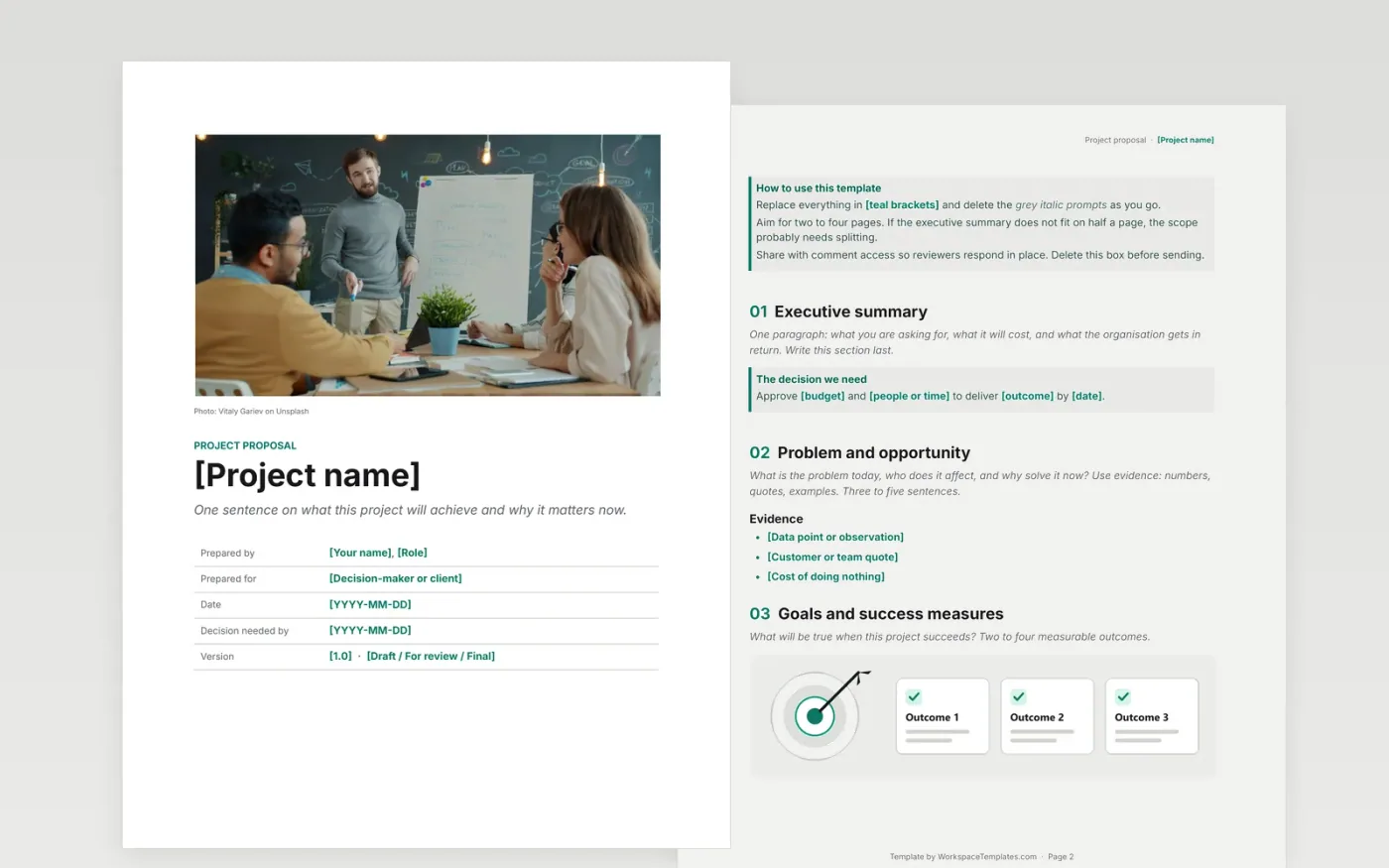
Most proposals stall because they describe the work but not the decision. This template is organised around what an approver needs to say yes: the problem and why it matters now, what is in and out of scope, what it will cost, and what could go wrong.
Each section starts with a short prompt explaining what to write and how long it should be. Delete the prompts as you go and you are left with a proposal that reads in five minutes.
Click Make a copy in Google Docs, then confirm on the Google page. The copy is saved to your own Google Drive.
Replace the teal [placeholders] on the cover and in the tables with your project details.
Replace each italic prompt with your own content, then delete the prompt.
Fill in the approval block last, once the budget and timeline are agreed.
Share the document with comment access so reviewers can respond in place.
Two to four pages for most internal projects. If the executive summary cannot fit on half a page, the scope probably needs splitting.
The cover photo is by Vitaly Gariev on Unsplash and is used under the Unsplash License. You can keep it or replace it with your own image.
Docs + Word7 pages
Free
Slides + PowerPoint11 slides
Free
Docs + Word6 pages
Free
Docs + Word8 pages
Free
Docs + Word9 pages
Free
Docs + Word3 pages
Free
Slides + PowerPoint11 slides
Free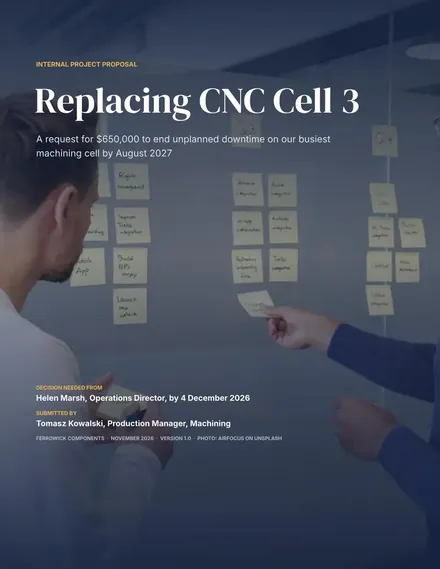
Docs + Word9 pages
Free









