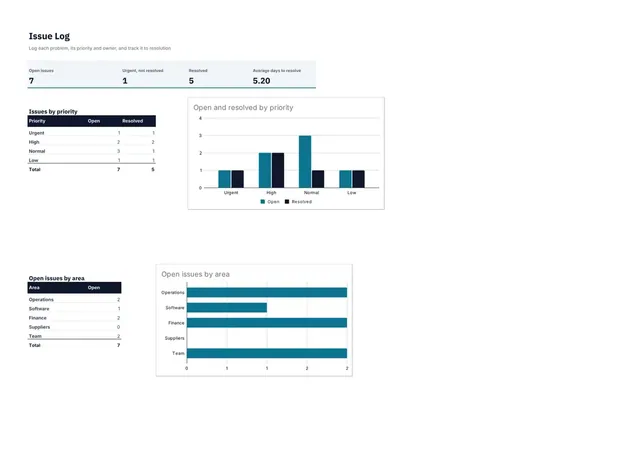
Issue Log
Sheets + Excel3 slides
Free2 templates
Sheets + Excel3 slides
Free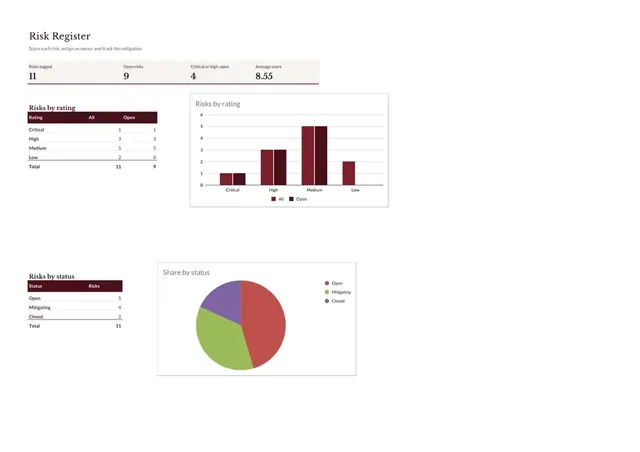
Sheets + Excel3 slides
Free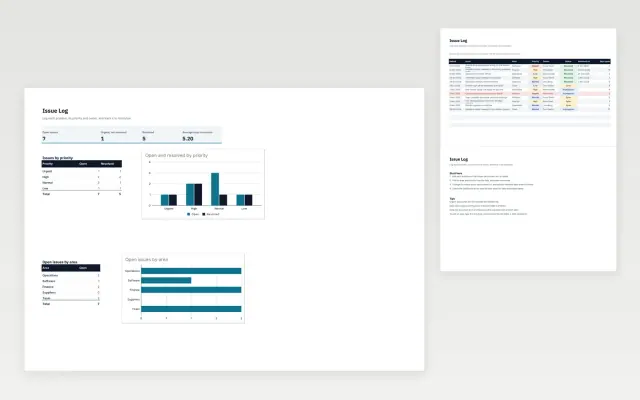 Issue Log | 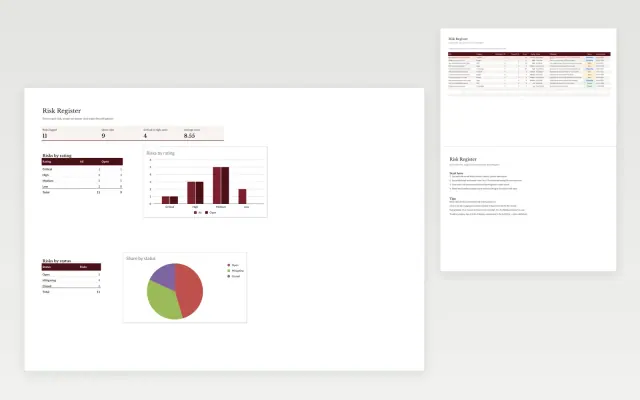 Risk Register | |
|---|---|---|
| Format | Spreadsheet | Spreadsheet |
| Works in | Google Sheets and Excel | Google Sheets and Excel |
| Length | 3 slides | 3 slides |
| Style | Modern | Corporate |
A risk register lists the risks to a project or business, how likely each one is, how much it would hurt and what will be done about it. Reviewing it regularly means risks are handled before they become problems.
Cover risk description, cause and effect, likelihood, impact, risk score, response and owner, and status and review date.
Score each risk for likelihood and impact, then focus on the top few, since a long list nobody reads protects no one.
Compare Issue Log and Risk Register, all 3 pages long, then pick the closest match and replace the sample text with your own.
A risk register lists the risks to a project or business, how likely each one is, how much it would hurt and what will be done about it. Reviewing it regularly means risks are handled before they become problems.
Include risk description, cause and effect, likelihood, impact, risk score, response and owner, and status and review date. Score each risk for likelihood and impact, then focus on the top few, since a long list nobody reads protects no one.
Review it at least monthly for ongoing work, and weekly during an active project or a critical phase. Add new risks as soon as they are spotted.
A risk is something that might happen, while an issue is a problem that has already happened. Keep an issue log beside the risk register so each gets the right attention.
Rate likelihood and impact on a simple scale such as one to five, then multiply the two to get a score. Use the score to rank risks, not as a precise measure.
Start with Issue Log: Log each problem with its priority and owner, and see how long issues stay open. If that is not the right fit, compare it with Risk Register.
The templates here are 3 pages long. Cut any section you do not need; each template explains what its sections are for.
Yes. These risk register templates work in Google Sheets and Microsoft Excel. All 2 templates are free, with no account or email needed.