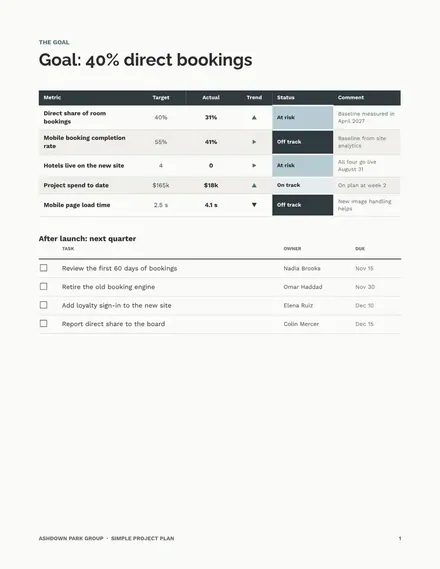
Simple Project Plan
Docs + Word7 pages
Free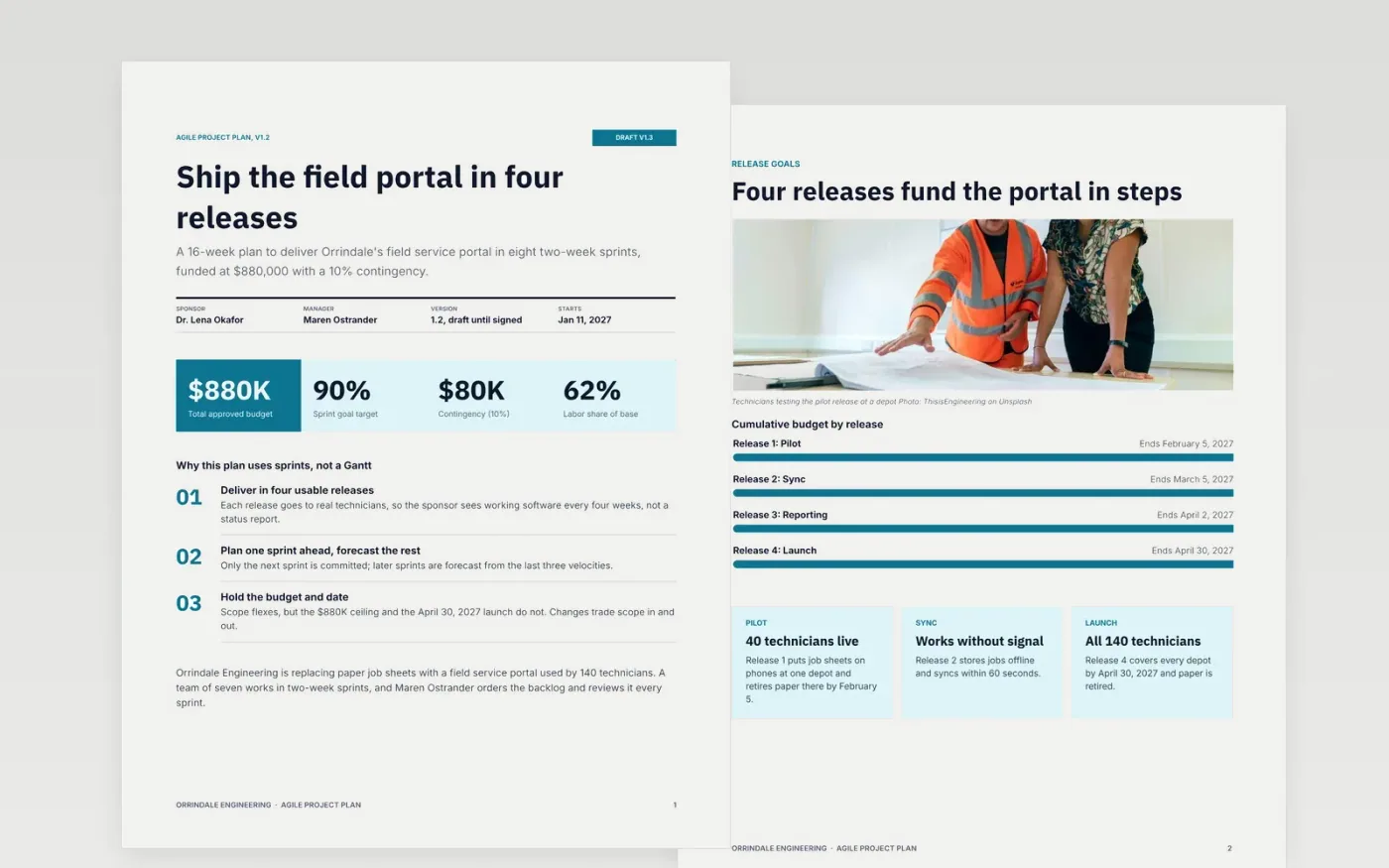
Product and software teams often borrow a fixed Gantt plan that breaks after the first sprint. This document plans in releases and sprints instead: a vision page, release goals, a backlog summary by theme, a sprint cadence chart, a definition of done, a ceremony calendar and a risk register.
The sample follows Orrindale Engineering, a team building a field service portal over 16 weeks with an $880,000 budget that includes a 10% contingency. Replace the project name, sponsor, release dates, backlog counts, owners and risks with your own, then keep the register current at every sprint review.
Click Make a copy in Google Docs, then confirm on the Google page. The copy is saved to your own Google Drive.
Fill in the title block on the first page with your project name, sponsor, manager, version and start date, and keep the status as draft until it is signed.
Replace the release goals, backlog themes and story counts with your own, and update the sprint bars so every release closes on a real date.
Rewrite the definition of done and the risk register with the checks your team uses and a named owner for every risk.
Delete the Make it yours guide page, then share the document with your sponsor or present it at your next sprint review.
Yes. It is a free Google Docs template. Make a copy to your own Google Drive and edit it freely for personal or team use.
Yes. Change the week labels and the sprint bars on the cadence page to match your length, then adjust the release dates and the ceremony calendar to fit.
No. Orrindale Engineering, its people, budget and dates are fictional sample content. Replace every name and figure with your own before sharing.
Docs + Word7 pages
Free
Docs + Word8 pages
Free
Docs + Word5 pages
Free
Slides + PowerPoint10 slides
Free
Slides + PowerPoint11 slides
Free










