
Cornell Notes
Docs + Word1 page
Free4 templates
Docs + Word1 page
Free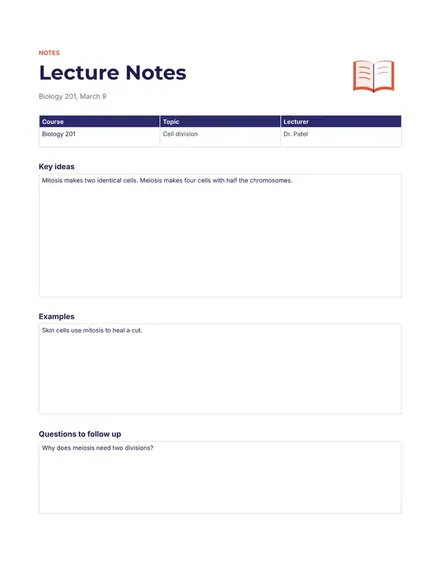
Docs + Word1 page
Free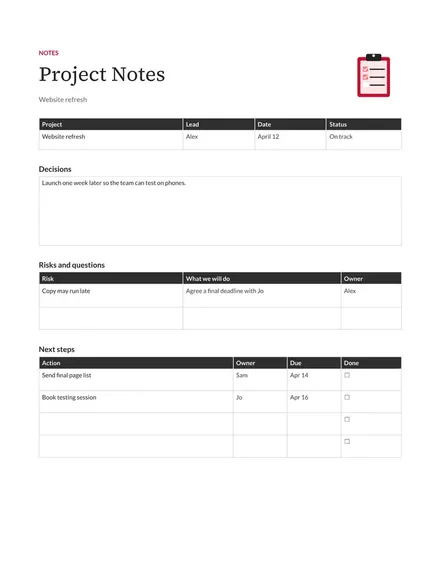
Docs + Word1 page
Free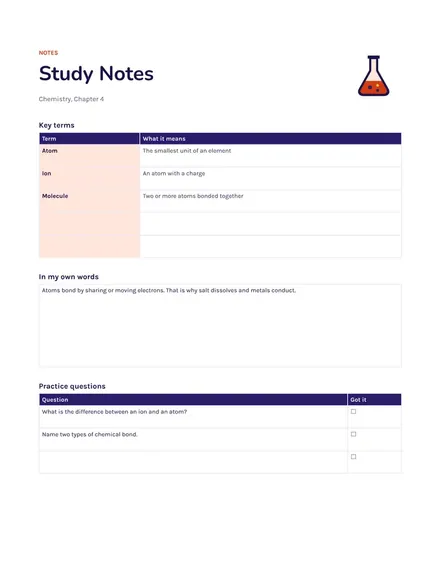
Docs + Word1 page
Free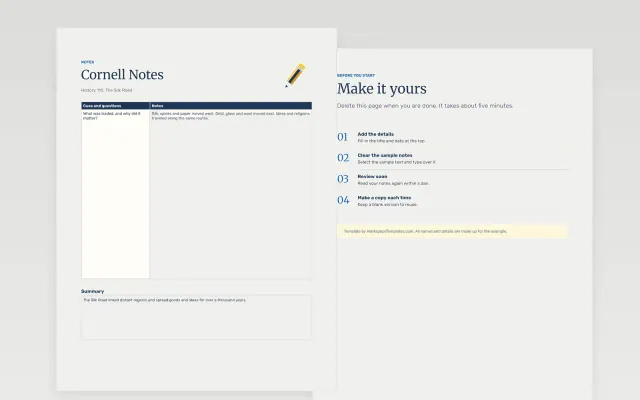 Cornell Notes | 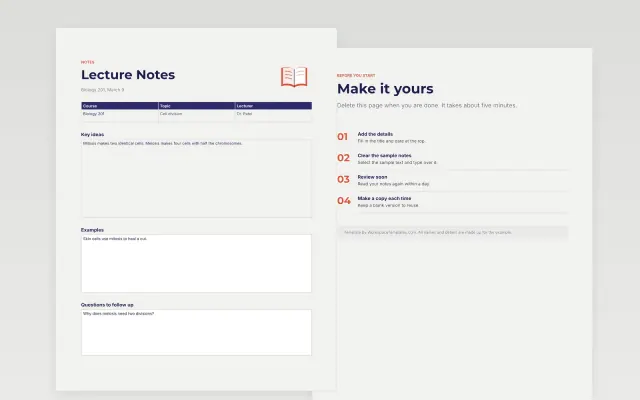 Lecture Notes | 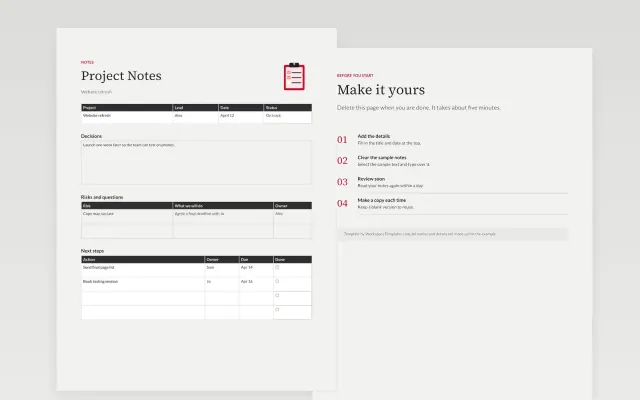 Project Notes | 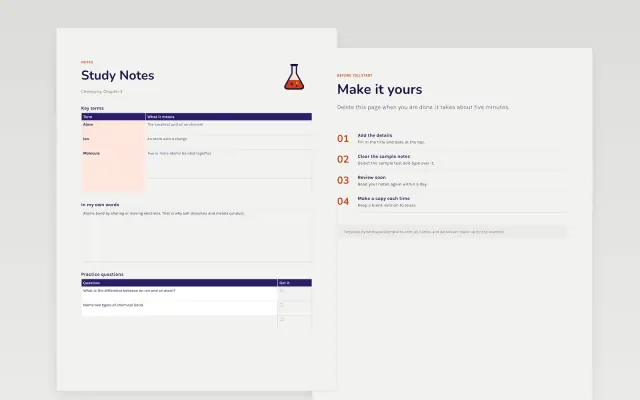 Study Notes | |
|---|---|---|---|---|
| Format | Document | Document | Document | Document |
| Works in | Google Docs and Word | Google Docs and Word | Google Docs and Word | Google Docs and Word |
| Length | 1 page | 1 page | 1 page | 1 page |
| Style | Friendly | Modern | Corporate | Bold |
Notes templates give you a set layout for writing things down. You will find lecture notes, Cornell notes, study notes and project notes.
Cover the date and topic, a main notes area, a cue or keyword column, a summary section, questions to follow up, and action items or next steps.
Review your notes within a day of writing them, while the details are fresh, and fill in any gaps right away.
Compare Cornell Notes, Lecture Notes, and Project Notes, all 1 page long, then pick the closest match and replace the sample text with your own.
Notes templates give you a set layout for writing things down. You will find lecture notes, Cornell notes, study notes and project notes.
Include the date and topic, a main notes area, a cue or keyword column, a summary section, questions to follow up, and action items or next steps. Review your notes within a day of writing them, while the details are fresh, and fill in any gaps right away.
The page is split into three parts: a wide column for notes, a narrow column for keywords and questions, and a summary at the bottom. You write notes during the lesson, then add cues and a summary afterward. The layout makes it easy to test yourself later.
Open a template and choose Make a copy. Type under each heading and use bullet points to keep lines short. Give each file a clear title with the date.
Lecture notes are written live while someone speaks. Study notes are rewritten afterward in your own words, often organized by topic. Many students keep both.
Keep one document per project and add dated entries. Record decisions, open questions and who owns each next step. Link to related files so they are easy to find.
Start with Cornell Notes: The classic note-taking layout with cues, notes and a summary. If that is not the right fit, compare it with Lecture Notes.
The templates here are 1 page long. Cut any section you do not need; each template explains what its sections are for.
Yes. These notes templates work in Google Docs and Microsoft Word. All 4 templates are free, with no account or email needed.
Mostly education and research. The sample text in each one is written for a specific situation, so replace it with your own details.