Action Plan Slides
Slides + PowerPoint11 slides
Free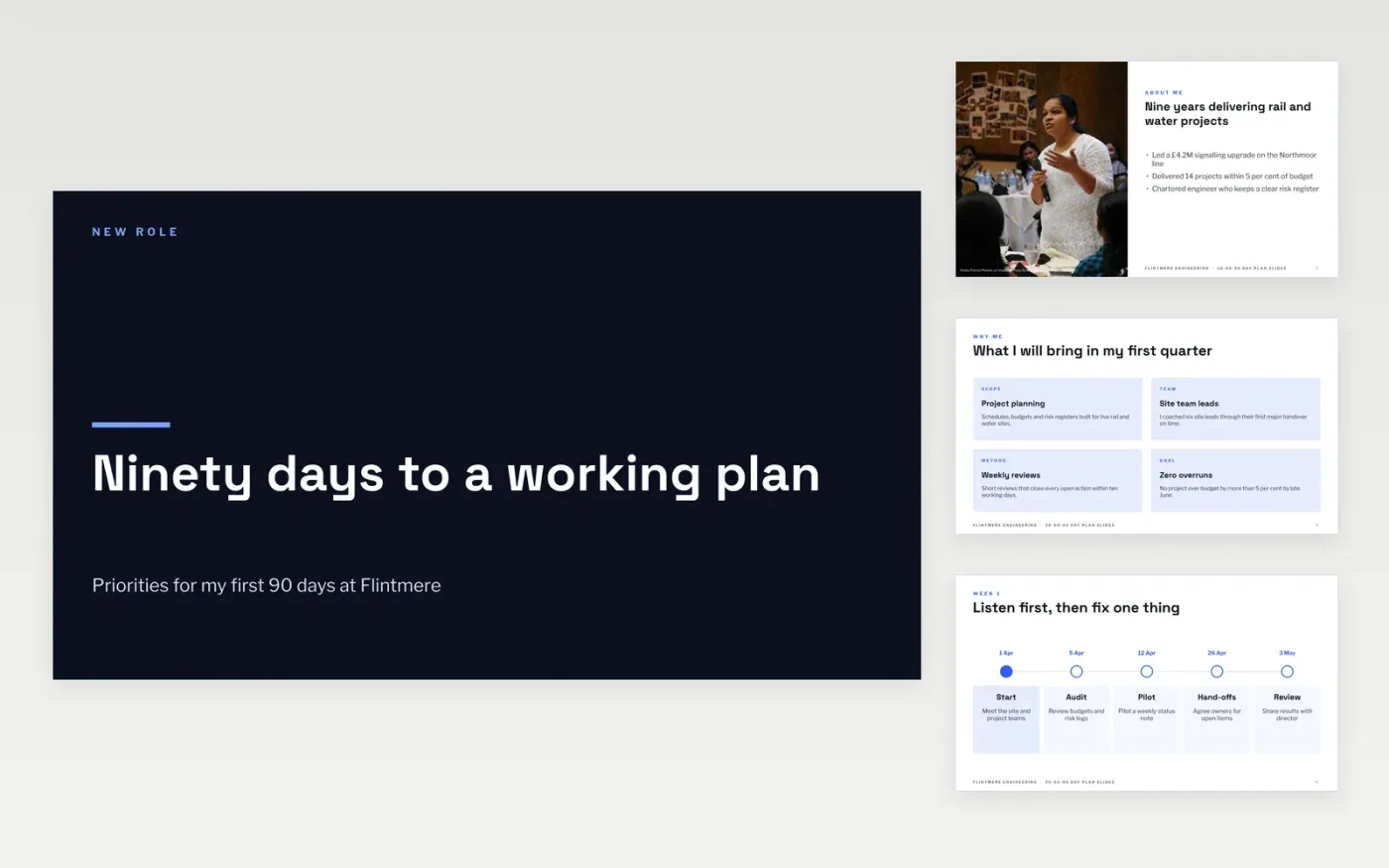
This action plan template turns the first three months in a new role into a clear ninety-day plan that an interviewer or manager can follow at a glance. It runs in order: a short about me slide, the first 30 days as a timeline, the 60-day priorities, the 90-day results and a scorecard of measures. Each slide has one job, so the story stays simple, and every action follows the smart goals idea: specific, measurable, with one owner and one date.
The sample follows a fictional engineer, Owen Lacey, who joins Flintmere Engineering as a senior project engineer. It shows a realistic plan: a £4.2M signalling project, on-time delivery moving from 71 per cent to 85 per cent, and two team leads trained by day 90. Replace the name, the role, the figures and the actions with your own, keep one owner on each line, and delete the guide slide before you share the deck.
Click Make a copy in Google Slides, then confirm on the Google page. The copy is saved to your own Google Drive.
Replace the cover, the about me text and the candidate details with your own.
Rewrite each action to start with a verb, and give every action one owner and one date.
Update the scorecard figures and statuses, then check the timeline dates against your plan.
Delete the guide slide, then share the link or present the deck in full screen.
No. Flintmere Engineering, the people and all the figures are fictional sample data. Replace them with your own details before you use the deck.
Yes. Tailor the about me slide and the first 30 days to the role and the organisation you are applying to, and check every date and figure before you present.
Eleven slides cover a complete ninety-day plan. For a short interview, present the cover, about me, the first 30 days and the measures, then keep the rest as backup.
More Google Slides templatesMore project management templates
Slides + PowerPoint11 slides
Free
Docs + Word7 pages
Free
Docs + Word5 pages
Free
Docs + Word6 pages
Free
Docs + Word7 pages
Free
Docs + Word7 pages
Free










