Templates by platform
8 tools to choose from
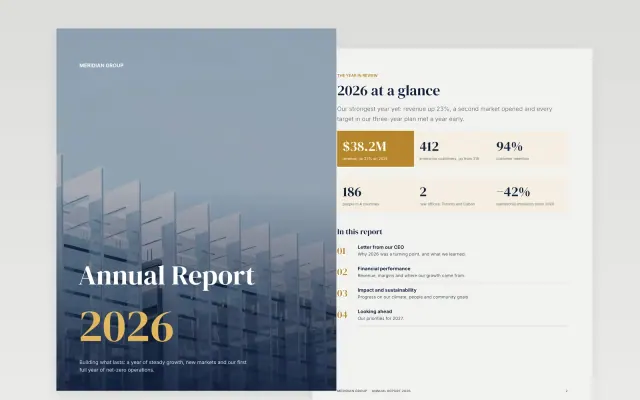
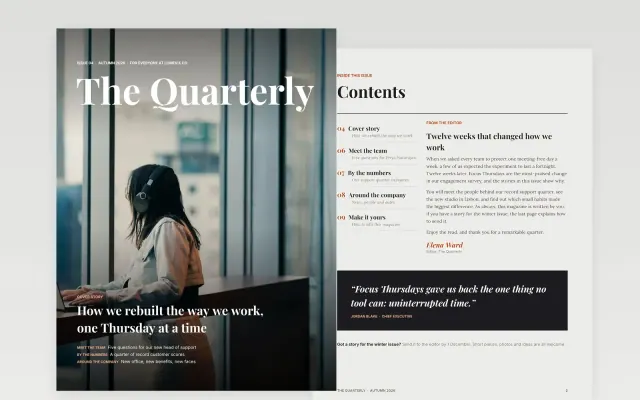
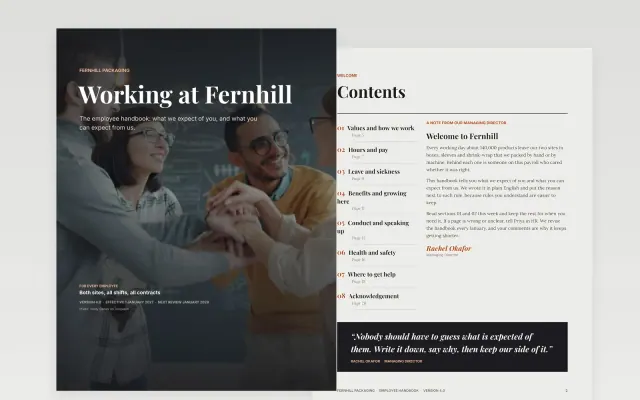
Write a document
Reports, proposals, letters and policies
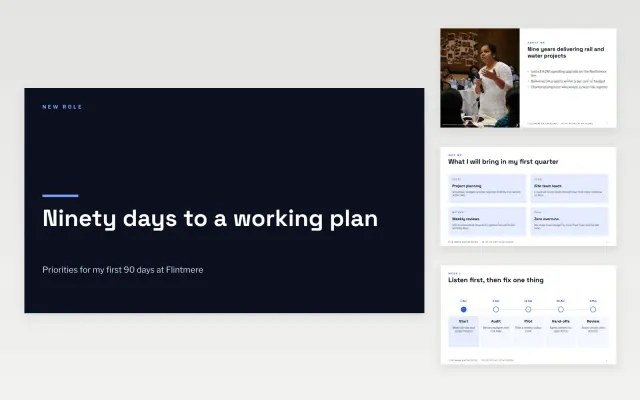
Give a presentation
Pitches, reviews and briefings


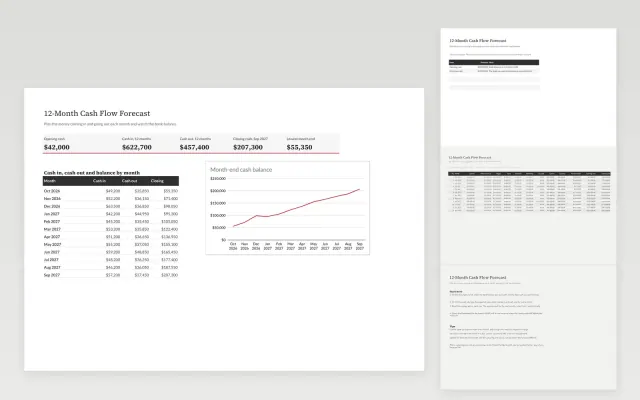
Work with numbers
Budgets, trackers and schedules

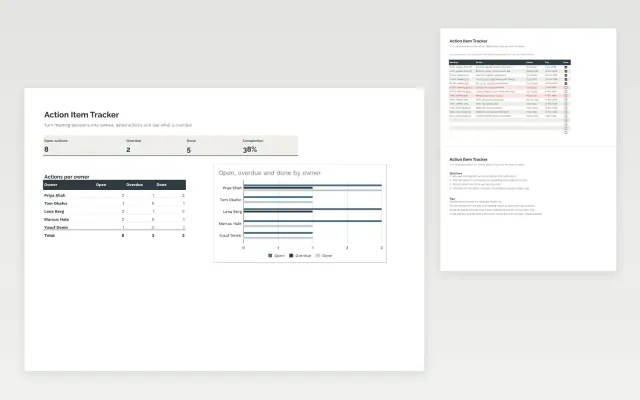

Organise a team
Shared workspaces and forms
Automate the routine
Move information between apps



Which tool should you choose?
Use the tool your team already works in: a template only saves time if everyone can open it. Google Workspace suits teams that edit together in the browser, while Microsoft 365 suits organisations that share files and work offline.
Read moreShow less
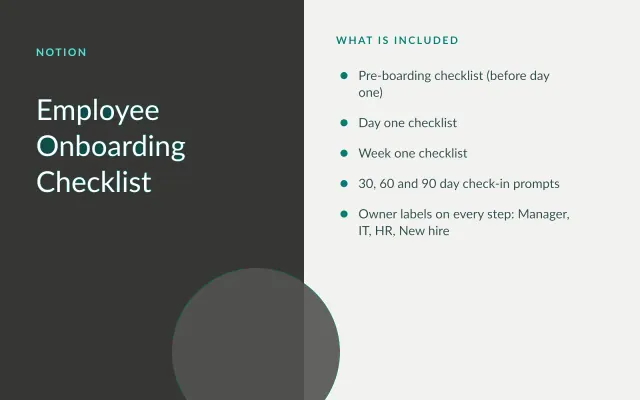
Notion fits teams that keep plans and notes in one connected workspace. Automation tools such as n8n and Zapier take a different job: moving information between apps, so nobody has to copy it by hand.
Questions
Google Docs or Microsoft Word: which is better for templates?
Google Docs is easier when several people edit together. Word gives finer control over layout and suits documents that need formal formatting. Many templates here offer both.
Can one template work in more than one tool?
Yes. Many Google templates also download as Word or PowerPoint files. Those are counted under each tool, so the totals on this page add up to more than the whole library.
What if my tool has no templates yet?
Tools marked as coming soon are in preparation. Word and PowerPoint files also open in most other office suites.