Client Project Status Report
Docs + Word8 pages
Free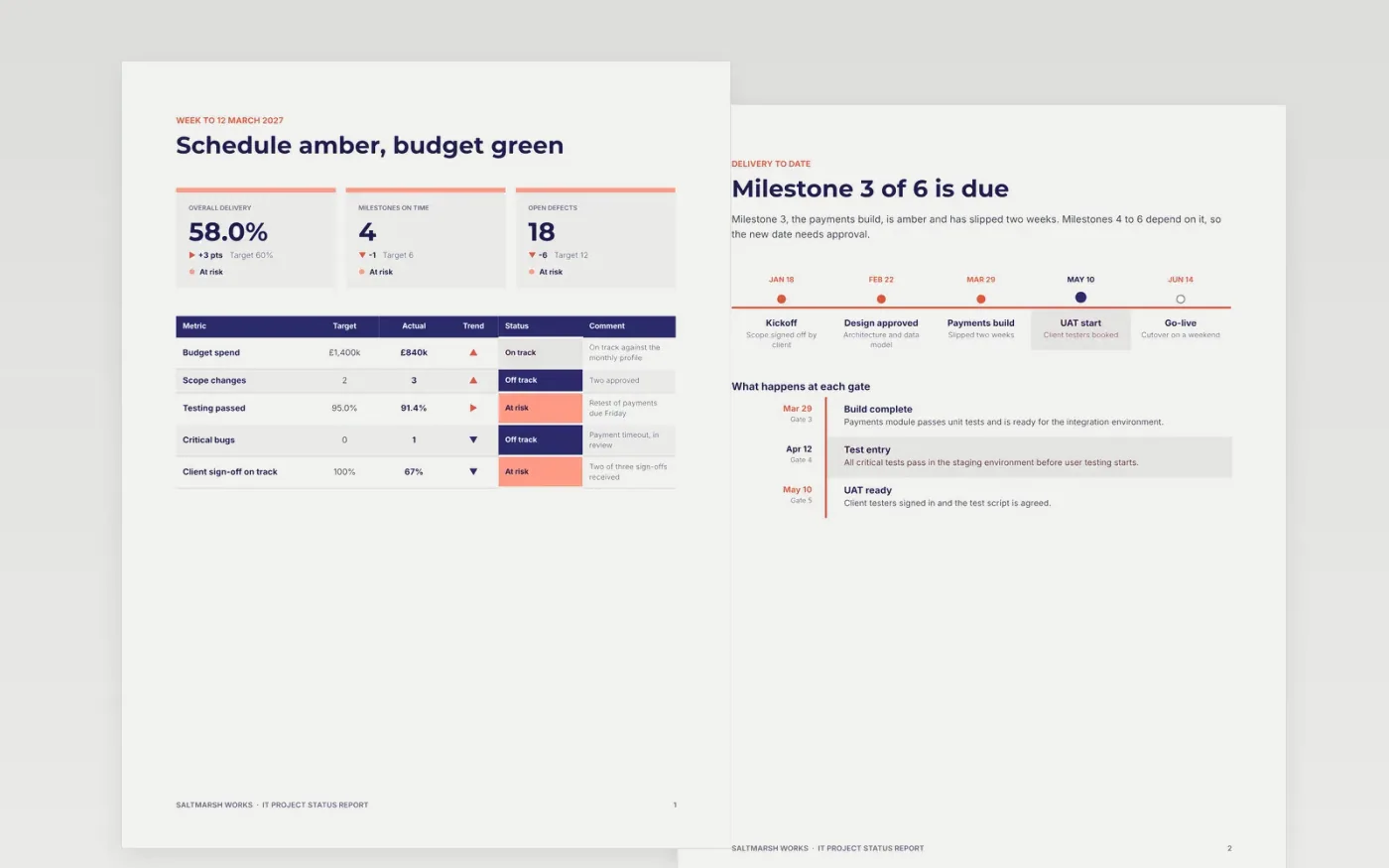
Steering groups want one answer first: will the project land on time, on budget and in scope? This template gives that answer on the opening page with an overall rating and separate ratings for schedule, budget and scope, then holds the detail a delivery lead or PMO needs. It runs across eight pages: status, delivery, defects, environments, cutover readiness, risks and a guide to replacing the sample.
The sample is a fictional report from Saltmarsh Works for a testing-heavy release, with £840k spent against a £1,400k budget, one critical defect and a payments milestone that has slipped two weeks. Replace the names, dates and figures with your own baseline and current forecast, and agree the RAG thresholds with your PMO before you publish the first report.
Click Make a copy in Google Docs, then confirm on the Google page. The copy is saved to your own Google Drive.
Set the reporting period and replace the project name and sponsor in the title block.
Rewrite the RAG rules in the key to match your PMO's thresholds, then set this period's status.
Replace the milestone dates and budget figures with your baseline and current forecast.
Delete the guide page, then send the report to the steering group or present it at the meeting.
No. Write the RAG rules into the key first, for example amber for any milestone slipped more than a week, and report that status even when the news is unwelcome. Steering groups forgive bad news far more readily than hidden slippage.
No. Saltmarsh Works, the people named, the dates and every figure in this sample are fictional. Replace them with your own project data before you send a report to anyone outside the team.
Weekly during build and testing, and daily in the final cutover week. A one-day period suits a live cutover, while a monthly report suits a steady, low-risk phase. Keep the same layout so readers learn where to look.
Docs + Word8 pages
Free
Docs + Word9 pages
Free
Docs + Word4 pages
Free
Slides + PowerPoint10 slides
Free
Docs + Word8 pages
Free
Docs + Word6 pages
Free
Docs + Word7 pages
Free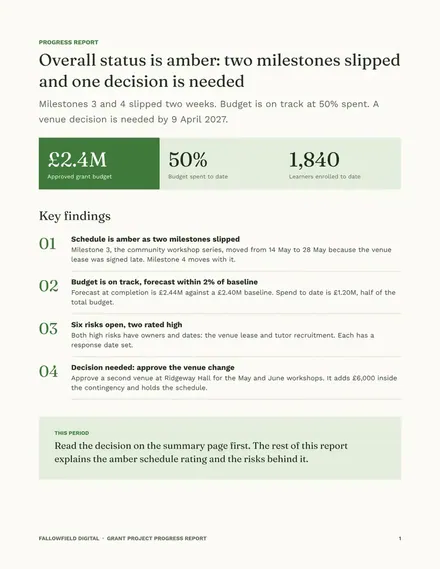
Docs + Word8 pages
Free
Slides + PowerPoint12 slides
Free
Slides + PowerPoint11 slides
Free
Slides + PowerPoint10 slides
Free
Slides + PowerPoint11 slides
Free
Slides + PowerPoint10 slides
Free










