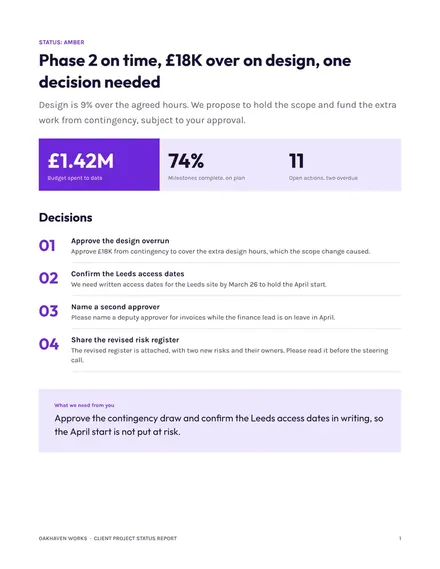
Client Project Status Report
Docs + Word8 pages
Free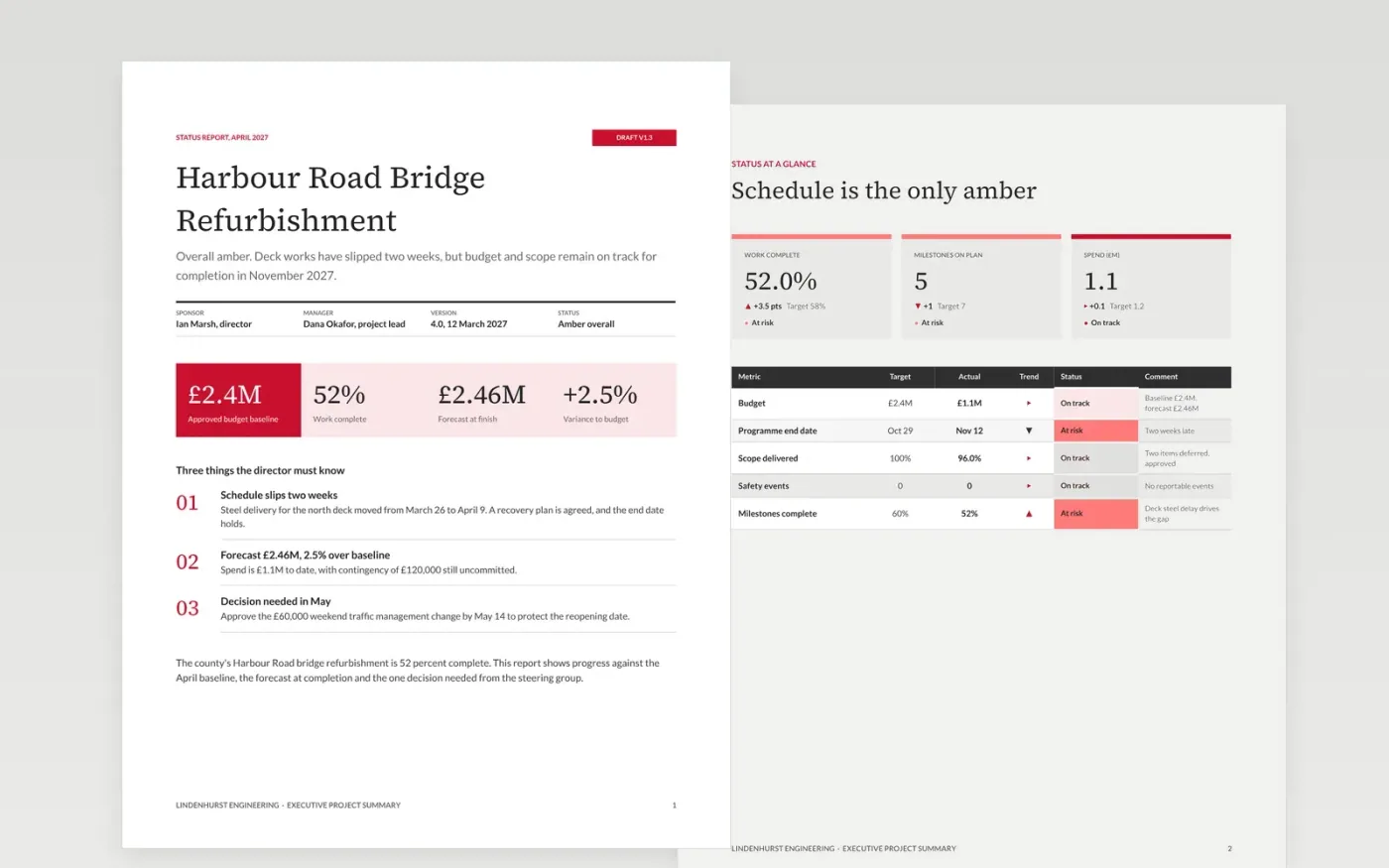
Directors reviewing several projects need the same three answers each period: is it on track, what does it cost against plan, and what do they need to decide. This template answers them in a fixed order, starting with the purpose and overall status, then the scorecard, variance and decisions, and finishing with the outlook for the next period. Red news comes first, so the reader never has to search for it.
The sample reports on the Harbour Road Bridge refurbishment for Lindenhurst Engineering, a fictional UK engineering firm working for a county council. It shows the project 52 percent complete and overall amber, with a £2.46M forecast against a £2.4M budget and one decision on £60,000 of night traffic working. Every name, figure and date is sample data. Replace the project, baseline, RAG rules and milestones with your own.
Click Make a copy in Google Docs, then confirm on the Google page. The copy is saved to your own Google Drive.
Set the reporting period, then replace the project name, sponsor and version in the title block.
Write your RAG rules in the key, then set this period's status against those rules rather than the last report.
Replace the milestone dates and budget figures with your baseline and the current forecast at completion.
Delete the guide page, then share the report with the steering group or present it from Google Docs.
No. Lindenhurst Engineering, Harbour Road Bridge, the county, the people in the title block and every figure, date and RAG rating are fictional sample data. Replace them with your own project facts before the report is circulated.
Green means the milestone dates, budget forecast and scope are within the thresholds written in the key, with no decision needed. Write the thresholds down, so that a green schedule cannot be claimed while milestones are slipping.
No. Spend to date tells the reader how much has been used, but not whether the project will finish within budget. Always show the forecast at completion beside the spend, with the variance to baseline.
Docs + Word8 pages
Free
Docs + Word4 pages
Free
Docs + Word9 pages
Free
Slides + PowerPoint10 slides
Free
Docs + Word8 pages
Free
Docs + Word6 pages
Free
Docs + Word8 pages
Free
Docs + Word8 pages
Free
Slides + PowerPoint12 slides
Free
Slides + PowerPoint11 slides
Free
Slides + PowerPoint10 slides
Free
Slides + PowerPoint11 slides
Free
Slides + PowerPoint10 slides
Free










