
Bug Tracker
Notion
Free14 templates
Notion
Free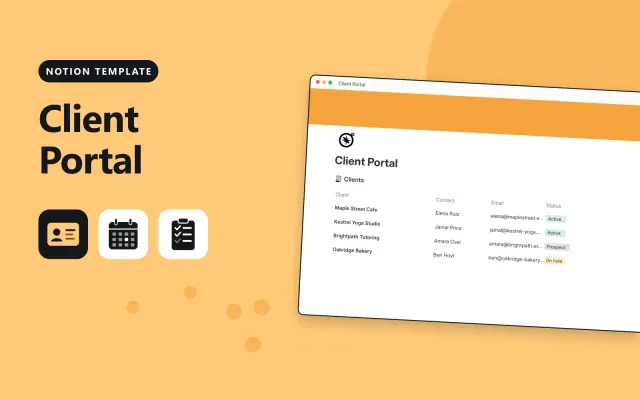
Notion
Free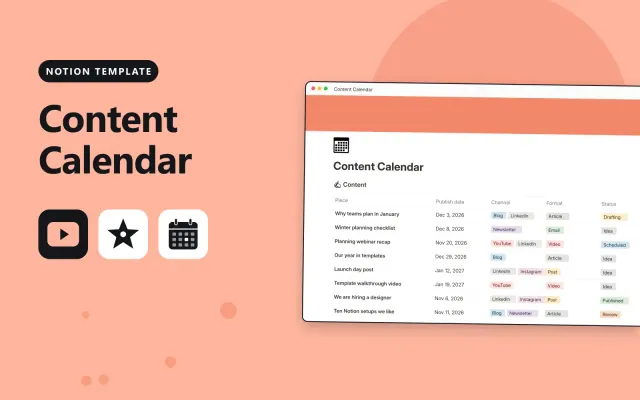
Notion
Free
Notion
Free
Notion
Free
Notion
Free
Notion
Free
Notion
Free
Notion
Free
Notion
Free
Notion
Free
Notion
Free
Notion
Free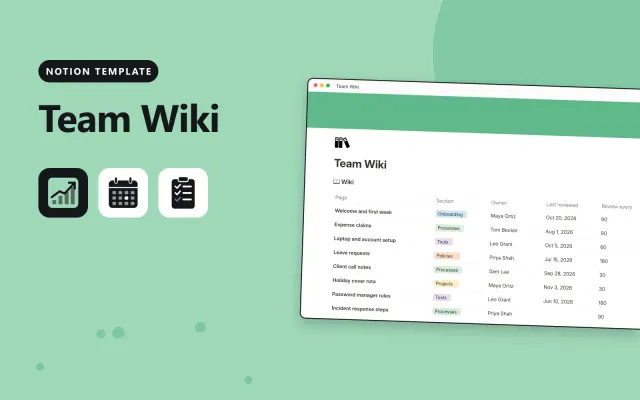
Notion
Free| Bug Tracker | Client Portal | Content Calendar | Decision Log | |
|---|---|---|---|---|
| Format | Workspace | Workspace | Workspace | Workspace |
| Works in | Notion | Notion | Notion | Notion |
| Length | Not listed | Not listed | Not listed | Not listed |
| Style | Not listed | Not listed | Not listed | Not listed |
A Notion team template sets up projects, meetings, wikis and client records for a group to share. Teams use it to agree who does what and to keep decisions and processes in one place.
Cover a home page with links to each area, a project or task database with owners and dates, a meeting notes page with a decisions section, a team wiki or process library, board and timeline views, and sample entries.
Give each database one owner and say who updates it, so the team always knows where to look.
Compare Bug Tracker, Client Portal, and Content Calendar, then pick the closest match and replace the sample text with your own.
A Notion team template sets up projects, meetings, wikis and client records for a group to share. Teams use it to agree who does what and to keep decisions and processes in one place.
Include a home page with links to each area, a project or task database with owners and dates, a meeting notes page with a decisions section, a team wiki or process library, board and timeline views, and sample entries. Give each database one owner and say who updates it, so the team always knows where to look.
Open the template page and select Duplicate. Notion copies the pages and databases into your workspace, and you can then rename, trim or share them with your team.
Most team templates work on the free plan for small groups. Check the description for features such as extra members or permissions that need a paid plan.
Open the database, select the add view button, and choose Board or Timeline. Group the board by status, and set the timeline to use the start and end date properties.
Start with Bug Tracker: Log bugs with their severity and status in Notion, and see how long each one has been open. If that is not the right fit, compare it with Client Portal.
Yes. These notion work templates work in Notion. All 14 templates are free, with no account or email needed.