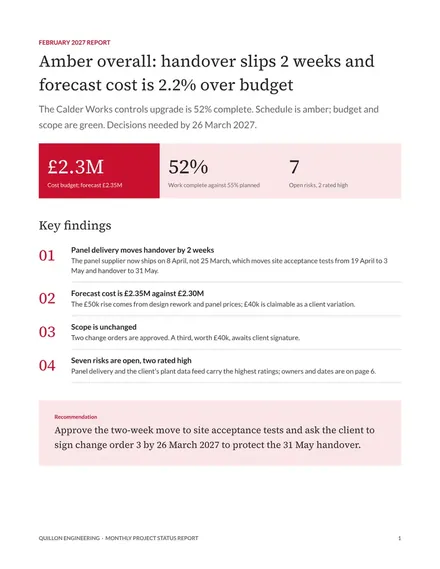
Monthly Project Status Report
Docs + Word8 pages
Free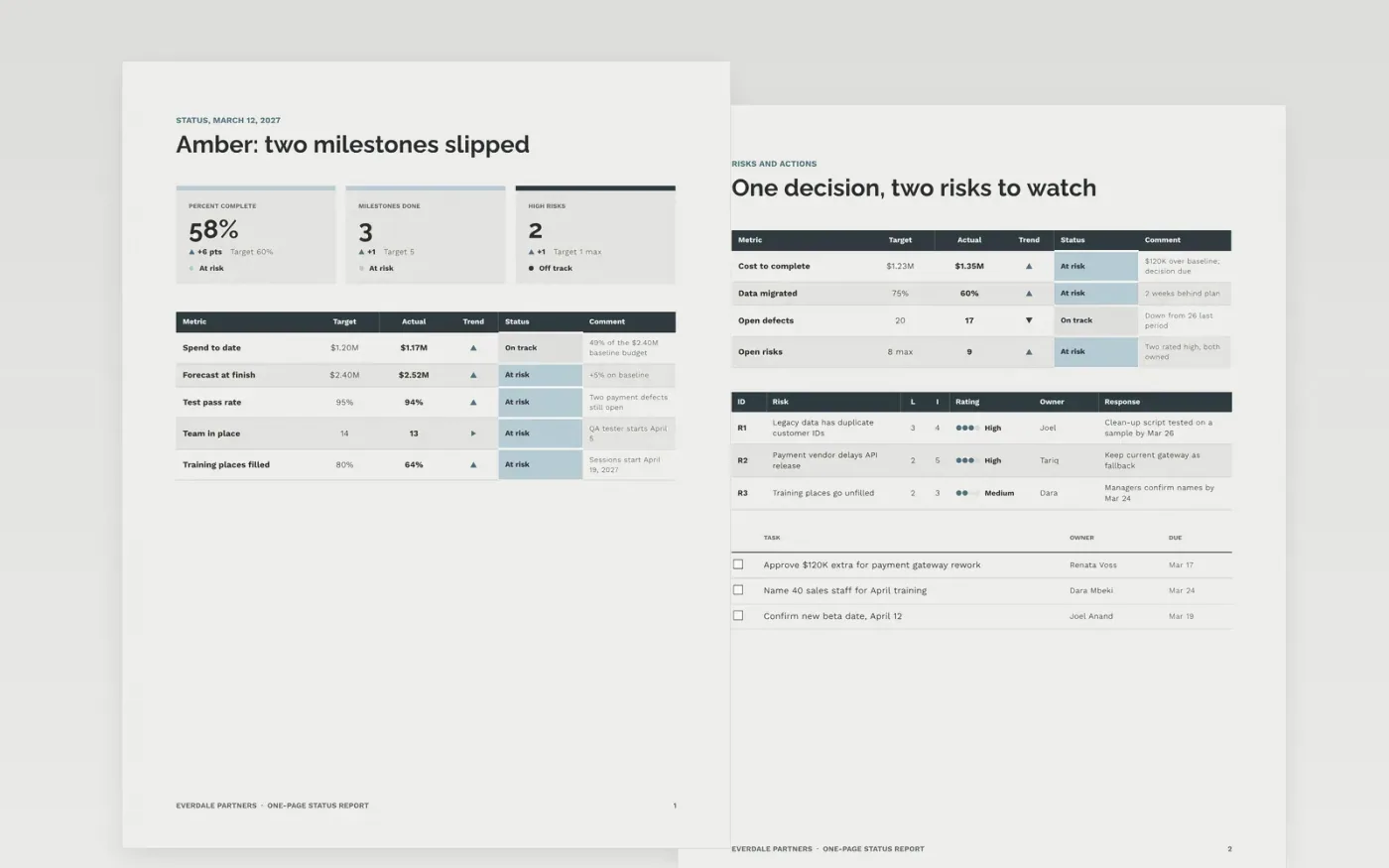
Executives read the status, the budget and the decision they must make, and little else. This template puts overall status, headline figures and RAG indicators on page 1, then a risk register, cost forecast and owned actions on page 2, so a steering group can read it in two minutes.
The sample reports week ending March 12, 2027 on Everdale Partners' customer portal rebuild: amber overall, 58% complete, $1.17M spent of $2.40M and a $120K forecast overrun that needs approval. Replace the project, period, RAG thresholds, figures, risks and actions with your own.
Click Make a copy in Google Docs, then confirm on the Google page. The copy is saved to your own Google Drive.
Set the reporting period, project name and sponsor, then rewrite the RAG rules to match your PMO's thresholds.
Replace the milestone dates and budget figures with your baseline and current forecast at completion.
Keep only the risks you would discuss at steering group, and give each an owner, a date and a response.
Delete the guide page, then send or share the report.
Red, amber and green show whether a measure is off track, at risk or on track. Write the thresholds down, such as amber when a milestone slips more than a week, so status means the same each period.
Remove the decision from the actions list and say so in one line, such as no decisions needed this period. Sponsors value a report that tells them they can relax.
No. Everdale Partners, the portal project, its people and every figure are fictional sample content. Replace all of it with your own project details.
Docs + Word8 pages
Free
Docs + Word9 pages
Free
Docs + Word5 pages
Free
Slides + PowerPoint10 slides
Free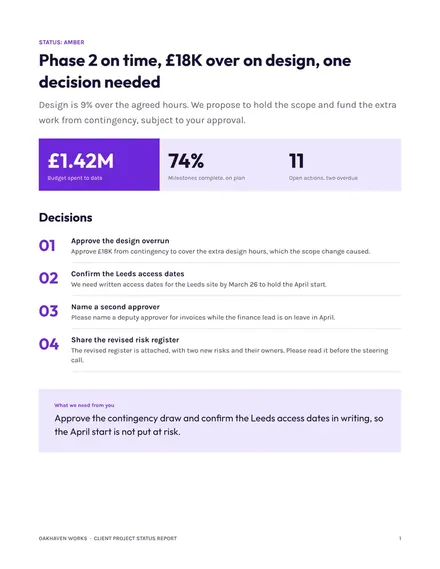
Docs + Word7 pages
Free
Slides + PowerPoint11 slides
Free










