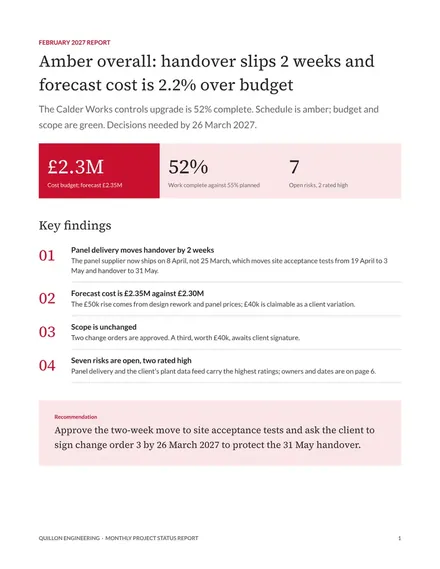
Monthly Project Status Report
Docs + Word8 pages
Free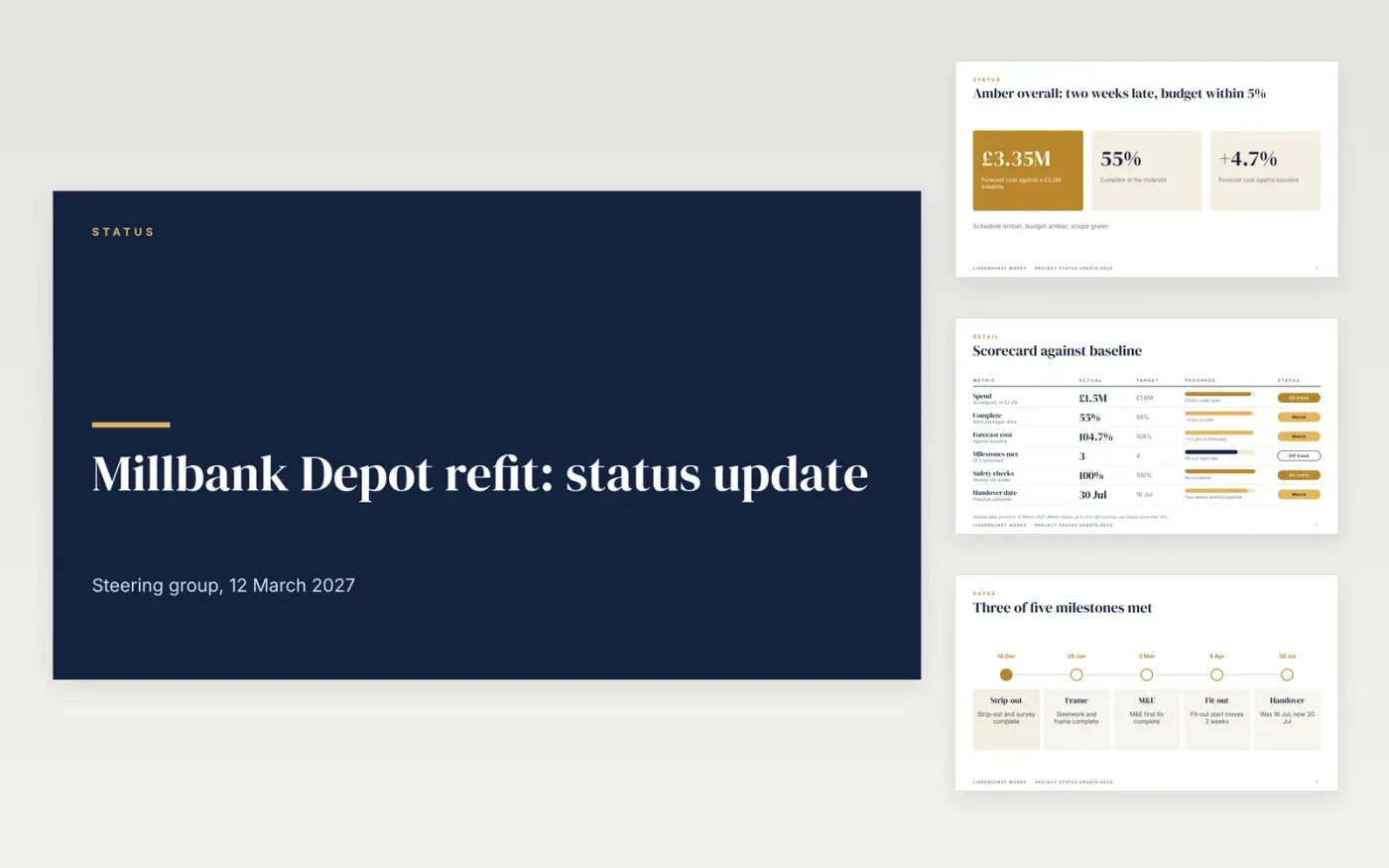
Steering groups need the headline in minutes, not a walk through every activity. This deck puts the overall status first, then a baseline scorecard, milestones, a swimlane roadmap, the risks that matter and a single decision slide, so a project lead can present it in ten minutes.
The sample follows Lindenhurst Works, a fictional contractor, reporting on a depot refit at the midpoint. It shows an amber overall status, a forecast of £3.35M against a £3.2M baseline, a two-week slip to 30 July and a request for £150k. Replace the baseline, dates, risks and owners with your own and write the RAG rules down.
Click Make a copy in Google Slides, then confirm on the Google page. The copy is saved to your own Google Drive.
Set the reporting period, replace the project name and sponsor, and rewrite the RAG rules to match your thresholds.
Replace the milestone dates and budget figures with your baseline and current forecast.
Keep only the risks you would discuss at steering group and give each an owner and a response.
Delete the guide slide, then share the deck or present it.
No. Lindenhurst Works, its people and every figure in the deck are fictional sample data. Replace them with your own project details before sharing.
Write the rules down first. The sample marks amber when the forecast is outside baseline by up to 10% and red beyond that. Use your PMO's thresholds.
Replace the decision slide with one line saying so, or delete it. The aim is that a sponsor never has to hunt for what is being asked.
More Google Slides templatesMore project management templates
Docs + Word8 pages
Free
Docs + Word3 pages
Free
Slides + PowerPoint11 slides
Free
Slides + PowerPoint10 slides
Free
Docs + Word7 pages
Free










