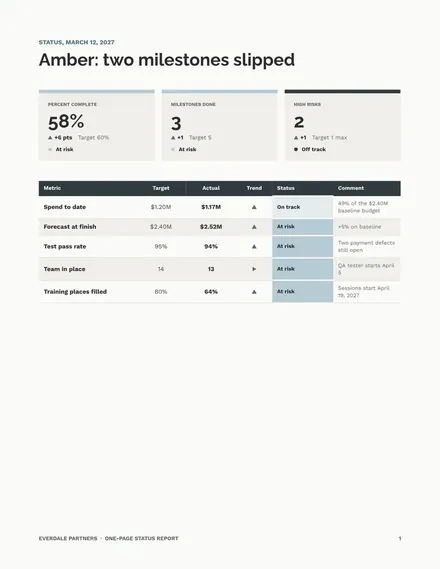
One-Page Status Report
Docs + Word4 pages
Free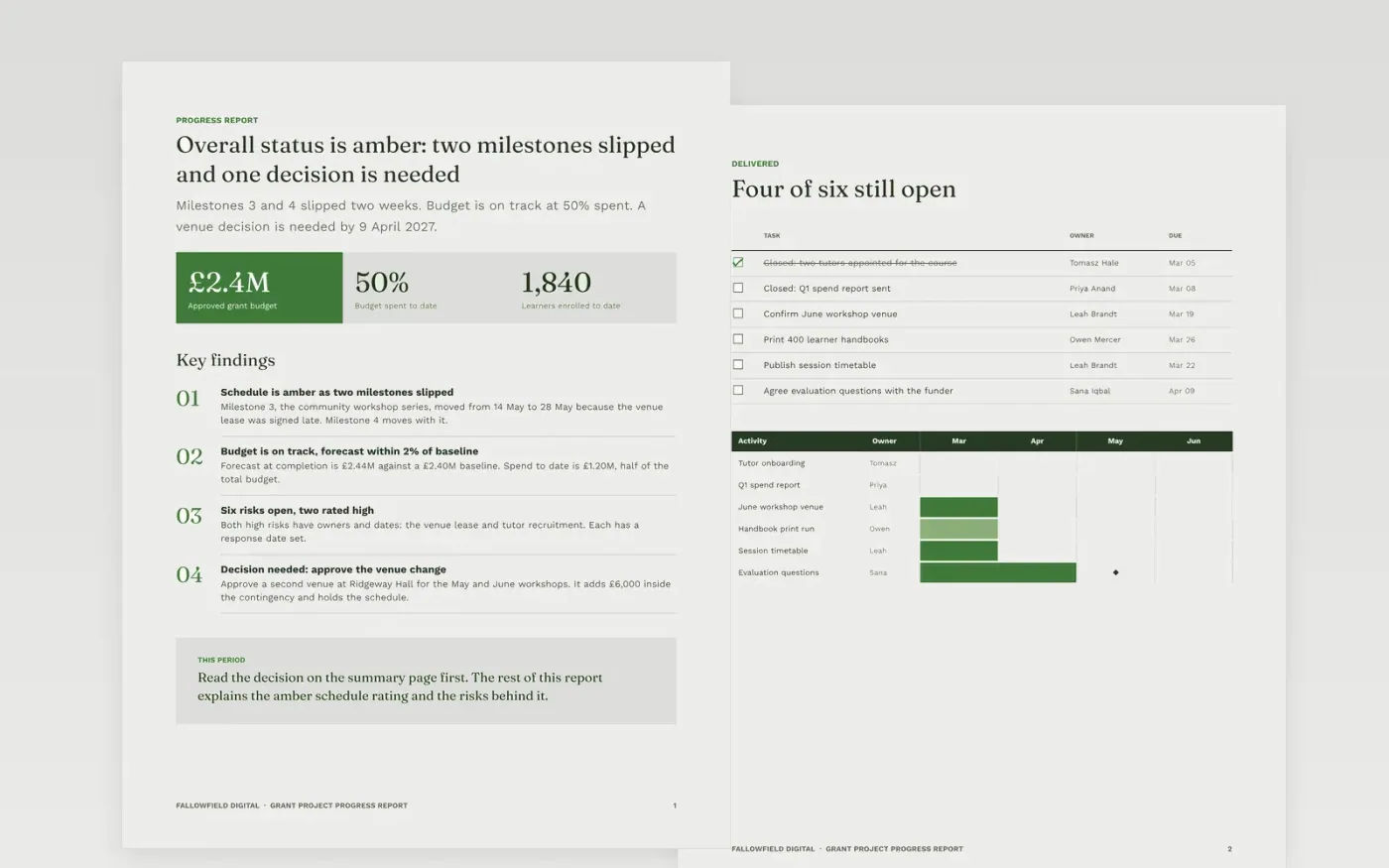
Funded projects report to sponsors on a fixed cycle, and an update that buries bad news costs trust. This steering committee status report template opens with the overall RAG rating, a decisions box and three headline figures, so a reader can act within the first minute. Behind the summary sit pages for activities, outputs against the plan, spend against budget, challenges and the next period, each written for the reader who needs it most.
The sample follows Fallowfield Digital, a fictional organisation running a digital skills grant for adults over 55, with invented staff and figures in pounds sterling. It shows an amber schedule, a budget that is on track and a forecast within 2% of baseline. Replace the figures, milestone dates and names with your own baseline, then write down the RAG thresholds so that every rating follows a rule rather than an opinion.
Click Make a copy in Google Docs, then confirm on the Google page. The copy is saved to your own Google Drive.
Set the reporting period and replace the project name and sponsor in the title block on the summary page.
Rewrite the RAG rules in the key to match your PMO thresholds, then set this period's status for schedule, budget and scope.
Replace the milestone dates and budget figures with your baseline and current forecast, keeping each variance line.
Delete the guide page, then share the report with your sponsor or present it from Google Docs.
Yes. Replace the organisation name, people, milestones and figures with your own. The organisation, people and figures in the sample are fictional, so swap every one of them before the report goes to a funder.
Write the thresholds in the key before the first report, for example red when a milestone is more than two weeks late or the forecast is over 8% above baseline. Then each rating follows the written rule, not a judgement made on the day.
The sample uses pounds sterling and UK dates such as 12 March 2027. If your grant is in another currency, convert every figure, including the spend and forecast totals, before you present the report to your steering group.
Docs + Word4 pages
Free
Docs + Word8 pages
Free
Docs + Word9 pages
Free
Slides + PowerPoint10 slides
Free
Docs + Word8 pages
Free
Docs + Word6 pages
Free
Docs + Word7 pages
Free
Docs + Word8 pages
Free
Slides + PowerPoint12 slides
Free
Slides + PowerPoint11 slides
Free
Slides + PowerPoint10 slides
Free
Slides + PowerPoint11 slides
Free
Slides + PowerPoint10 slides
Free










