Monthly Project Status Report
Docs + Word9 pages
Free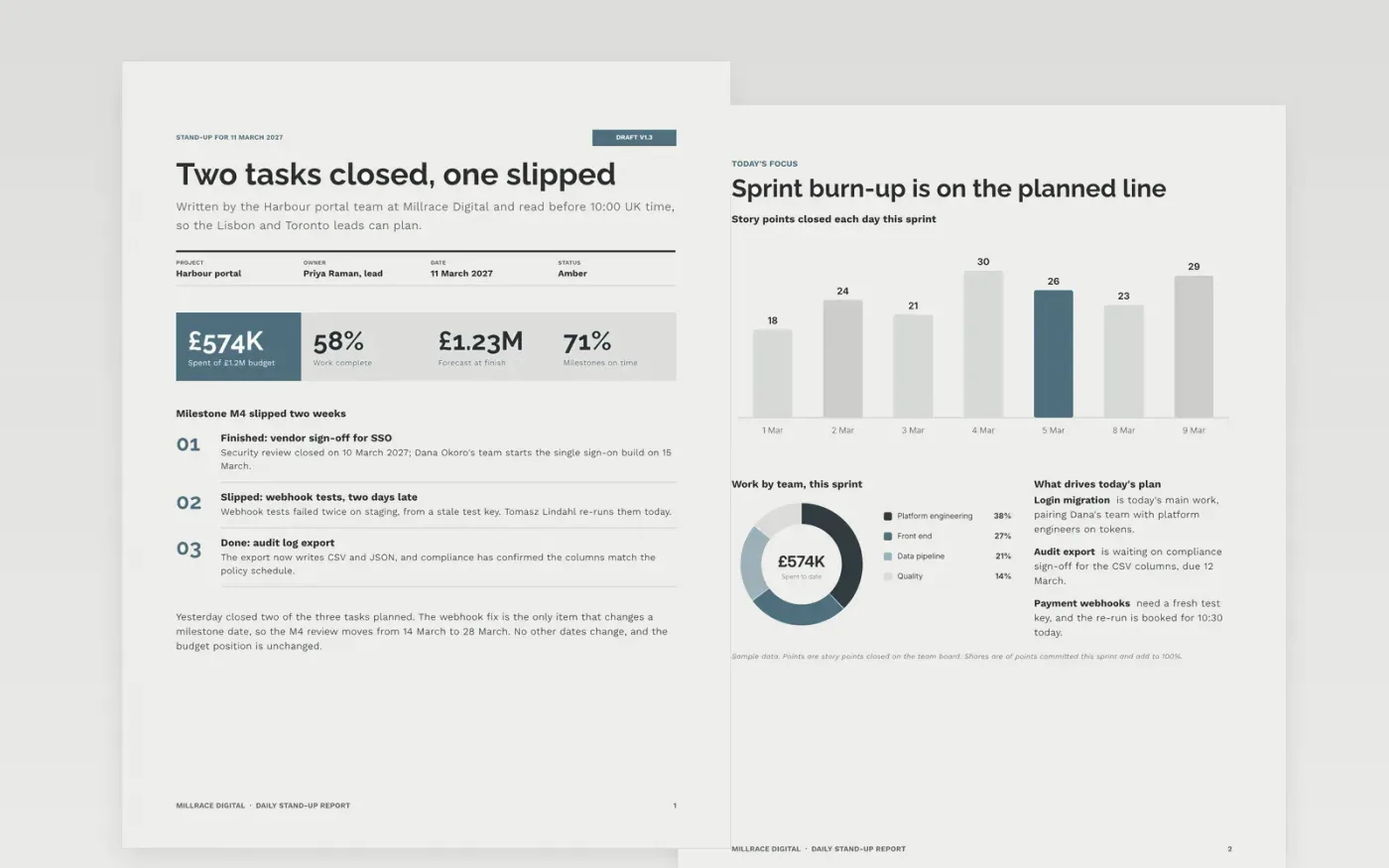
Distributed teams lose a morning to status calls that repeat what the project board already shows. This template is a short written stand-up in four working sections, Yesterday, Today, Blockers and Notes, with a title block on top that names the owner, date and status. Readers in Lisbon, Toronto and London can scan the blocker line first and answer it before their own day starts.
The sample shows the platform team at Millrace Digital on day eight of a single sign-on rebuild. Its figures cover spend, milestones and a risk register with owners and review dates, and its glossary defines the terms the team uses in every update. Replace the project name, people, dates and numbers with your own baseline, and keep each figure the same on every page so the steering group sees one set of numbers.
Click Make a copy in Google Docs, then confirm on the Google page. The copy is saved to your own Google Drive.
Set the project name, owner, date and status in the title block on page 1.
Replace the milestone dates, spend and risk rows with your own baseline and current forecast.
Rewrite the glossary so every term matches the way your team already uses it.
Delete the guide page, then share the document with your steering group or present it from Google Docs.
No. Millrace Digital, the people named in the report, the email addresses ending in .example and every figure are fictional sample data. Replace them with your own details before you circulate the update.
Write the rules into the key first: red when a milestone date will be missed without a decision, amber when it is at risk within two weeks, and green otherwise. Then set each status against those rules rather than against how the team feels.
Most distributed teams send one update each working day before 10:00 UK time. Weekly is enough for slower projects, but keep the blockers line in every version so a delay never waits for the next report.
Docs + Word9 pages
Free
Docs + Word8 pages
Free
Docs + Word4 pages
Free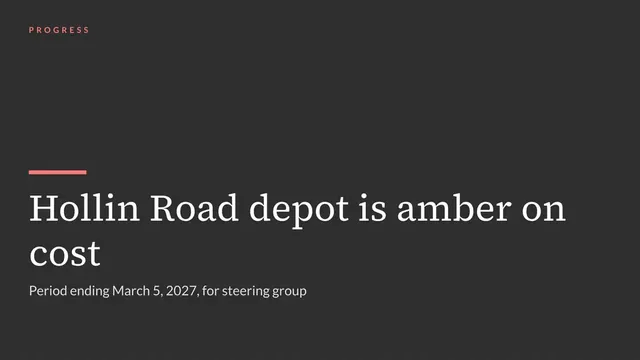
Slides + PowerPoint10 slides
Free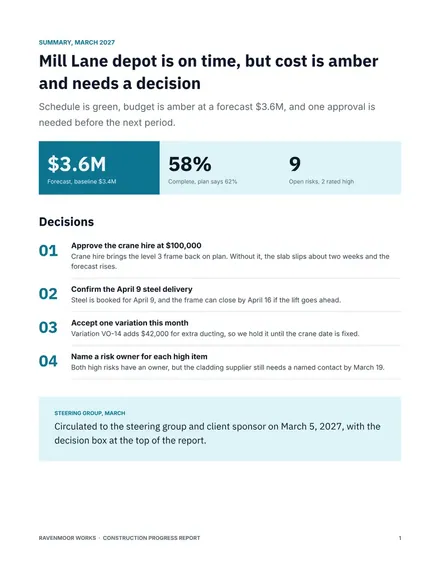
Docs + Word8 pages
Free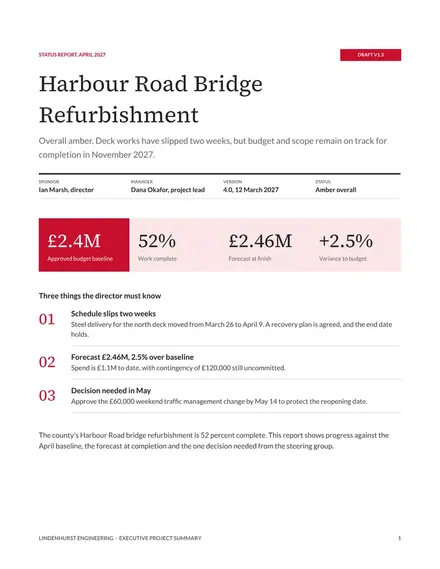
Docs + Word7 pages
Free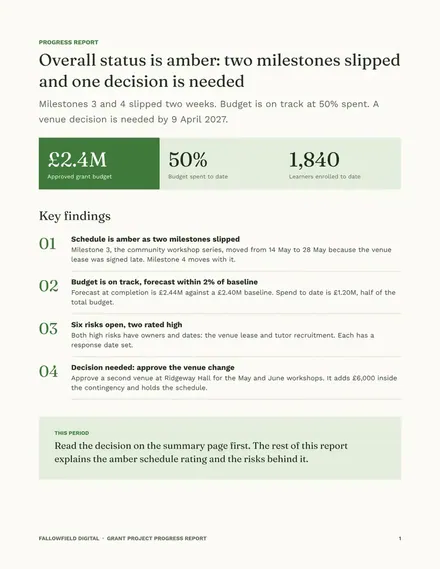
Docs + Word8 pages
Free
Docs + Word8 pages
Free
Slides + PowerPoint12 slides
Free
Slides + PowerPoint11 slides
Free
Slides + PowerPoint10 slides
Free
Slides + PowerPoint11 slides
Free
Slides + PowerPoint10 slides
Free










