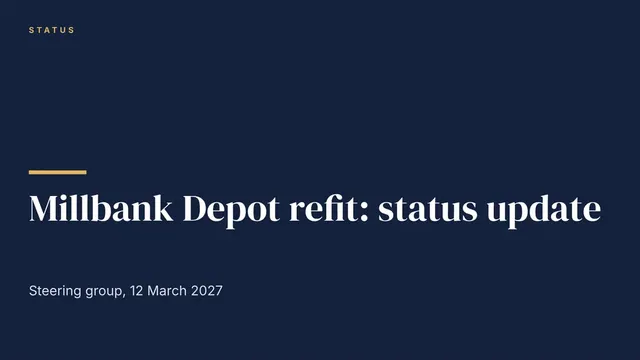
Project Status Update Deck
Slides + PowerPoint11 slides
Free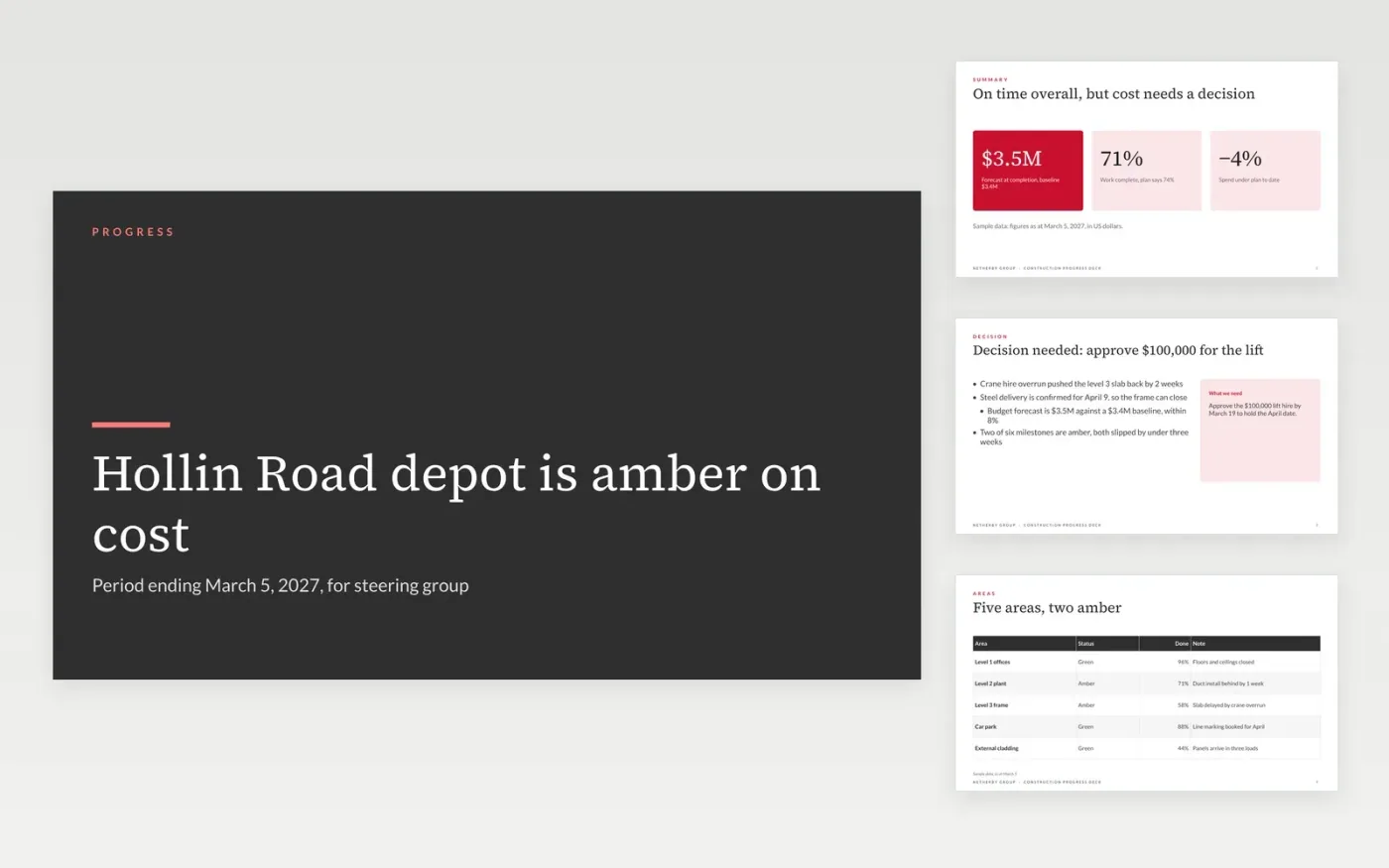
Steering groups lose time when a status report buries the red items under lists of activity. This project status report template turns that around: headline status and decisions come first, then area photos, the schedule, safety and variations. Each slide answers one question a sponsor asks, and the summary carries the RAG thresholds so amber and red mean the same thing in every period.
The sample reports a fictional depot and office project for Netherby Group, with a $3.5M forecast against a $3.4M baseline and one decision needed on a crane hire. Replace the reporting period, the milestones and the budget with your own baseline and current forecast, then set the RAG rules to your PMO thresholds. Keep only the risks you would discuss at steering group, and give each one an owner and a date.
Click Make a copy in Google Slides, then confirm on the Google page. The copy is saved to your own Google Drive.
Set the reporting period in the subtitle on slide 1, then replace the project name and sponsor.
Rewrite the RAG rules on slide 2 to match your PMO thresholds, then set this period's status.
Replace the milestone dates and budget figures on slides 2 and 6 with your baseline and forecast.
Delete the guide slide, then share the deck with the steering group or present it at the meeting.
No. Netherby Group, the depot project, its people, the change orders and every figure in this deck are fictional sample data. Replace them with your own project records before you send a status report.
Schedule is red when a milestone that drives completion is more than three weeks late with no recovery plan, and amber when it is one to three weeks late. State that rule on the summary so readers can check it themselves.
Most steering committees read one report each month, with a short weekly update for the delivery team. Send the same layout each time so readers learn where to look for the red items.
More Google Slides templatesMore project management templates
Slides + PowerPoint11 slides
Free
Slides + PowerPoint10 slides
Free
Slides + PowerPoint10 slides
Free
Docs + Word8 pages
Free
Docs + Word6 pages
Free
Docs + Word7 pages
Free
Docs + Word8 pages
Free
Docs + Word8 pages
Free
Slides + PowerPoint12 slides
Free
Slides + PowerPoint11 slides
Free
Docs + Word9 pages
Free
Docs + Word4 pages
Free
Docs + Word8 pages
Free










