One-Page Status Report
Docs + Word4 pages
Free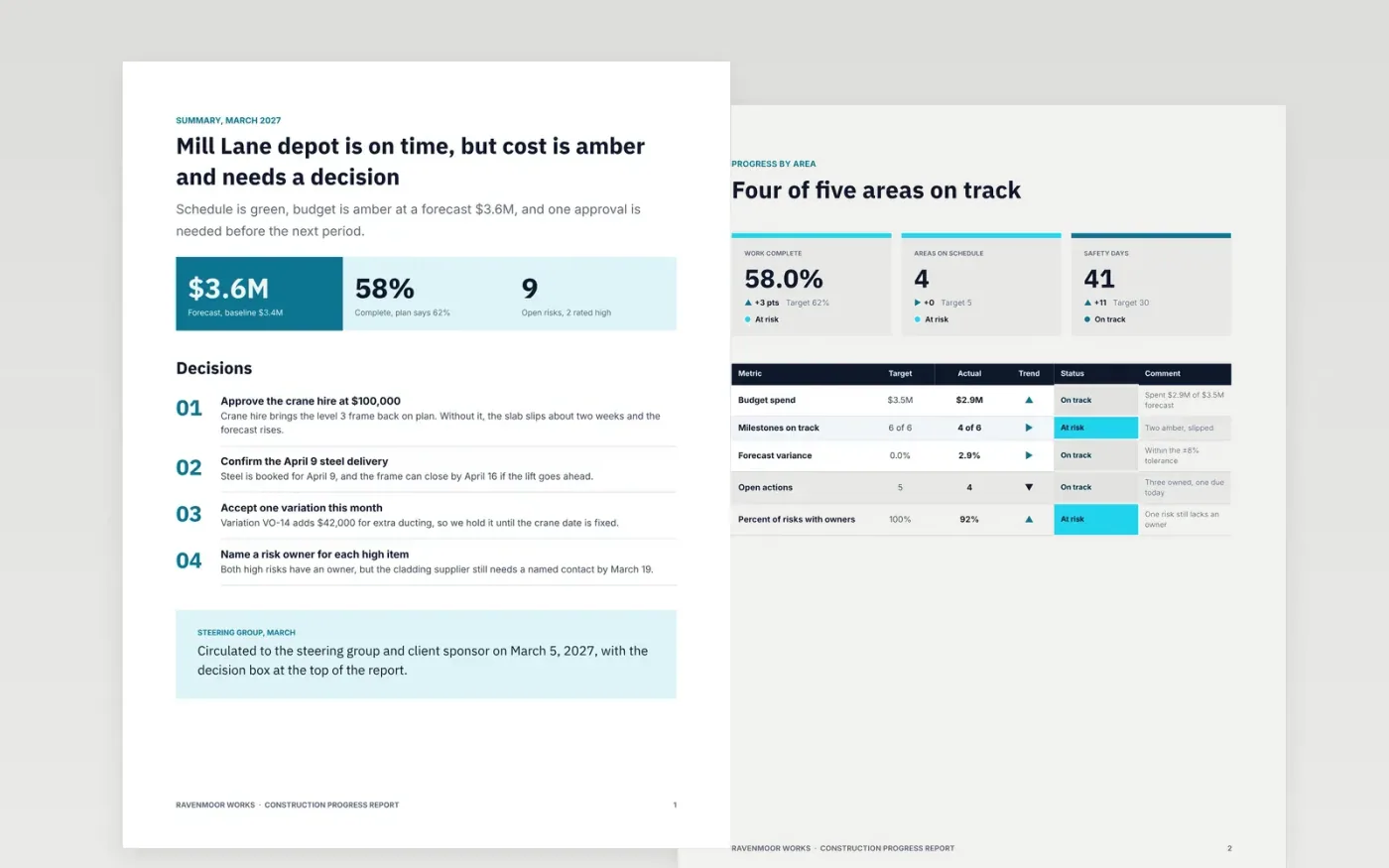
A progress report has to answer three questions fast: is the project on track, what does it cost, and what does someone need to decide. This project status report template opens with the answer, then shows progress by area, photos, the schedule, safety and variations in the order a steering group reads them. The RAG status sits next to each figure, so a green rating can be checked against its target.
The sample reports a fictional depot project for Ravenmoor Works, with a $3.6M forecast against a $3.4M baseline and one decision on a crane hire. Replace the period, the names and the figures with your own baseline and current forecast, then rewrite the RAG key to match your PMO's thresholds. Use the variations breakdown only for changes that need pricing, and delete any section with no news this period.
Click Make a copy in Google Docs, then confirm on the Google page. The copy is saved to your own Google Drive.
Replace the project name, sponsor and reporting period on page 1 with your own details.
Rewrite the RAG key on page 2 to match your PMO thresholds, then set each status.
Update the budget and milestone figures on pages 1 and 2 from your current forecast.
Delete the guide page, then circulate the report to the steering group or present it.
No. Ravenmoor Works, the Mill Lane depot project, the people named in the actions and every figure in this report are fictional sample data. Replace them with your own records before you circulate the report.
Each colour should follow a written rule, such as red for a milestone more than three weeks late without a recovery plan. Put the reason next to the colour so the reader can check it against the data.
Keep the summary to one page so a sponsor can read it in two minutes. Detail belongs in the sections behind it, and any section with no news this period should be deleted rather than left blank.
Docs + Word4 pages
Free
Docs + Word9 pages
Free
Docs + Word8 pages
Free
Slides + PowerPoint10 slides
Free
Docs + Word6 pages
Free
Docs + Word7 pages
Free
Docs + Word8 pages
Free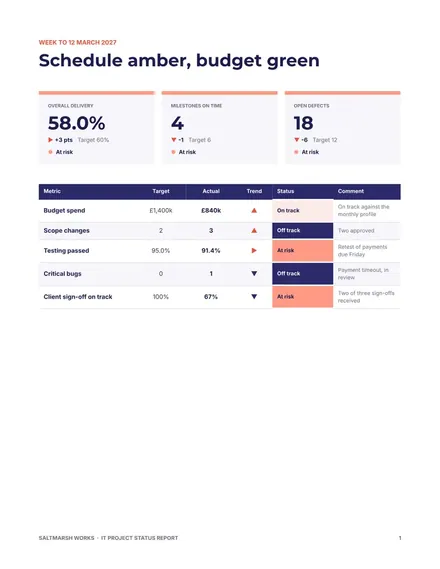
Docs + Word8 pages
Free
Slides + PowerPoint12 slides
Free
Slides + PowerPoint11 slides
Free
Slides + PowerPoint10 slides
Free
Slides + PowerPoint11 slides
Free
Slides + PowerPoint10 slides
Free










