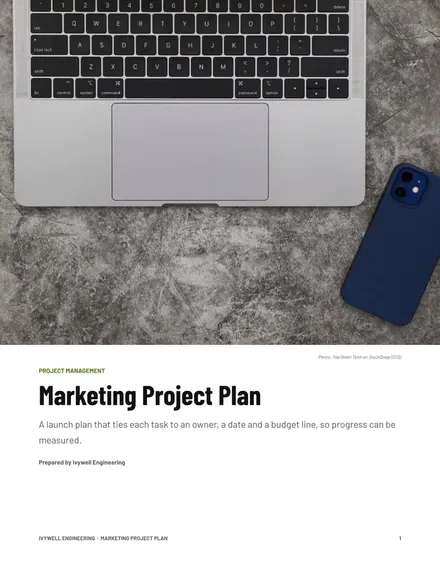
Marketing Project Plan
Docs + Word10 pages
Free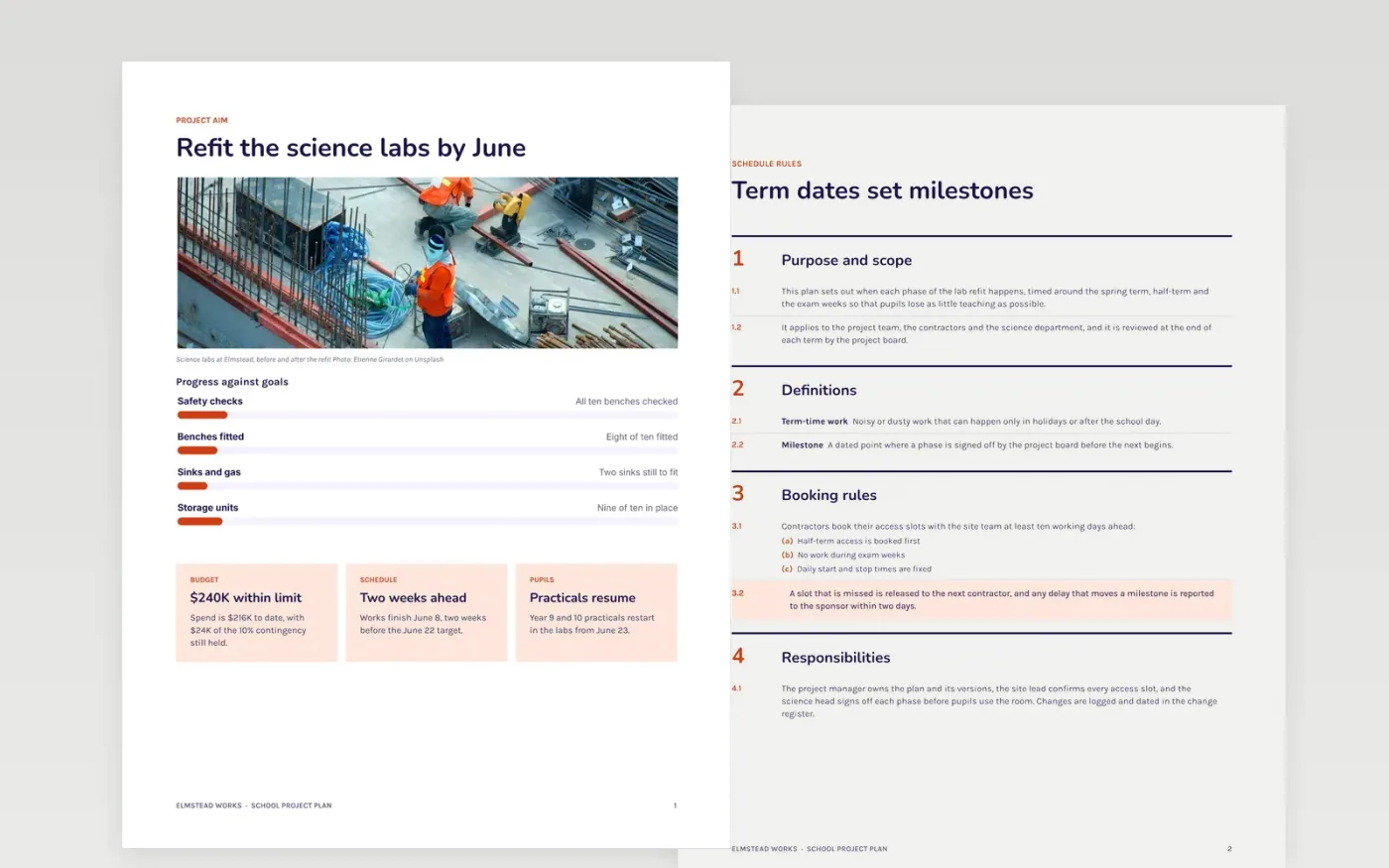
A project plan that ignores the school calendar tends to fail at the first half-term or exam week. Staff time is thin, pupils lose lessons when work runs over, and nobody agrees who owns each step. This plan sets the aim, the term-by-term schedule, the roles, the resources and the pupil outcomes in one document, so a sponsor and a team can see what is expected and when.
The sample is a fictional refit of the science labs at Elmstead Works, with a $240,000 budget, a $24,000 contingency, a June finish and ten benches checked for safety. It shows the access rules, the RACI matrix and a short review. Replace the aim, budget and names with your own, and keep the risks and approvals even if you cut the other sections.
Click Make a copy in Google Docs, then confirm on the Google page. The copy is saved to your own Google Drive.
Fill the aim page with your project name, sponsor and a measurable goal, marked as draft.
Rewrite the scope as numbered deliverables, with at least three items out of scope.
Replace the milestone dates with your own, marking the two that sit on the critical path.
Delete the guide page, then share the plan with the sponsor, or present it at the approval meeting.
No. Elmstead Works, its staff, the science labs, the budget and every date are fictional sample content, written to show what a finished school project plan looks like.
Half-terms, exam weeks and the school day decide when noisy or dusty work is possible and when pupils can be moved. A plan built around those dates avoids clashes that would otherwise cost teaching time.
Yes. Even a short project can slip, and approvals show who agreed to the scope and budget. Cut other sections if you must, but keep the risk list and the sign-off so the baseline stays clear.
Docs + Word10 pages
Free
Docs + Word9 pages
Free
Docs + Word10 pages
Free
Docs + Word8 pages
Free
Slides + PowerPoint11 slides
Free
Docs + Word8 pages
Free
Docs + Word7 pages
Free
Docs + Word9 pages
Free
Slides + PowerPoint11 slides
Free
Docs + Word8 pages
Free
Slides + PowerPoint10 slides
Free
Slides + PowerPoint11 slides
Free










