Project Management Plan
Docs + Word9 pages
Free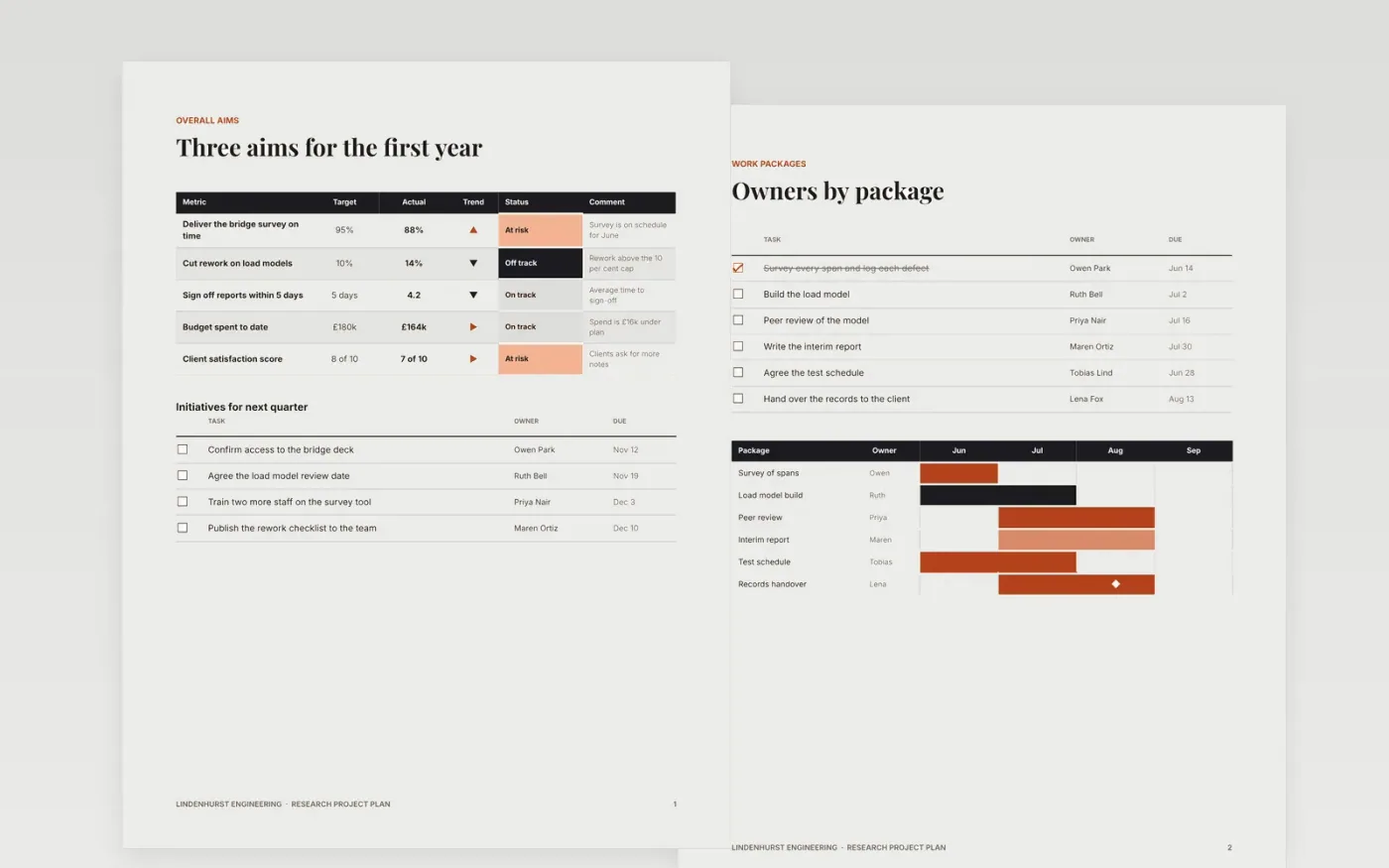
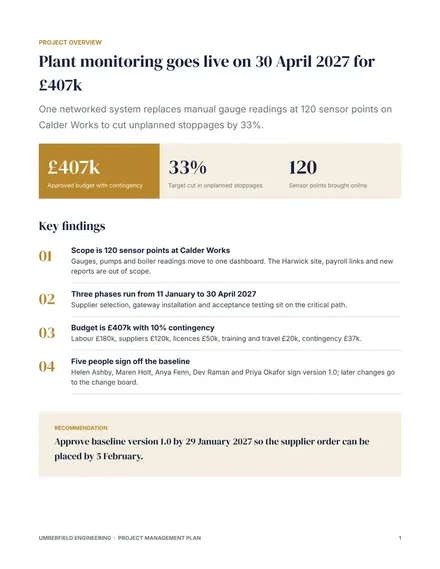
Funded studies drift when the plan lists tasks without owners, dates or a baseline. This Google Docs template gives a team one agreed document covering the aims, the work packages, the deliverables, the data plan and the timeline. Its seven pages hold the scorecard, the owner list, the scope boundaries, the data plan, the gantt and the gates, so a new joiner can see what is expected this week.
The sample is a fictional bridge survey run by Lindenhurst Engineering over sixteen weeks, with three aims, five gates and a team of six. The names, owners, dates and figures are invented. Replace the aims, packages and milestone dates with your own, mark the two milestones on the critical path, and get the sponsor to approve the baseline in writing.
Click Make a copy in Google Docs, then confirm on the Google page. The copy is saved to your own Google Drive.
Replace Lindenhurst Engineering and the sample names with your own organisation and team.
Enter your aims, work packages and milestone dates, and give each package one owner.
Mark the critical path milestones and get the sponsor to approve the baseline in writing.
Delete the guide page, then share the plan with the team or present it from Google Docs.
Yes, for a funded study of a few months. For a larger programme, keep the same sections and add detail where your sponsor or funder asks for it, such as quality or communications.
Yes. Lindenhurst Engineering, the team members, the owners, the dates and the figures are all fictional sample content so you can see what a complete plan looks like.
A baseline is the approved version of the plan. Progress is measured against it, so any change in scope, dates or budget is visible and can be approved rather than quietly absorbed.
Docs + Word9 pages
Free
Docs + Word8 pages
Free
Docs + Word10 pages
Free
Docs + Word8 pages
Free
Slides + PowerPoint11 slides
Free
Docs + Word8 pages
Free
Docs + Word8 pages
Free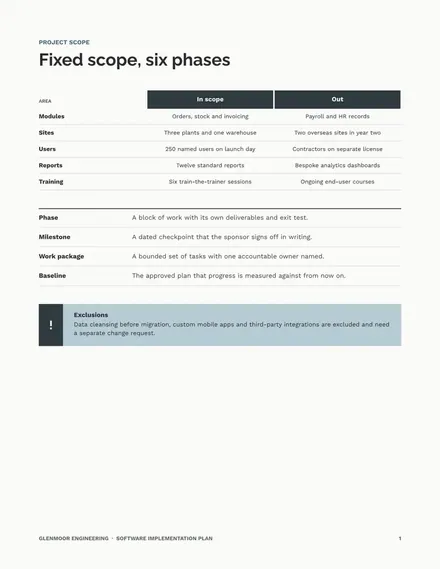
Docs + Word9 pages
Free
Slides + PowerPoint11 slides
Free
Docs + Word10 pages
Free
Slides + PowerPoint10 slides
Free
Slides + PowerPoint11 slides
Free










