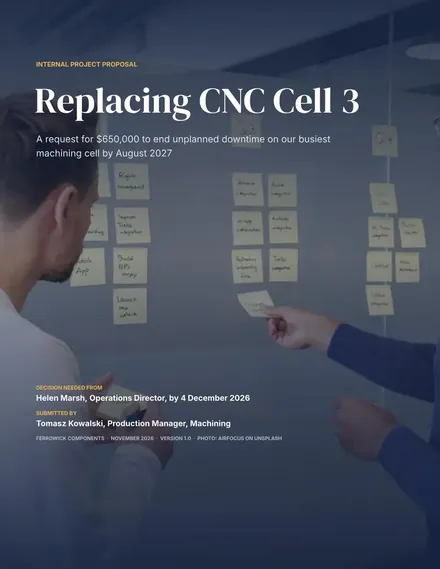
Internal Project Proposal
Docs + Word9 pages
Free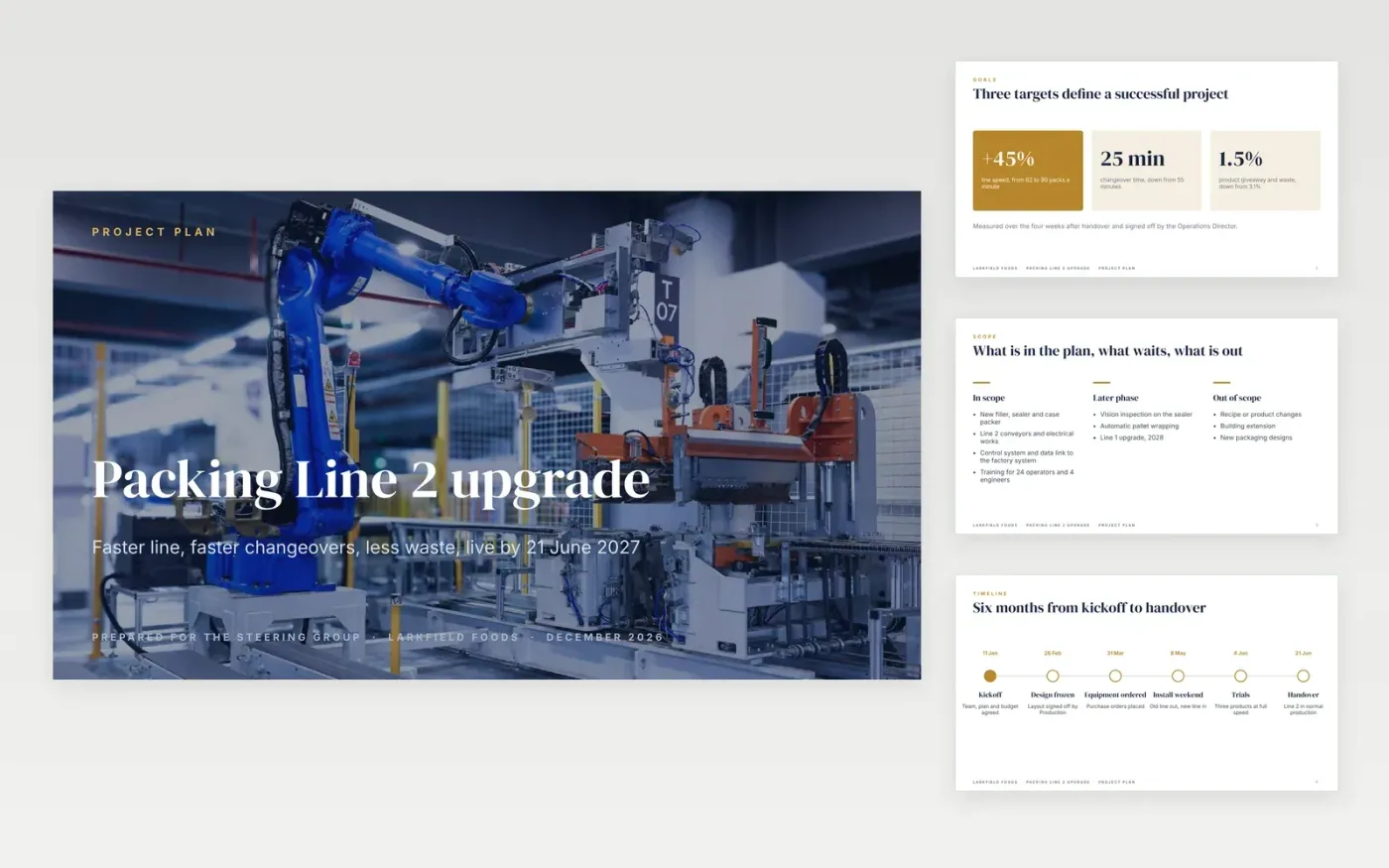
A project plan presentation has to answer five questions fast: what will we deliver, by when, who is accountable, what will it cost and what could go wrong. This deck gives each question its own slide, in that order, so a sponsor can approve and a team can start.
It comes filled in with a worked example, a packing line upgrade at a fictional food manufacturer, with a milestone timeline, a RACI grid and a risk heat map. Replace the sample content slide by slide, then delete the guide slide.
Click Make a copy in Google Slides, then confirm on the Google page. The copy is saved to your own Google Drive.
Change the project name, audience and date on the title slide, then replace the three goals with your own targets.
Update the timeline dates, the RACI grid, the budget table and the heat map scores.
Replace the photo with your own: click it, then Replace image.
Delete the guide slide, then present or share with File → Download → PDF.
The heat map is a picture so it looks the same everywhere. Rebuild yours in Google Sheets with Insert → Chart, or recolour a table, and replace the image. The scores and risk descriptions in the side panel are normal text.
This deck has eleven, with seven for the plan itself. For a small team, delete the scope and next steps slides and keep goals, timeline, RACI, budget and risks.
Homa Appliances on Unsplash, used under the Unsplash License and credited in the deck.
More Google Slides templatesMore project management templates
Docs + Word9 pages
Free
Docs + Word5 pages
Free
Slides + PowerPoint11 slides
Free
Docs + Word9 pages
Free
Slides + PowerPoint10 slides
Free
Docs + Word8 pages
Free
Docs + Word7 pages
Free









