
Project Plan Presentation
Slides + PowerPoint11 slides
Free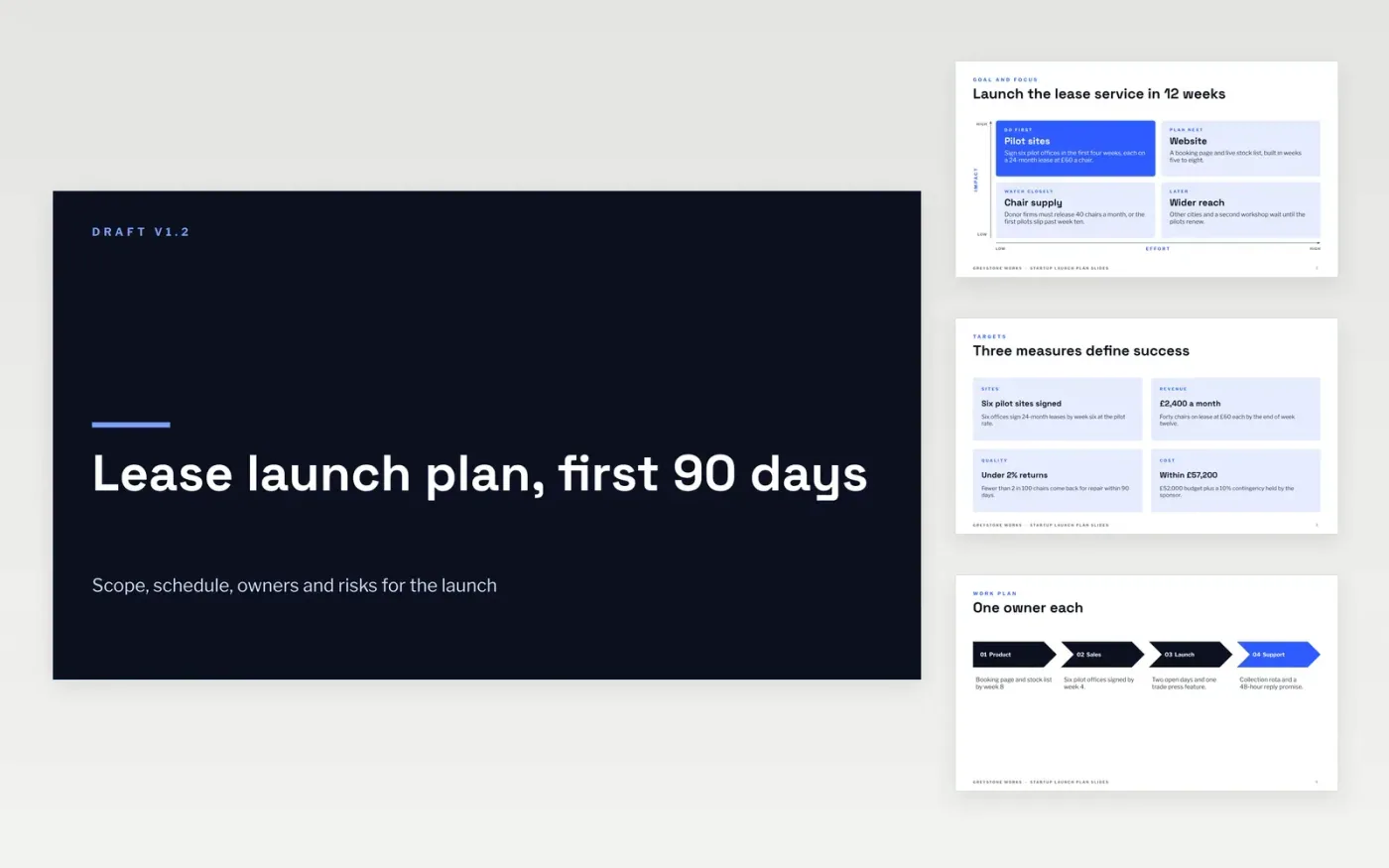
A launch usually goes wrong through vague ownership rather than bad ideas: tasks with no owner, dates set from a wish, and scope that grows without anyone agreeing to it. This Google Slides template gives a launch plan a fixed shape across eleven slides: the goal and what to focus on, the workstreams, a timeline and roadmap, the owners, and the risk log. Each slide answers a question a sponsor or team member will ask, so the plan can be held to its baseline from the first week.
The sample follows Greystone Works, a fictional business launching a chair leasing service in twelve weeks with six pilot offices, a £52,000 budget and a 10% contingency. Replace the goal, dates and owners with your own, then write the scope as numbered deliverables with at least three exclusions. Keep the risk log current each week, because the plan is only useful while it still matches what the team is doing.
Click Make a copy in Google Slides, then confirm on the Google page. The copy is saved to your own Google Drive.
Fill in the cover with your project name, manager, sponsor and version number.
Rewrite the goal, scope and milestones with your own dates, owners and exclusions.
Assign each workstream one accountable owner, then update the risk log every week.
Delete the guide slide, then share the plan with the sponsor or present it to the team.
No. Greystone Works, its people, the six pilot offices, the budget and every date are fictional sample data. Replace them with your own project facts before you circulate the plan or ask anyone to approve it.
A baseline is the first agreed version of scope, dates and budget, and later progress is measured against it. Save the signed version and date each change rather than overwriting the original, so every shift stays visible.
It can be trimmed. Delete the sections your project does not need, but keep the risks and approvals, because even a small launch needs one owner per workstream and a named sign-off.
More Google Slides templatesMore project management templates
Slides + PowerPoint11 slides
Free
Slides + PowerPoint10 slides
Free
Slides + PowerPoint11 slides
Free
Docs + Word8 pages
Free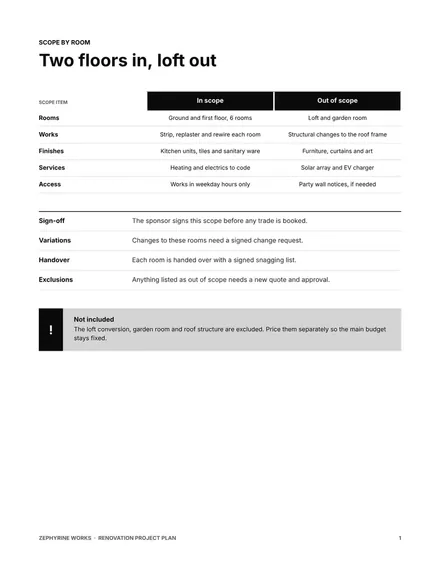
Docs + Word8 pages
Free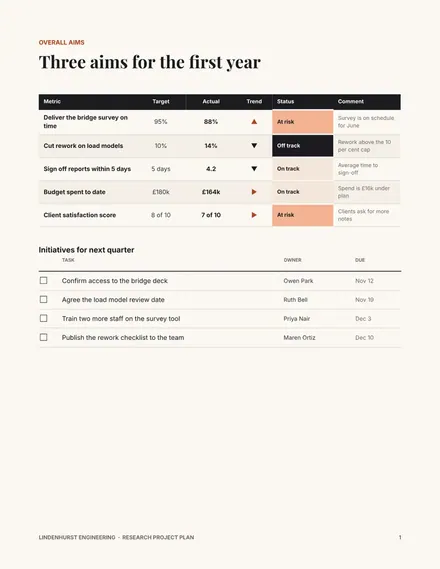
Docs + Word7 pages
Free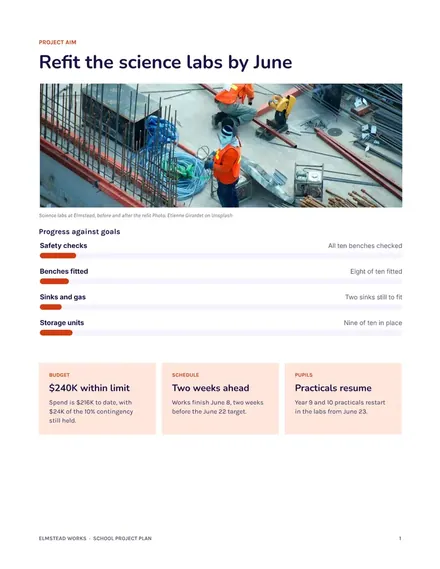
Docs + Word8 pages
Free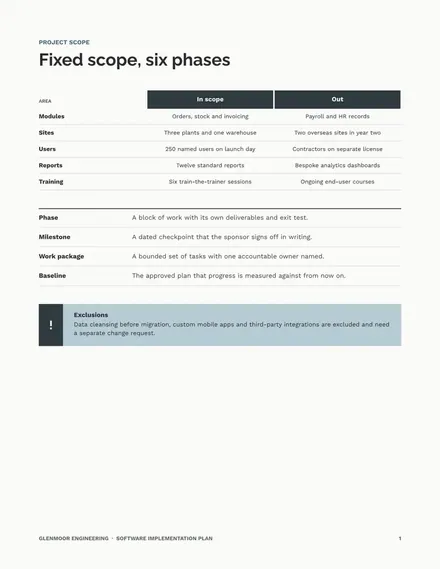
Docs + Word9 pages
Free
Docs + Word10 pages
Free
Docs + Word9 pages
Free
Docs + Word8 pages
Free
Docs + Word10 pages
Free










