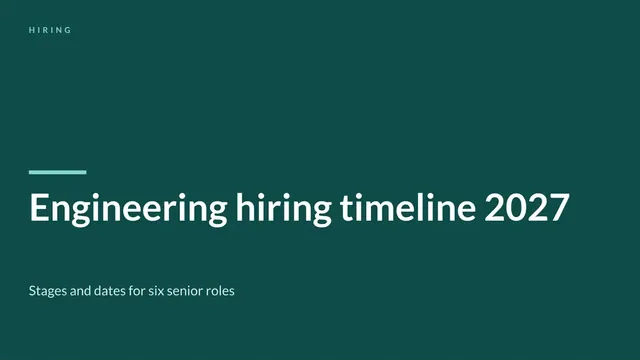
Hiring Timeline Slide
Slides + PowerPoint11 slides
Free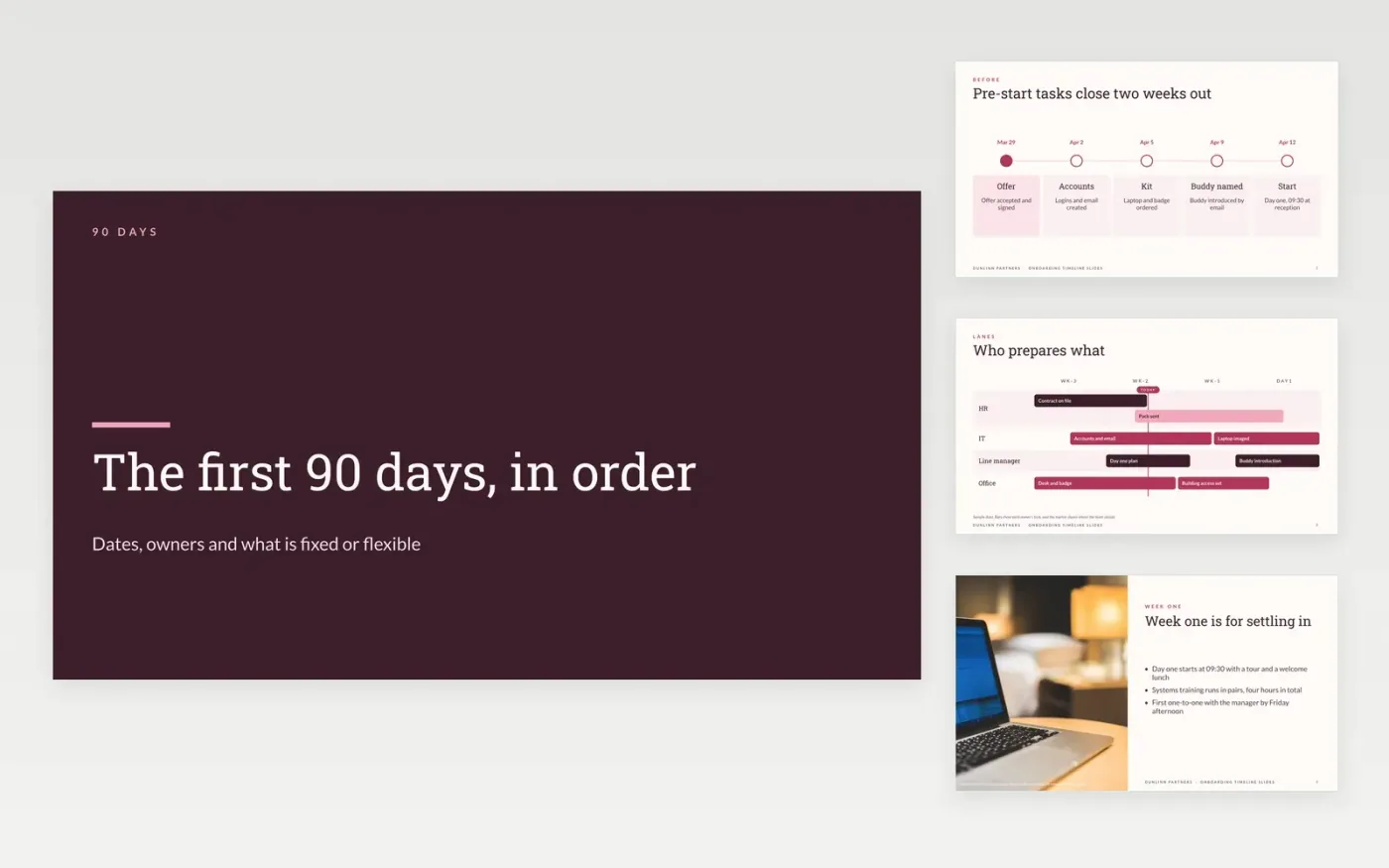
A new starter's first ninety days involve HR, IT, the manager and the buddy, and dates that look fine on paper can slip without anyone noticing. This deck turns those dates into a visual timeline in four stages: before day one, week one, month one and day 90. Each stage shows a swimlane of owners, so a dependency that slips is visible at a glance.
The sample follows Dunlinn Partners, a fictional professional services firm with a start date of 12 April 2027. It marks which dates are fixed, such as the start and the day 90 review, and which are flexible. Replace the start date, phases, owners and dates with your own, and add a note of the assumptions behind them.
Click Make a copy in Google Slides, then confirm on the Google page. The copy is saved to your own Google Drive.
Set the start date and the axis of the timeline to match your own first 90 days, then relabel the phase bands.
Replace each date and owner, and mark the fixed ones in a different colour from the flexible ones.
Add a note under the chart that lists the assumptions your dates depend on, such as equipment lead times.
Delete the guide slide, then share the deck with the starter and manager or present it at the kick-off.
No. Dunlinn Partners, its people, the start date, email addresses and every task are fictional. They show how a finished timeline reads with owners and fixed dates.
A fixed date, such as a probation review or a contract start, cannot move without a decision. Marking it stops a flexible task from quietly pushing it back, and shows everyone which dates carry risk.
Yes. The same layout works for a product launch or a project plan. Keep to six to twelve milestones, flag the critical path, and move any detailed tasks to an appendix.
More Google Slides templatesMore project management templates
Slides + PowerPoint11 slides
Free
Slides + PowerPoint10 slides
Free
Slides + PowerPoint10 slides
Free
Slides + PowerPoint11 slides
Free
Docs + Word6 pages
Free
Slides + PowerPoint11 slides
Free
Slides + PowerPoint11 slides
Free
Docs + Word6 pages
Free
Slides + PowerPoint10 slides
Free
Slides + PowerPoint11 slides
Free
Slides + PowerPoint12 slides
Free
Slides + PowerPoint12 slides
Free










