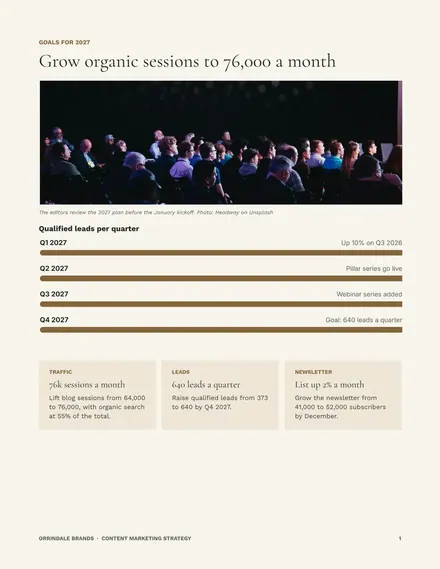
Content Marketing Strategy
Docs + Word9 pages
Free
Editorial effort drifts when nobody has agreed what the team publishes, for whom and how success is judged. This deck gives a content manager a short storyline to take to leadership: what the audit found, what readers ask, which pillars to run, which formats the team can afford, who owns the calendar and which measures count.
The sample follows Gorsefield Creative, a fictional design studio with a four-person content team and 64k blog sessions a month. It shows a 320-page audit, three pillars, a weekly cadence and a six-row scorecard. Replace the pillars, audience questions and cadence with your own, then keep only the measures tied to a business goal.
Click Make a copy in Google Slides, then confirm on the Google page. The copy is saved to your own Google Drive.
Write your own three to five pillars and delete any the team could not sustain for twelve months.
Replace the audience questions with real queries from Search Console and sales calls.
Set the cadence to your actual headcount, fill the first quarter of the calendar and name an owner for each item.
Delete the guide slide, then share the deck or present it.
No. Gorsefield Creative, its team and every figure in the deck are fictional sample data. Replace them with your own audit and analytics numbers.
Set the rule before you audit. The sample keeps 15% of pages, updates 40%, merges 20% and removes 25%. Use your own thresholds for traffic, leads and relevance.
Keep two or three that sit on a business goal, such as leads, signups and read depth. Drop vanity metrics like raw pageviews unless they explain a result.
Docs + Word9 pages
Free
Slides + PowerPoint18 slides
Free
Docs + Word6 pages
Free
Google Sheets
Free
Docs + Word6 pages
Free
Slides + PowerPoint12 slides
Free
Docs + Word8 pages
Free
Docs + Word2 pages
Free









