
Content Calendar
Google Sheets
Free7 templates
Google Sheets
Free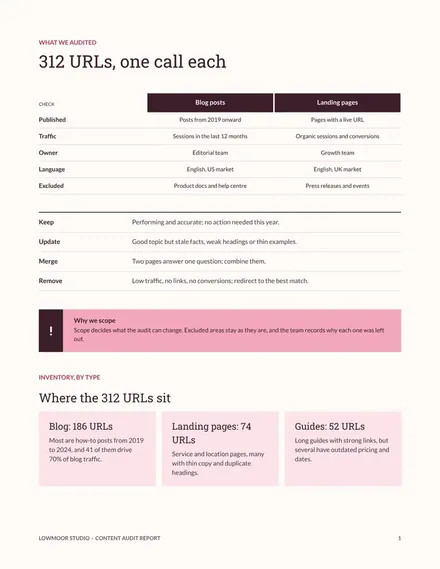
Docs + Word6 pages
Free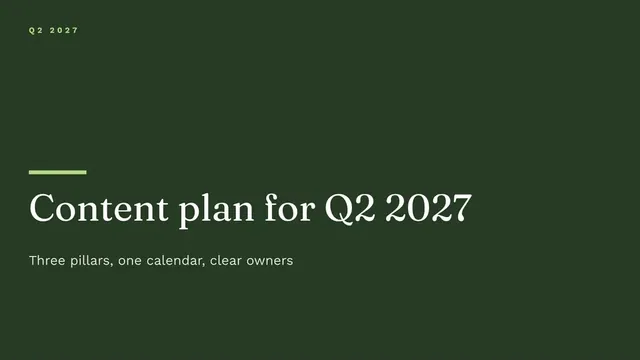
Slides + PowerPoint12 slides
Free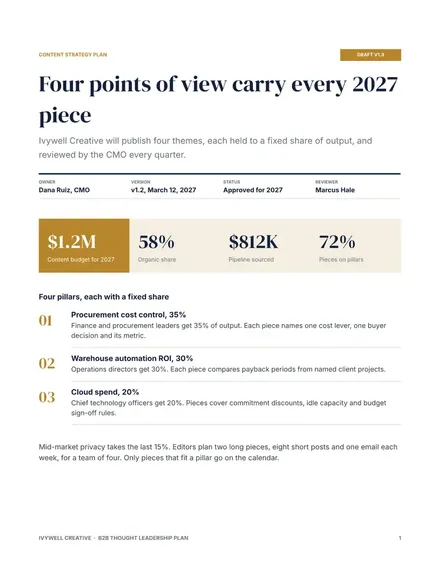
Docs + Word8 pages
Free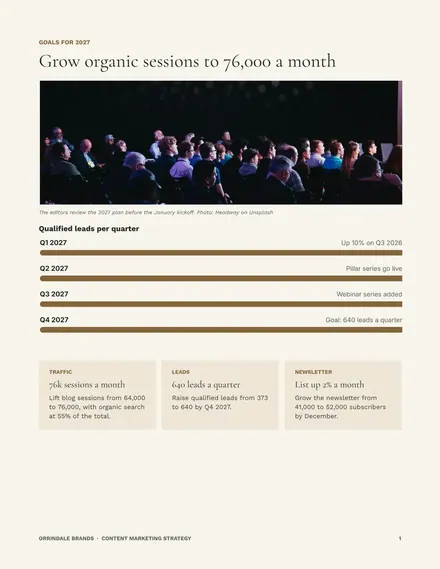
Docs + Word9 pages
Free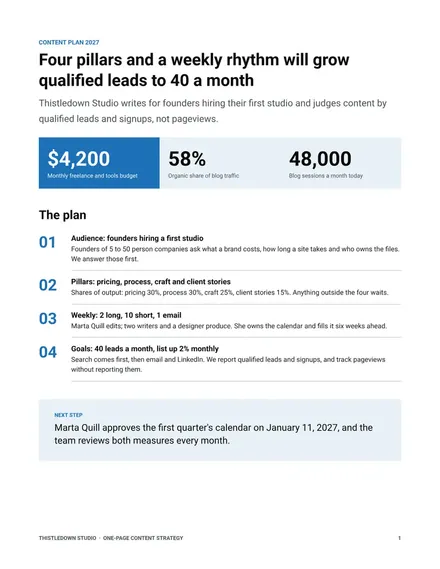
Docs + Word2 pages
Free
Slides + PowerPoint12 slides
Free| Content Calendar | 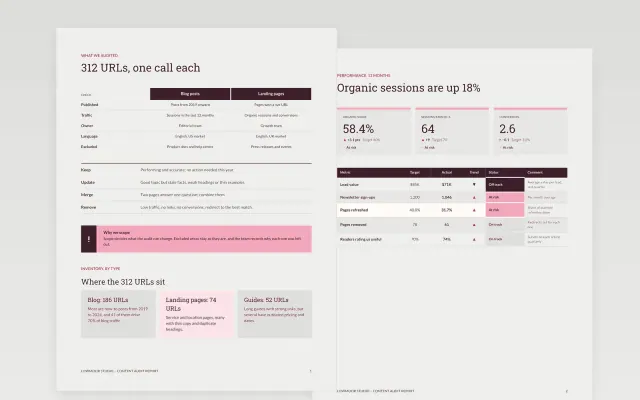 Content Audit Report | 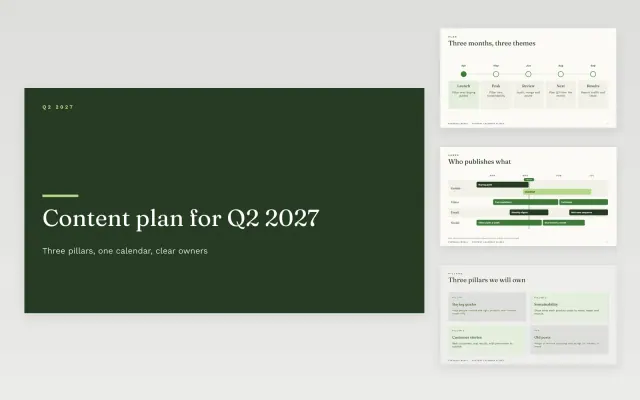 Content Calendar Slides | 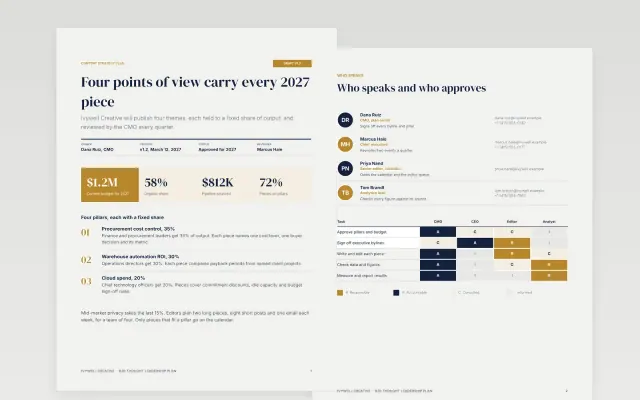 B2B Thought Leadership Plan | |
|---|---|---|---|---|
| Format | Spreadsheet | Document | Presentation | Document |
| Works in | Google Sheets | Google Docs and Word | Google Slides and PowerPoint | Google Docs and Word |
| Length | Not listed | 6 pages | 12 slides | 8 pages |
| Style | Not listed | Editorial | Friendly | Corporate |
A content strategy explains what you will publish, who it is for and why. It keeps a team producing work that supports the same goals.
Cover goals, audiences, key topics, formats and channels, editorial calendar, roles and workflow, and measures of success.
Choose a few topics you can own instead of covering everything thinly.
Compare Content Calendar, Content Audit Report, and Content Calendar Slides, all 2 to 12 pages long, then pick the closest match and replace the sample text with your own.
A content strategy explains what you will publish, who it is for and why. It keeps a team producing work that supports the same goals.
Include goals, audiences, key topics, formats and channels, editorial calendar, roles and workflow, and measures of success. Choose a few topics you can own instead of covering everything thinly.
Start with Content Calendar: Plan what gets published, where and by whom, in one sortable sheet. If that is not the right fit, compare it with Content Audit Report.
The templates here are 2 to 12 pages long. Cut any section you do not need; each template explains what its sections are for.
Yes. These content strategy templates work in Google Sheets, Google Docs, Microsoft Word, Google Slides, and Microsoft PowerPoint. All 7 templates are free, with no account or email needed.