
Book Manuscript
Docs + Word3 pages
Free3 templates
Docs + Word3 pages
Free
Docs + Word4 pages
Free
Docs + Word3 pages
Free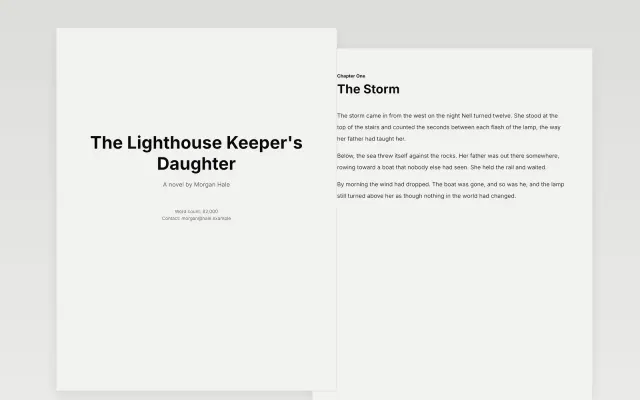 Book Manuscript | 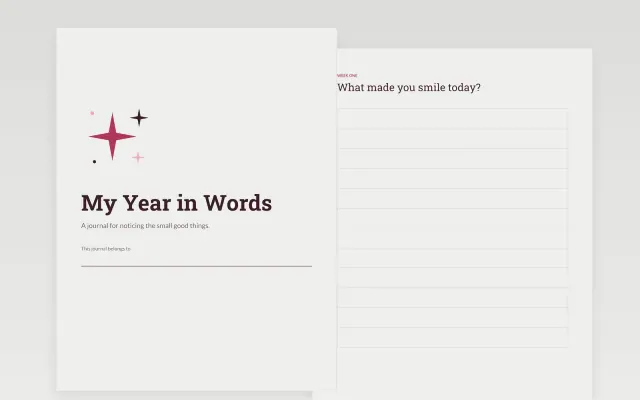 Journal Book | 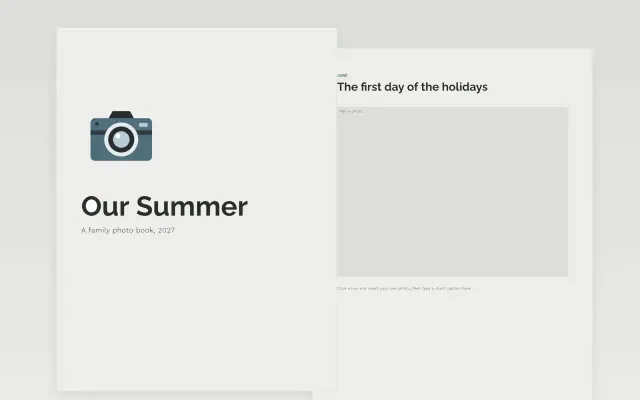 Photo Book | |
|---|---|---|---|
| Format | Document | Document | Document |
| Works in | Google Docs and Word | Google Docs and Word | Google Docs and Word |
| Length | 3 pages | 4 pages | 3 pages |
| Style | Minimal | Editorial | Minimal |
Book templates set up pages for long writing and keepsakes. You will find a book manuscript, a journal and a photo book.
Cover a title page, chapter headings and page numbers, body text styles set for easy reading, dated journal entry pages, photo frames with caption space, and a table of contents.
Set your heading and body styles before you write much. Changing styles later is quick, but retyping formatting by hand is not.
Compare Book Manuscript, Journal Book, and Photo Book, all 3 to 4 pages long, then pick the closest match and replace the sample text with your own.
Book templates set up pages for long writing and keepsakes. You will find a book manuscript, a journal and a photo book.
Include a title page, chapter headings and page numbers, body text styles set for easy reading, dated journal entry pages, photo frames with caption space, and a table of contents. Set your heading and body styles before you write much. Changing styles later is quick, but retyping formatting by hand is not.
Open a template and choose Make a copy. Use the heading styles for chapter titles and the normal text style for the body. The template already sets margins, spacing and page numbers.
A good journal page has a date and plenty of open space for writing. Some also add a small prompt or a mood line. Pick the one that suits how you like to write.
Insert your photos into the frames and add a short caption under each. Group pictures by event or season. Export a PDF when you are done so you can print it or share it.
Yes. Download the book as a PDF and print it at home or at a print shop. Check margins first if you plan to bind the pages.
Start with Book Manuscript: A clean title page and chapter format for writing your novel. If that is not the right fit, compare it with Journal Book.
The templates here are 3 to 4 pages long. Cut any section you do not need; each template explains what its sections are for.
Yes. These book templates work in Google Docs and Microsoft Word. All 3 templates are free, with no account or email needed.