
Content Calendar Planner
Sheets + Excel4 slides
Free2 templates
Sheets + Excel4 slides
Free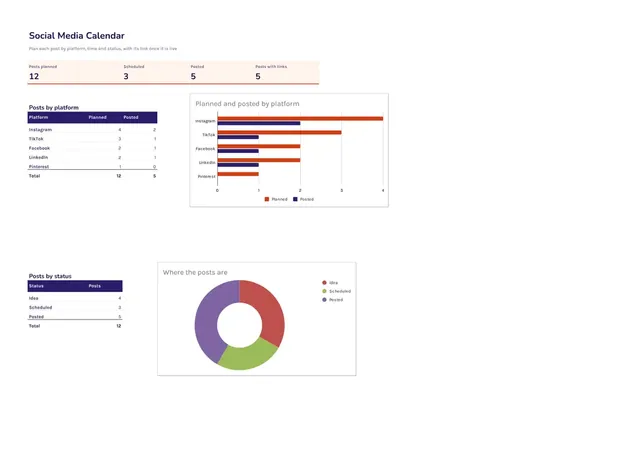
Sheets + Excel4 slides
Free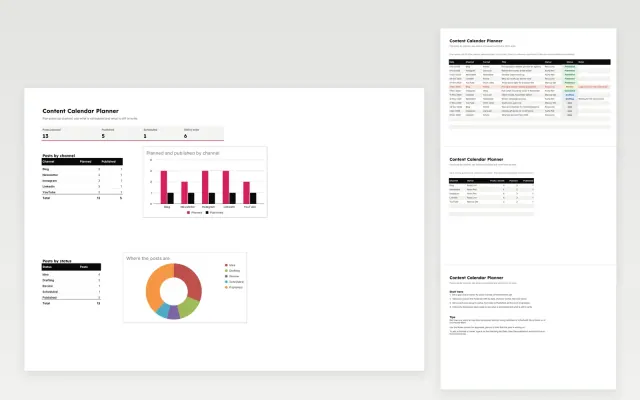 Content Calendar Planner | 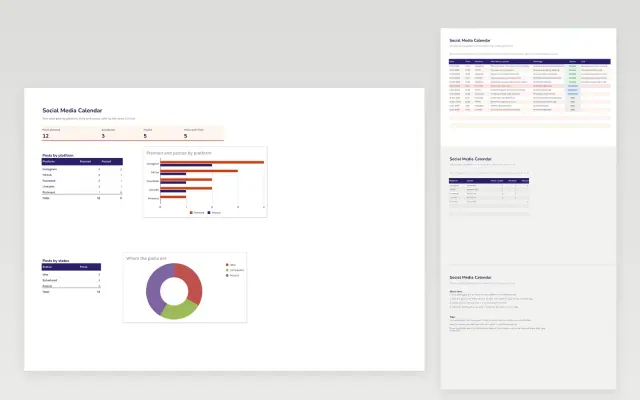 Social Media Calendar | |
|---|---|---|
| Format | Spreadsheet | Spreadsheet |
| Works in | Google Sheets and Excel | Google Sheets and Excel |
| Length | 4 slides | 4 slides |
| Style | Bold | Bold |
A content calendar plans what you will publish and when, across blogs, newsletters and social media. It keeps a team on schedule and makes sure posts support the same campaigns.
Cover publishing dates, topic or title, channel, format, owner, status, and campaign or theme.
Plan around the dates your audience cares about, and leave a few open slots for posts that need to react to news.
Compare Content Calendar Planner and Social Media Calendar, all 4 pages long, then pick the closest match and replace the sample text with your own.
A content calendar plans what you will publish and when, across blogs, newsletters and social media. It keeps a team on schedule and makes sure posts support the same campaigns.
Include publishing dates, topic or title, channel, format, owner, status, and campaign or theme. Plan around the dates your audience cares about, and leave a few open slots for posts that need to react to news.
Plan the next one to three months in detail, with broad themes for the rest of the year. Keep some slots open so you can respond to events.
Choose a few themes, decide how often to post on each platform, then schedule each post with its copy, image and link. Review results monthly and adjust.
Include the publish date, topic, channel, owner and status for each piece. Add links to drafts and assets so the team can find them quickly.
Start with Content Calendar Planner: Plan posts by channel and owner, then track each one from idea to published. If that is not the right fit, compare it with Social Media Calendar.
The templates here are 4 pages long. Cut any section you do not need; each template explains what its sections are for.
Yes. These content calendar templates work in Google Sheets and Microsoft Excel. All 2 templates are free, with no account or email needed.