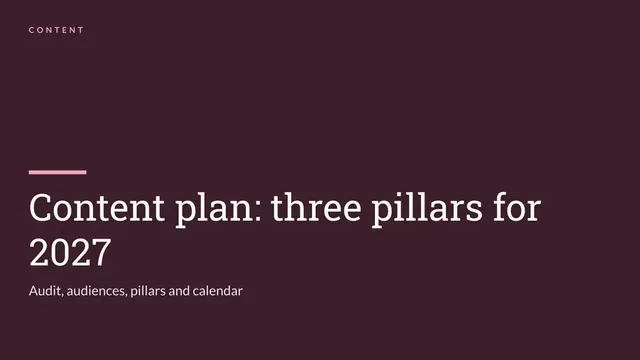
Content Strategy Deck
Slides + PowerPoint12 slides
Free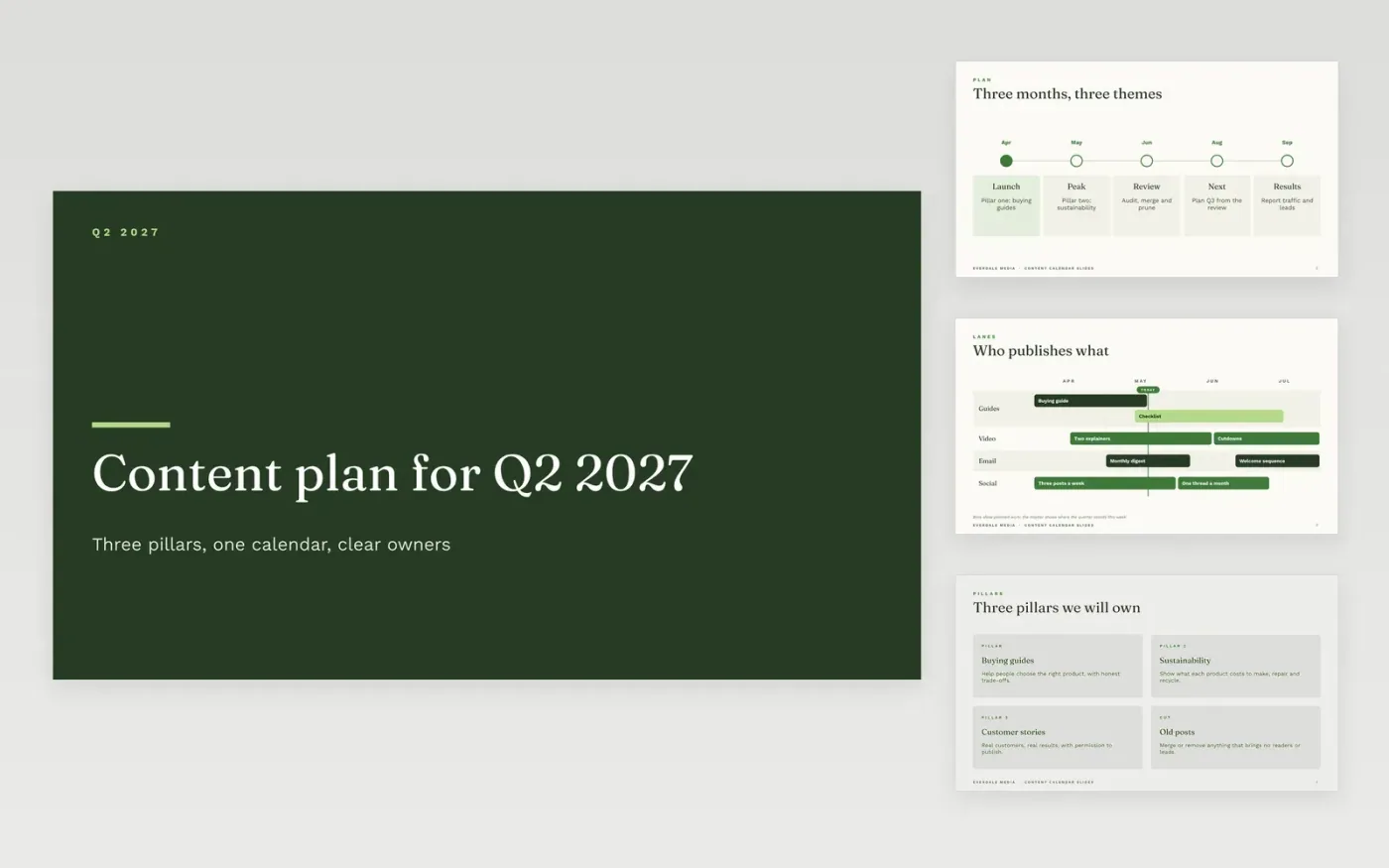
Editorial plans fail when each post is decided on its own, and the calendar drifts into whatever the loudest voice wants that week. This editorial calendar template plans a quarter in themes and cadence: three pillars, a month-by-month view, a clear owner for each stage, and the key dates that lock the work. It gives leadership a plan to approve and writers a frame to work in.
The sample is for Everdale Media, a fictional media company, planning the second quarter of 2027 with three content pillars, a weekly cadence for a six-person team and a content audit that prunes old posts. Replace the pillars, audience questions, owners and dates with your own, and keep only the measures that tie to a business goal. Remove any format the team cannot produce every month.
Click Make a copy in Google Slides, then confirm on the Google page. The copy is saved to your own Google Drive.
Replace the pillars, audience questions and owners with your own, then set the cadence.
Fill the first quarter of the calendar, and check each date with the people named.
Keep only the measures tied to a business goal, and remove any vanity metrics.
Delete the guide slide, then share the deck with the team or present it from Google Slides.
No. Everdale Media, its people, the pillars, audience questions, traffic figures and key dates are fictional sample data. Replace them with your own research and calendar before you ask leadership to approve the plan.
Three to five, each broad enough to hold a year of ideas and narrow enough to exclude things. Pillars such as innovation or culture fit everything, so they guide nothing about what to leave out.
Audit it against traffic, leads and accuracy, then keep, update, merge or remove each URL by a clear rule. Removing weak pages often lifts the rest, so set the rule before anyone defends a favorite.
Slides + PowerPoint12 slides
Free
Docs + Word6 pages
Free
Google Sheets
Free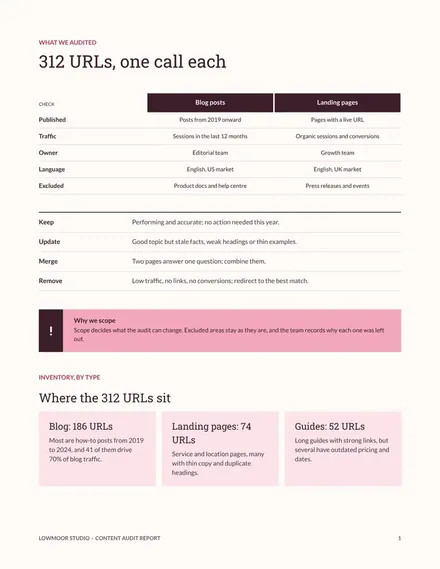
Docs + Word6 pages
Free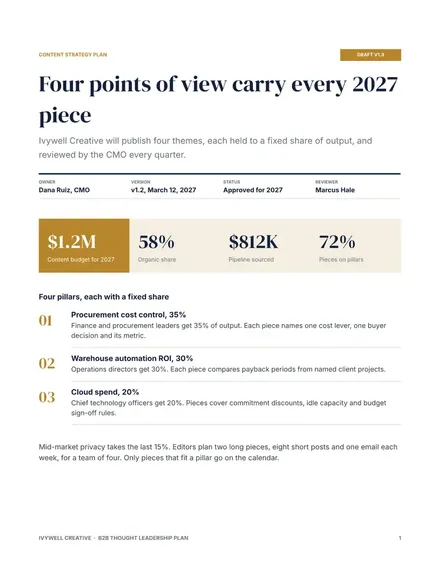
Docs + Word8 pages
Free
Docs + Word9 pages
Free
Docs + Word2 pages
Free









