
Comic Book Cover
Docs + Word1 page
Free3 templates
Docs + Word1 page
Free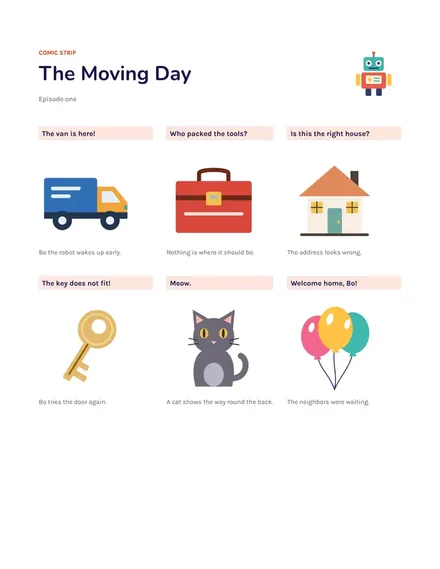
Docs + Word1 page
Free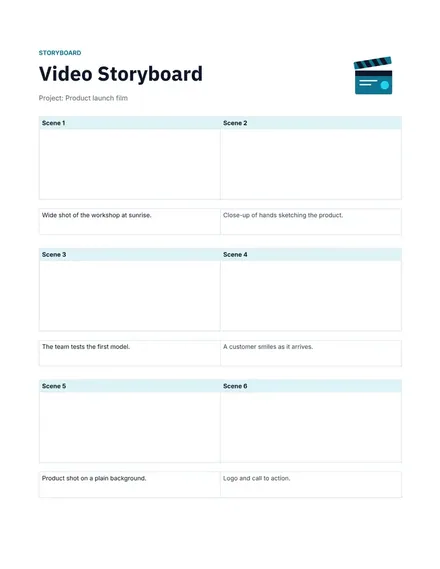
Docs + Word1 page
Free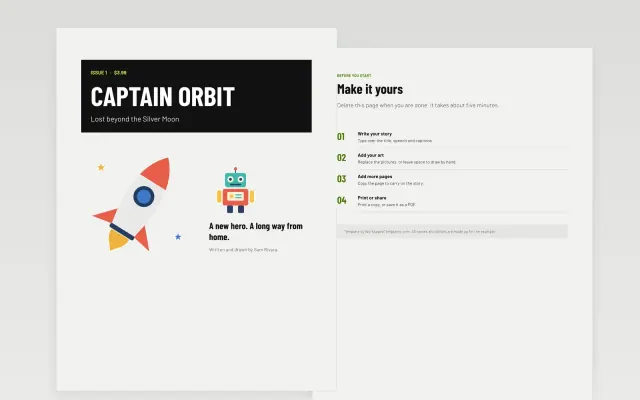 Comic Book Cover | 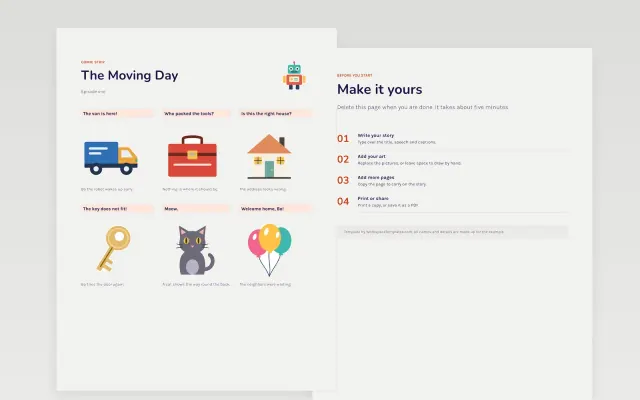 Comic Strip | 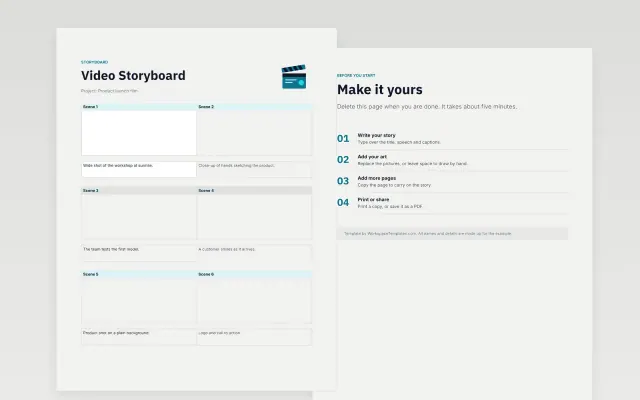 Storyboard | |
|---|---|---|---|
| Format | Document | Document | Document |
| Works in | Google Docs and Word | Google Docs and Word | Google Docs and Word |
| Length | 1 page | 1 page | 1 page |
| Style | Bold | Bold | Modern |
Comic templates give you a layout to tell a story in panels. You will find a comic strip, a storyboard and a comic book cover.
Cover panel grids in several layouts, space for captions and speech, a title and credits area, scene and shot notes for storyboards, cover art space with a title block, and a notes area.
Sketch the story in rough thumbnails before you fill in final panels. Keep one idea per panel so each one reads at a glance.
Compare Comic Book Cover, Comic Strip, and Storyboard, all 1 page long, then pick the closest match and replace the sample text with your own.
Comic templates give you a layout to tell a story in panels. You will find a comic strip, a storyboard and a comic book cover.
Include panel grids in several layouts, space for captions and speech, a title and credits area, scene and shot notes for storyboards, cover art space with a title block, and a notes area. Sketch the story in rough thumbnails before you fill in final panels. Keep one idea per panel so each one reads at a glance.
Open a template and choose Make a copy. Add your drawings or images to each panel and type the speech and captions in the text boxes. Resize panels as needed.
A storyboard lays out a story shot by shot before you make a video, animation or comic. Each frame has room for a sketch and notes about action, dialogue and timing.
Most strips use three to six panels. Fewer panels suit a quick joke, while more give room for a short scene.
Yes. Download the finished cover as a PDF and print it on thick paper. Check the page size first so the art is not cut off at the edges.
Start with Comic Book Cover: A bold cover page with a big title and a hero image. If that is not the right fit, compare it with Comic Strip.
The templates here are 1 page long. Cut any section you do not need; each template explains what its sections are for.
Yes. These comic templates work in Google Docs and Microsoft Word. All 3 templates are free, with no account or email needed.
Mostly education and research. The sample text in each one is written for a specific situation, so replace it with your own details.