
Market Research Presentation
Slides + PowerPoint18 slides
Free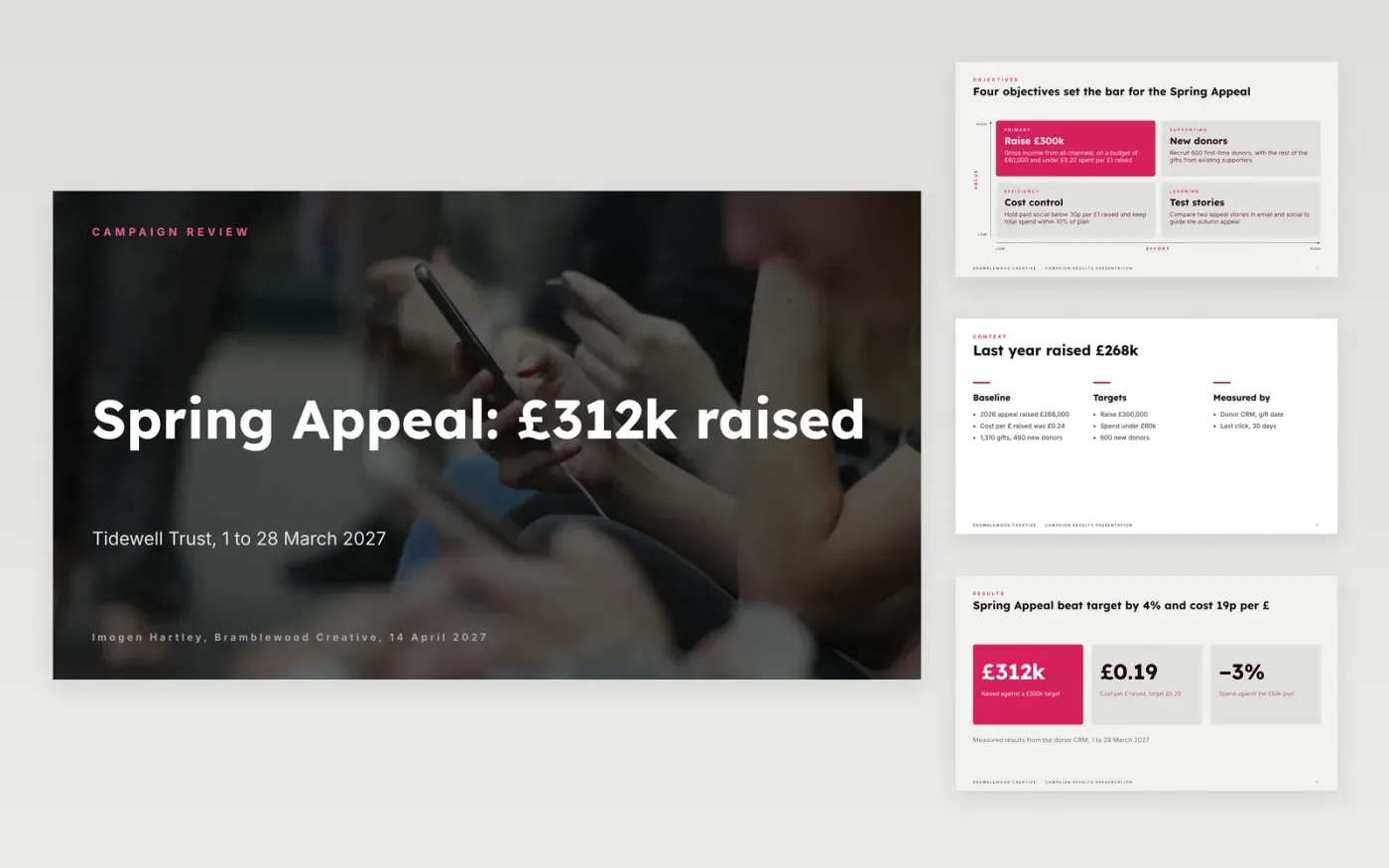
Campaign reviews tend to list reach and clicks and never say whether the objective was met. This deck puts the original objective and target first, then the headline results, the weekly pattern, the cost of each channel, what worked and what to change. Shortfalls sit next to the wins, and measured results are kept apart from estimates.
The sample reviews a four-week charity appeal run by Bramblewood Creative: £312,000 raised against a £300,000 target, on £58,000 of spend, or £0.19 per £1 raised. Every channel figure adds up to those totals. Replace the objective, results, costs, attribution note and the three decisions with your own.
Click Make a copy in Google Slides, then confirm on the Google page. The copy is saved to your own Google Drive.
Restate your campaign objective, target and baseline on the objectives slides, then enter your headline results.
Replace the chart values and channel cards with your platform and CRM exports, and add every cost including agency and production.
Write your attribution model and date range into the source lines, then turn the learnings into three decisions with owners.
Delete the guide slide, then share the link or present the deck.
The original objective and target, headline results, a channel breakdown, cost per result, an honest attribution note, what worked and what to change next time.
Add all costs first, including agency fees and production, then divide by the result. The sample reports £58,000 of spend against £312,000 raised, or £0.19 per £1.
No. Bramblewood Creative, Tidewell Trust, the people and every figure are fictional sample data. Replace them with your own campaign before presenting.
Slides + PowerPoint18 slides
Free
Docs + Word12 pages
Free
Docs + Word6 pages
Free
Docs + Word7 pages
Free
Sheets + Excel3 slides
Free
Docs + Word8 pages
Free
Slides + PowerPoint11 slides
Free









