Campaign Results Presentation
Slides + PowerPoint12 slides
Free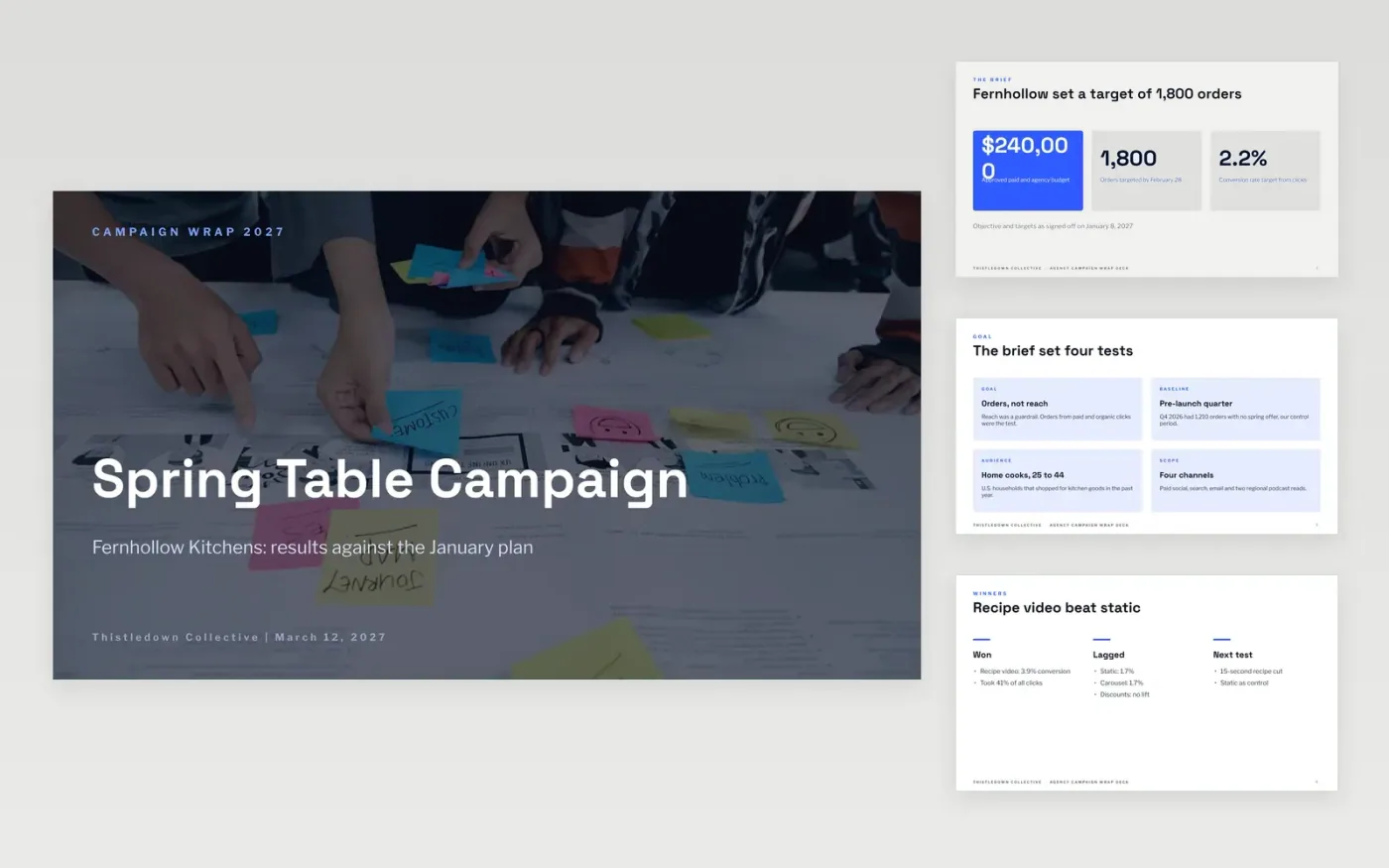
Campaign wrap reports often list reach and clicks but skip the business goal they were meant to hit, so leadership cannot judge the spend. This template sets out the campaign as a short story: the brief and its targets, the creative that ran, the results against plan, the highlights, and the recommendations for the next budget. Each slide has one point stated in its title, and the results slides separate measured numbers from estimates.
The sample is a fictional campaign for Fernhollow Kitchens, run by Thistledown Collective from January 11 to February 28, 2027. It shows $236,400 all-in spend against a $240,000 plan, 1,944 orders and a 3.4x return, with the repeat-buyer shortfall shown beside the wins. Replace the figures with your platform and CRM exports, add your own agency fees and production costs, and keep the attribution note honest about the model you used.
Click Make a copy in Google Slides, then confirm on the Google page. The copy is saved to your own Google Drive.
Restate the campaign objective and target on the brief slides before anything else.
Replace the funnel and channel figures with your platform and CRM exports, and note the date range.
Add agency fees and production costs to the spend, then recalculate cost per result and return.
Delete the guide slide, then share the deck or present it.
Yes. Make a copy in Google Slides and it is saved to your own Google Drive, with no sign-up on this page and no cost.
Yes. The charts are standard Google Slides charts, so you can edit the data, change the colors or remove a slide you do not need.
No. Thistledown Collective, Fernhollow Kitchens, every person and every figure in the sample are fictional. Replace them with your own before you share the deck.
Slides + PowerPoint12 slides
Free
Docs + Word6 pages
Free
Google Sheets
Free
Docs + Word7 pages
Free
Sheets + Excel3 slides
Free
Docs + Word8 pages
Free








