
Market Research Report
Docs + Word6 pages
Free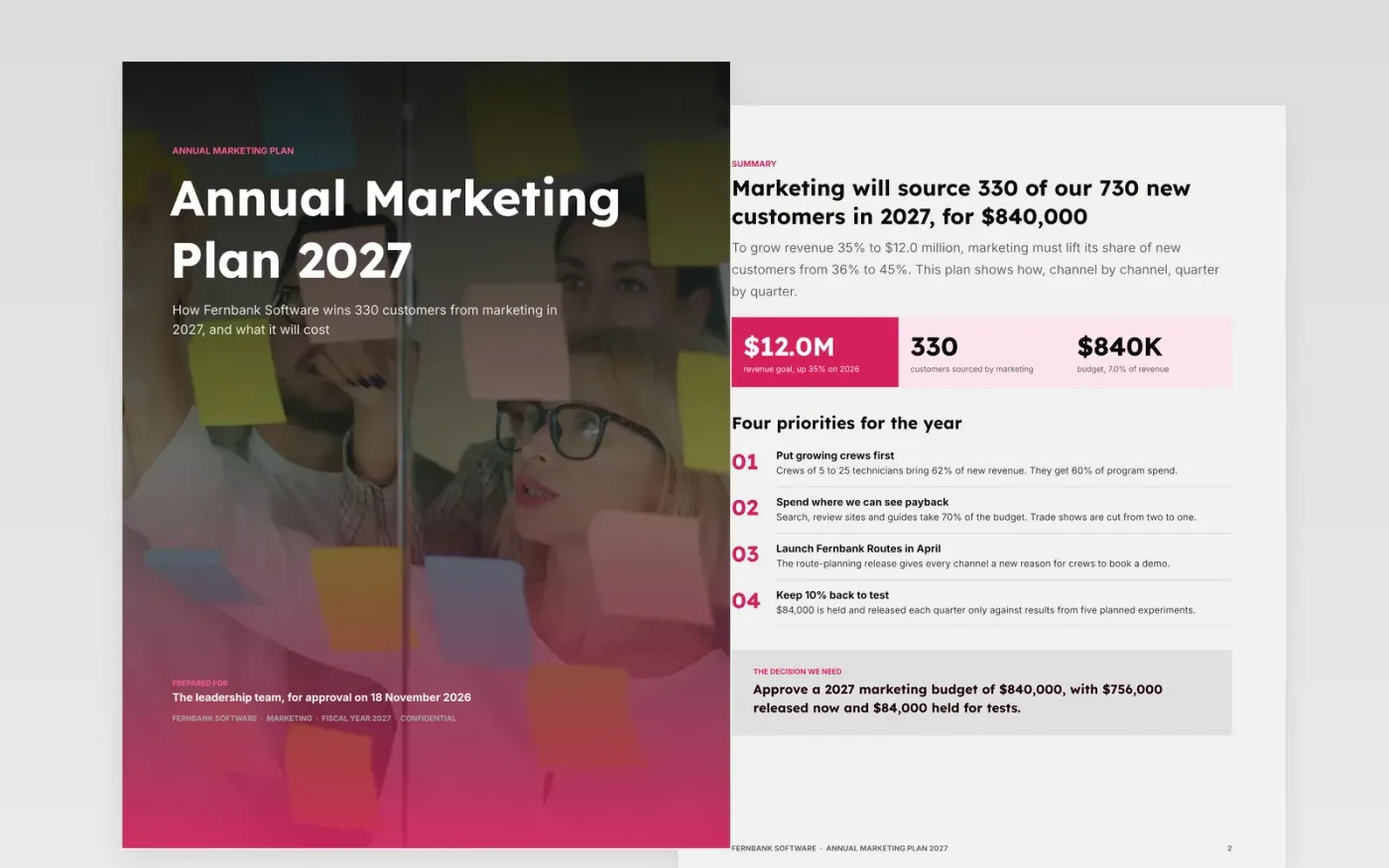
A marketing plan earns its place when the CEO and CFO can see how every dollar connects to a business target. This template is built around that question. It opens with the decision you need, shows last year's results beside next year's goals, and then walks through audiences, positioning, channels, calendar, budget and measures.
It comes complete with sample content for a fictional software company, Fernbank Software, so every page shows what a strong plan looks like: targets stated as outcomes rather than activity, a budget phased by quarter with money held back for tests, and quarterly targets that add up to the annual goal. Replace the figures with your own and delete what you do not need.
Click Make a copy in Google Docs, then confirm on the Google page. The copy is saved to your own Google Drive.
Replace the company name on the cover and the footer text on each page, then set your three business goals on the summary and goals pages.
Swap the audience table for your own segments, reset the channel budget lines so they total your approved budget, and keep about 10% unallocated for tests.
Move your launches and peak periods into the calendar, and enter last year's actual results as the baseline in the measures table.
Replace the sample charts with live ones using Insert, Chart, From Sheets, or click a chart and choose Replace image. Finish by deleting the last page and downloading a PDF.
A full plan for leadership usually runs eight to twelve pages. This template is twelve pages including the cover and the guide page. Delete the experiments page or the month calendar if you do not need them, and keep the summary, goals, channels, budget and measures.
The sample charts are images so they look the same in every account. Replace them with charts linked to Google Sheets (Insert, Chart, From Sheets) so they update with your data.
Yes. Keep the summary, audiences, channel plan, calendar and budget pages, and cut the rest. For a plan that fits on one page, see the related templates.
Vitaly Gariev and Sable Flow on Unsplash, used under the Unsplash License and credited in the document.
Docs + Word6 pages
Free
Google Sheets
Free
Docs + Word6 pages
Free
Slides + PowerPoint12 slides
Free
Docs + Word9 pages
Free
Docs + Word2 pages
Free
Slides + PowerPoint11 slides
Free








