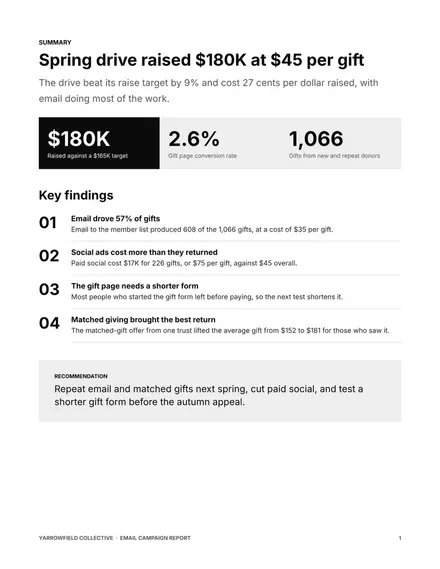
Email Campaign Report
Docs + Word8 pages
Free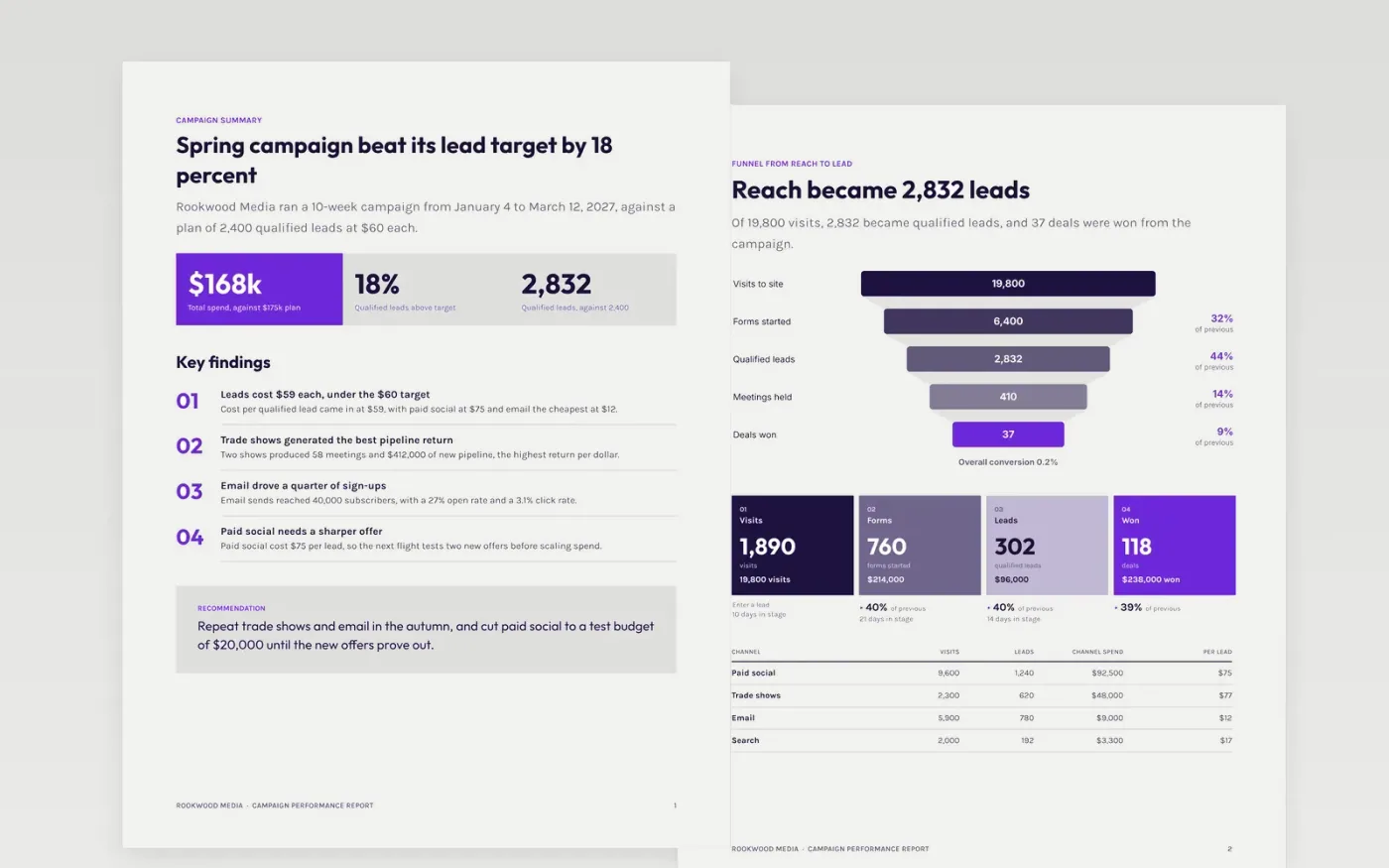
A campaign report earns its keep when it answers one question: did the work hit the objective, and at what cost. This seven-page report sets out the summary and key findings, the funnel from visit to deal, cost per result by channel, attribution notes and the learnings that shape the next budget. Each page starts with the answer, then the evidence, so directors can read the first page and finance can check the rest.
The sample is for Rookwood Media, which ran a ten-week campaign in early 2027 against a plan of 2,400 qualified leads. It shows 2,832 leads at $59 each, $168,000 of spend against a $175,000 plan, and the notes that qualify each result. Replace the objective, exports, costs and attribution model with your own, and label any estimate as an estimate before you circulate the report.
Click Make a copy in Google Docs, then confirm on the Google page. The copy is saved to your own Google Drive.
Replace the Rookwood Media name, the campaign dates and the objective on the first page with your own.
Paste your platform and CRM exports into the funnel and cost tables, then check every total.
Check the attribution note and the learnings against your data before you circulate the report.
Delete the guide page, then share the report with finance or present the highlights to leadership.
Yes. Click Make a copy in Google Docs and the file is saved to your own Google Drive, with no sign-up and no charge.
Yes. Swap the cost per result for cost per attendee or cost per pound raised, and keep the attribution note so readers can see how credit was given.
No. Rookwood Media, its people, the campaign results and every figure are fictional sample data. Replace them before you share the report.
Docs + Word8 pages
Free
Slides + PowerPoint12 slides
Free
Docs + Word6 pages
Free
Sheets + Excel3 slides
Free
Slides + PowerPoint11 slides
Free









