Campaign Performance Report
Docs + Word7 pages
Free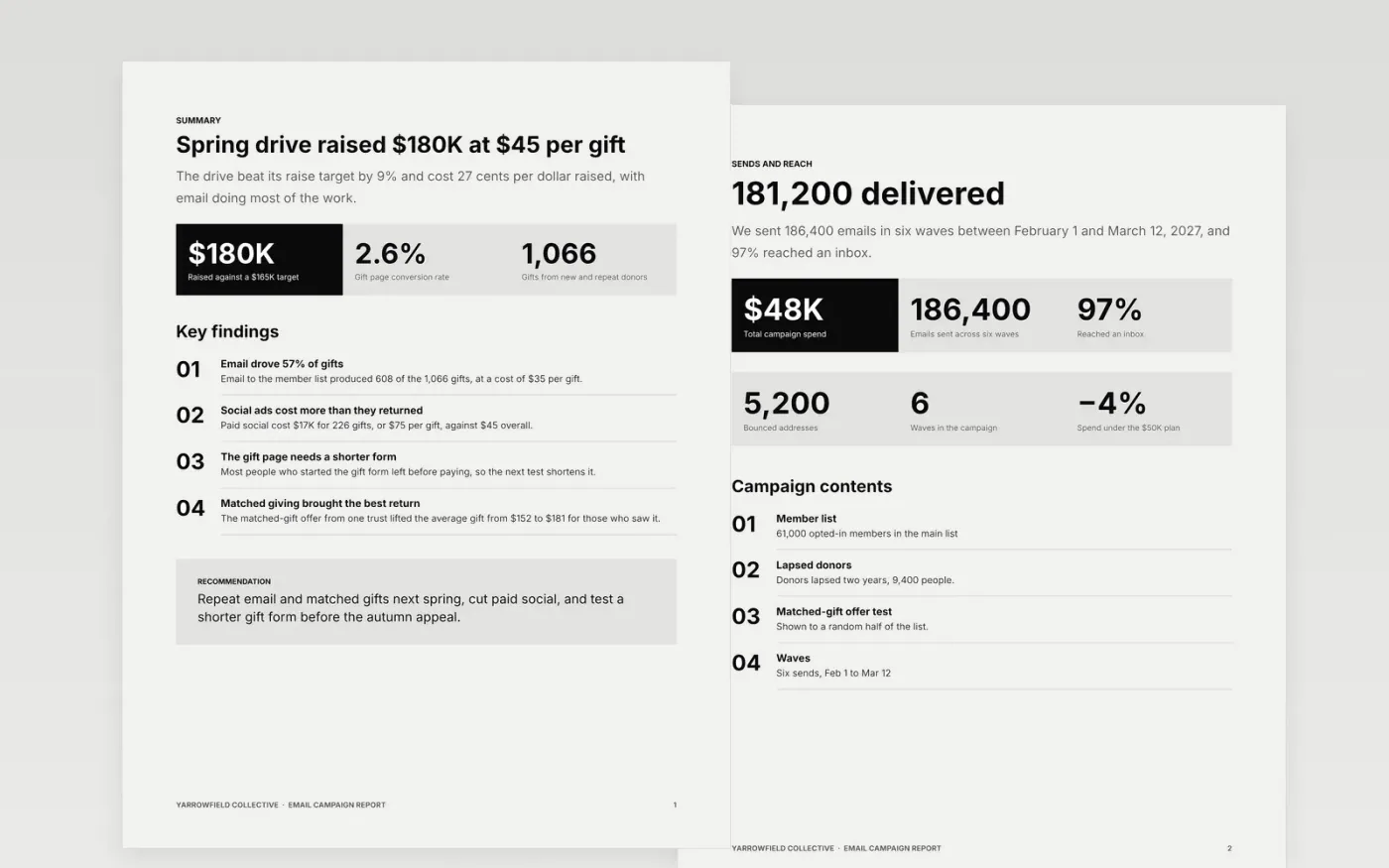
A campaign report is often a list of opens and clicks, which tells leadership little about whether the money worked. This template starts with the objective and the answer, then walks through sends, opens and clicks, conversions, tests and next steps. Each page separates measured results from estimates, so the return on the campaign can be argued from evidence.
The figures are sample data for Yarrowfield Collective, a fictional arts collective, running a spring member drive with email, paid social and events. Replace the objective, the exports and the costs with your own, and state your attribution model. Add agency and production costs before you calculate cost per result, because a return that leaves them out will not hold up.
Click Make a copy in Google Docs, then confirm on the Google page. The copy is saved to your own Google Drive.
Restate your objective and target on the summary, then replace the figures with your own exports.
Add every cost, including agency and production, before you calculate cost per result.
Name your attribution model in the method notes, and say which results are estimates.
Delete the guide page, then share the report with leadership or present it from Google Docs.
No. Yarrowfield Collective, its members, the spring drive, the gifts, the costs and every result are fictional sample data. Replace them with your own exports before you report to anyone.
Pick one that fits how donors and buyers really act, such as last click within 14 days, and apply it to every campaign. Say what it leaves out, and avoid mixing last-click and view-through figures in one total.
Report it with the same care as a win: state the control, the result, the difference and what you will do next. A test that failed is useful evidence, and readers trust a report that shows one.
Docs + Word7 pages
Free
Slides + PowerPoint11 slides
Free
Docs + Word6 pages
Free
Sheets + Excel3 slides
Free
Slides + PowerPoint12 slides
Free









