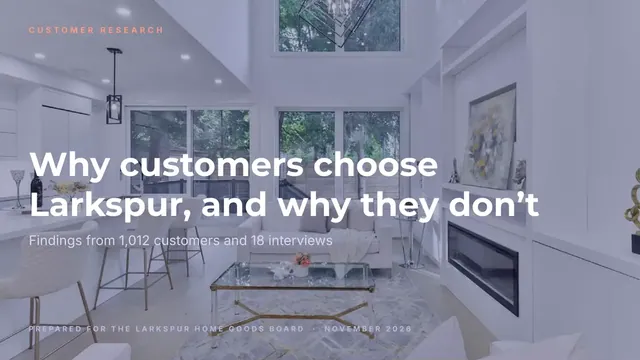
Market Research Presentation
Slides + PowerPoint18 slides
Free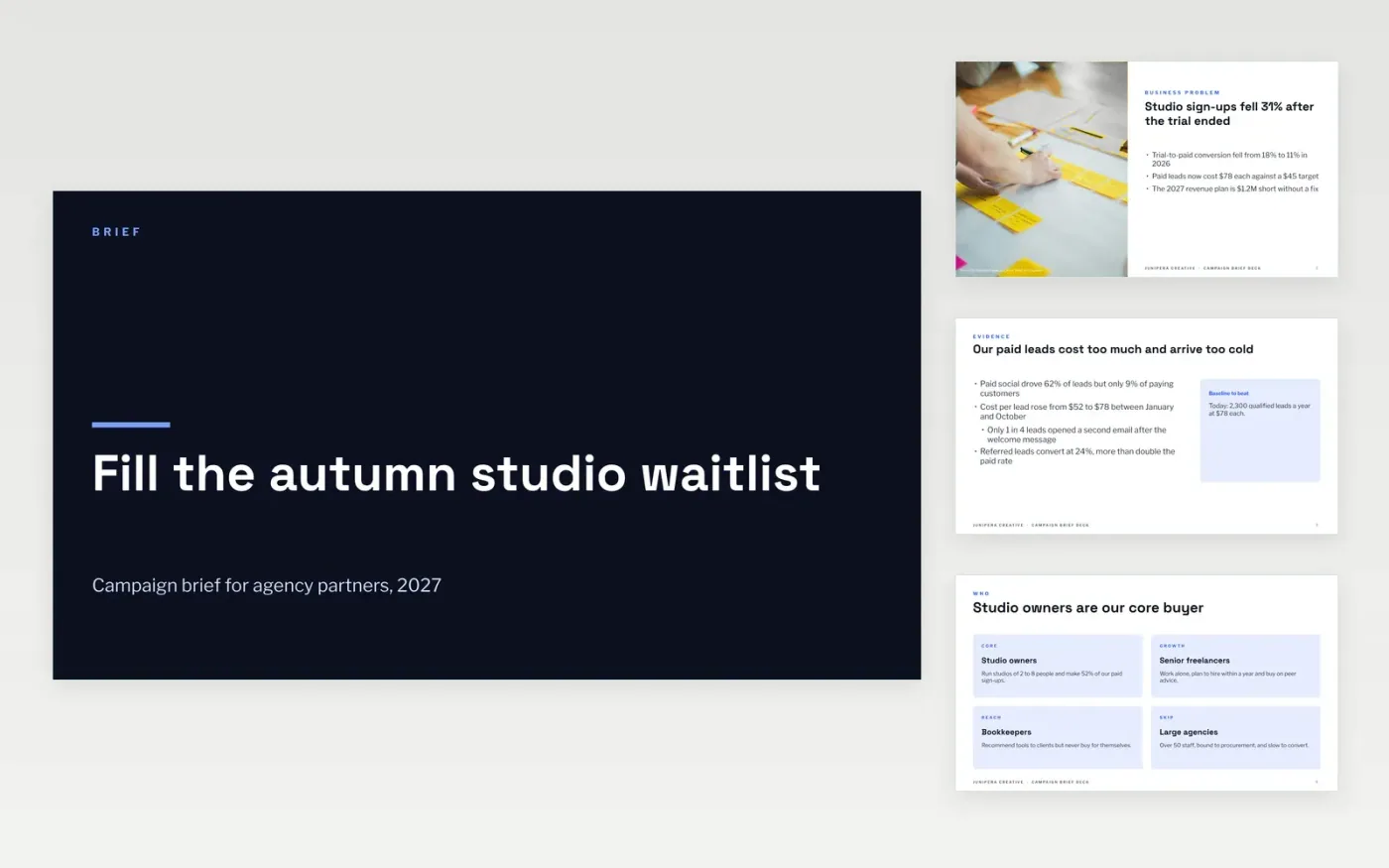
Agencies lose weeks when a brief arrives as a long email with no clear objective, budget or limits. This deck puts the whole brief into one meeting: the business problem, the audience, the single insight, what you want, the mandatories, the budget and the timing, each on its own slide so the room can agree line by line.
The sample follows Junipera Creative briefing an agency to fill a studio waitlist with 4,000 qualified leads at $45 each on a $180k budget. Replace the problem with your CMO's one-sentence case, rewrite the objective with your own number, baseline and end date, and enter your approved budget and approval dates.
Click Make a copy in Google Slides, then confirm on the Google page. The copy is saved to your own Google Drive.
Replace the business problem with the one sentence your CMO would use to justify the campaign, and swap the evidence bullets for your own numbers.
Rewrite the objective with a number, a baseline and an end date, then replace the audience cards with your segment and the one insight that explains their behavior.
List only real mandatories such as legal lines, logo and tone, then enter your approved budget and the dates of each approval gate on the timeline.
Delete the guide slide, then share the deck with your agency or present it in the briefing meeting.
Yes. Send the same deck to every agency so each one answers the same problem, budget and mandatories, and you can judge the ideas side by side.
No. Junipera Creative, the people, the email addresses and every figure are fictional sample content. Replace them with your own details before sharing.
About 45 minutes. Spend most of it on the insight, the objective and the mandatories, because those decide whether the agency's ideas can be judged later.
Slides + PowerPoint18 slides
Free
Google Sheets
Free
Docs + Word6 pages
Free
Slides + PowerPoint11 slides
Free
Slides + PowerPoint10 slides
Free
Docs + Word7 pages
Free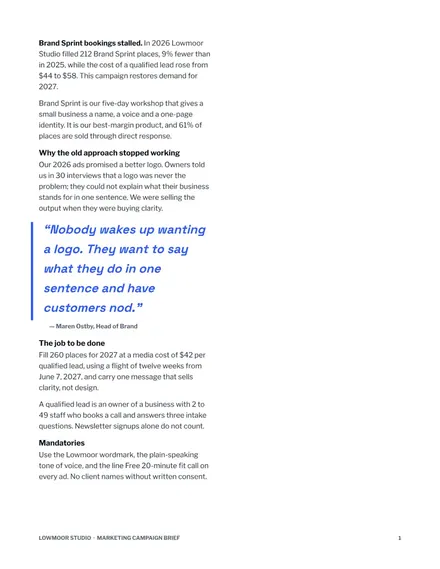
Docs + Word10 pages
Free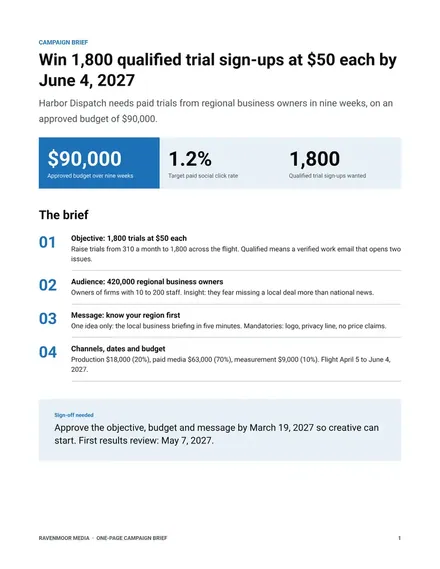
Docs + Word2 pages
Free








