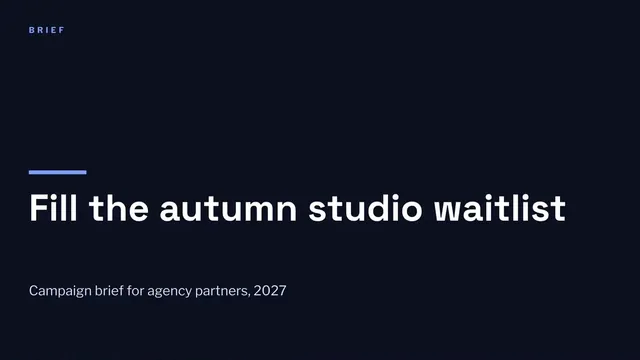
Campaign Brief Deck
Slides + PowerPoint12 slides
Free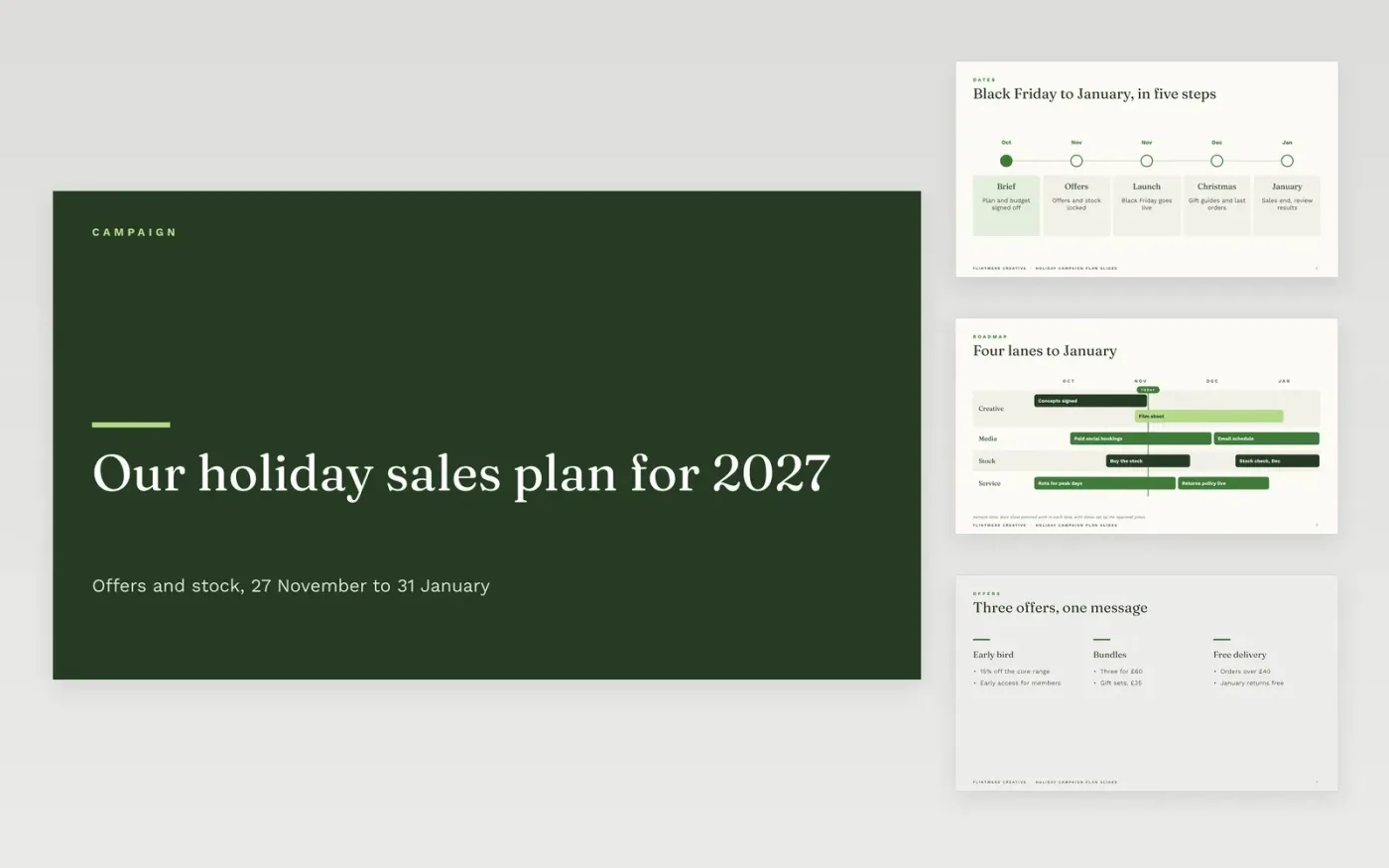
A holiday campaign fails when offers, stock and channels are planned by teams that never meet. This eleven-slide deck puts them in one sequence: key dates and a timeline, the offers and their margin rules, the channels, the stock position, customer service and the measures reviewed each week. Each slide has one job and one owner, so the brief can be read in ten minutes and agreed in one meeting.
The sample is for Flintmere Creative, running a season from October to January with a 15 percent early-bird offer, a stock cover of £420k and a weekly scorecard of six measures. It shows how the dates, numbers and owners link across slides. Replace the names, offers, budget and dates with your own, and check the stock figures against your system before the review.
Click Make a copy in Google Slides, then confirm on the Google page. The copy is saved to your own Google Drive.
Replace the Flintmere Creative name, the cover and the campaign dates with your own.
Rewrite the offers and the stock figures from your own margins and system exports.
Check the timeline against your approval gates, then review the measures each week.
Delete the guide slide, then share the deck with approvers or present it to the team.
Yes. Click Make a copy in Google Slides and the deck is saved to your own Google Drive, with no sign-up and no charge.
Yes. Change the dates and the timeline slide, keep the offer and stock logic, and replace the channel cards with the channels that work for that season.
No. Flintmere Creative, its people, the offers, stock and every figure are fictional sample data. Replace them before you present the deck.
Slides + PowerPoint12 slides
Free
Slides + PowerPoint10 slides
Free
Docs + Word6 pages
Free
Docs + Word7 pages
Free
Docs + Word10 pages
Free
Docs + Word2 pages
Free









