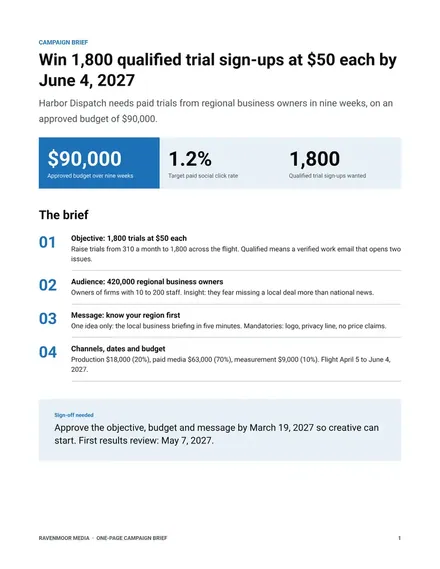
One-Page Campaign Brief
Docs + Word2 pages
Free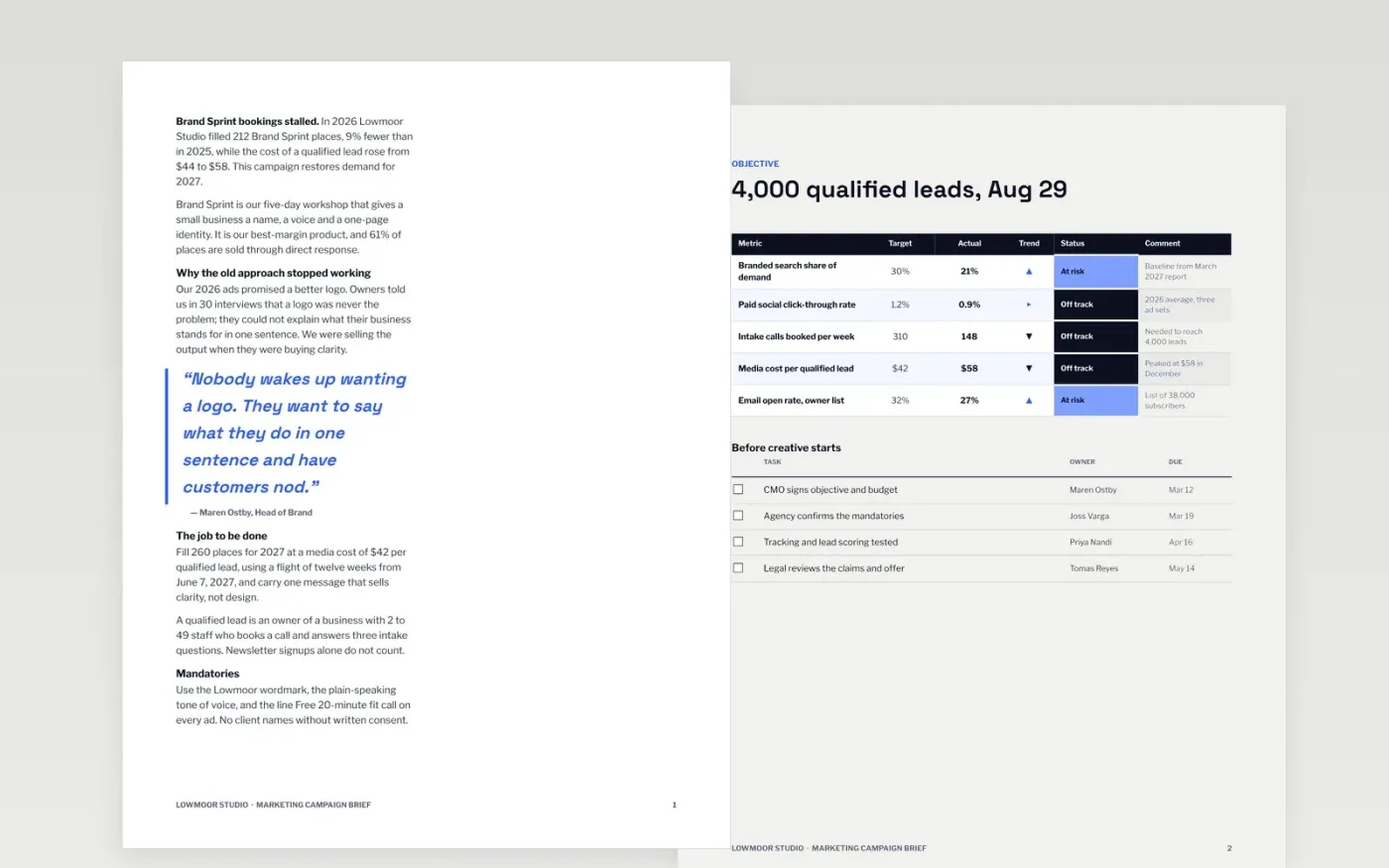
Campaigns go wrong when the agency starts designing before anyone agreed what success means. This brief puts the business problem, a measurable objective, the audience insight, one message, the channel plan, the budget and the approval dates in one document, in the order an agency and an approver read them.
The sample follows a fictional Brand Sprint launch at Lowmoor Studio, with a lead target, a cost per lead, a spend split that adds up and a dated timeline. Replace the problem, the numbers, the audience and the gate dates with your own, and delete any mandatory you do not need.
Click Make a copy in Google Docs, then confirm on the Google page. The copy is saved to your own Google Drive.
Rewrite the background and objective with your own problem, baseline, target and end date.
Replace the audience, insight and message with your segment and the one thing you want them to believe.
Enter your approved budget so the table totals match, then set the gate dates on the timeline.
Delete the guide page, then share the brief with your agency or present it to approvers.
No. Lowmoor Studio, the people, the emails and every figure are fictional sample data. Replace them with your own before you share the brief.
Short enough that nobody skims it. This one runs eight pages with one idea each, so an agency can find the objective, message and budget in seconds.
Yes. Edit the amounts and shares in the budget table, keep the total row equal to the sum of the lines, and update the chart values to match.
Docs + Word2 pages
Free
Docs + Word6 pages
Free
Google Sheets
Free
Slides + PowerPoint11 slides
Free
Slides + PowerPoint10 slides
Free
Docs + Word7 pages
Free
Slides + PowerPoint12 slides
Free








