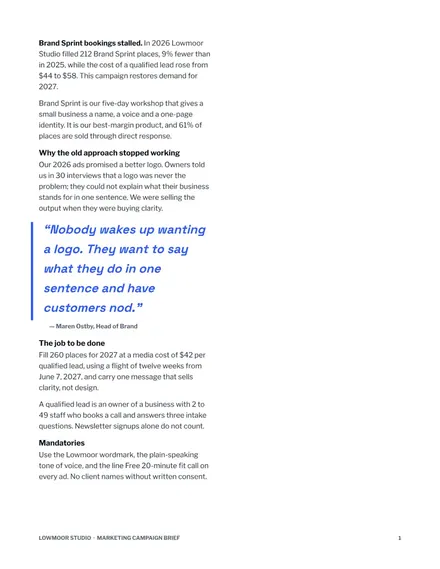
Marketing Campaign Brief
Docs + Word10 pages
Free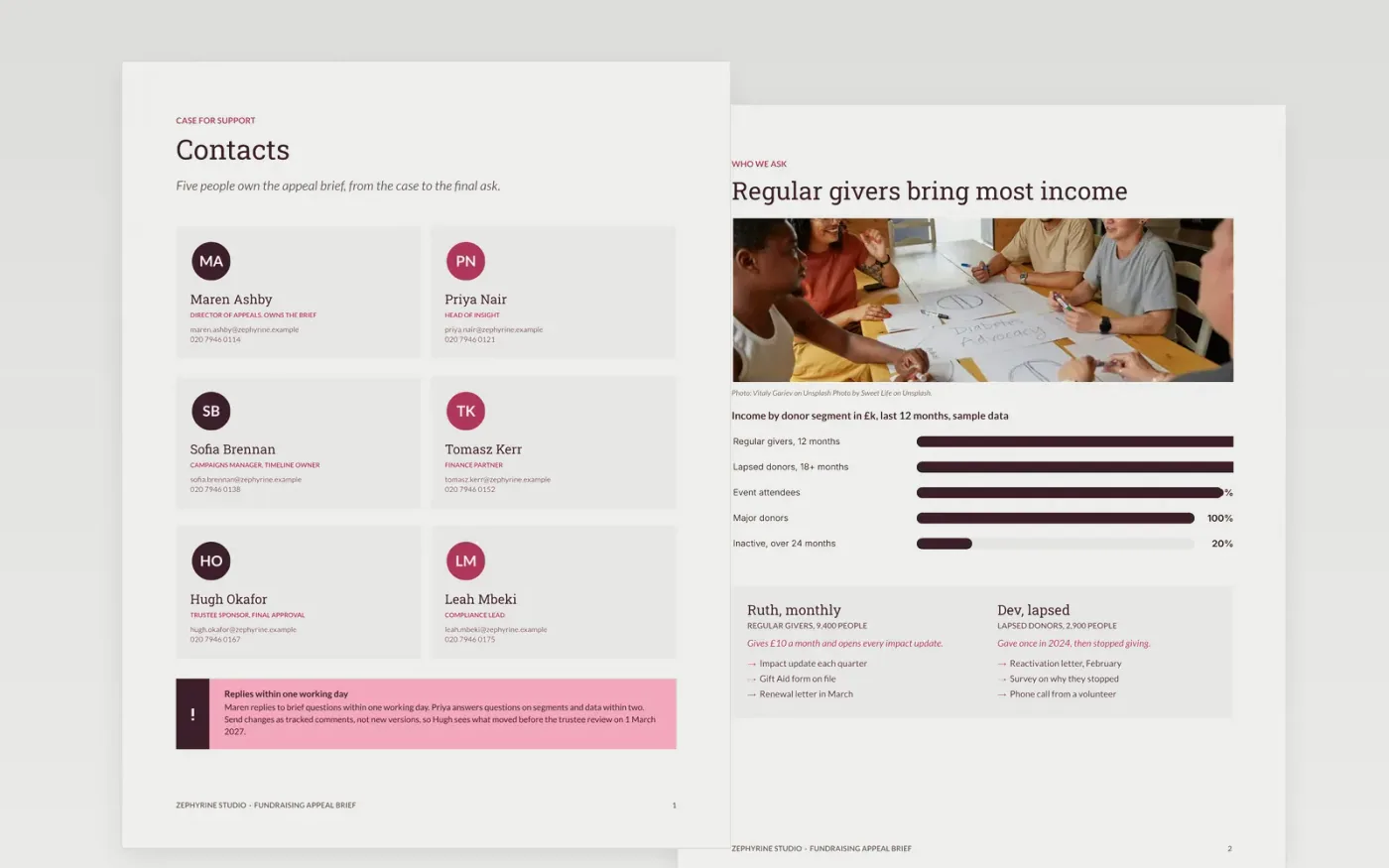
This Google Docs campaign brief template helps charity fundraisers set out an appeal in seven designed pages. It covers the case for support, the donor segments you are asking, the ask amounts for each, the channels and roles, and a timeline with approval gates. Each section holds one idea, so an agency creative team can see the insight, the single-minded message and the mandatories at a glance, and approvers can judge the work against the same objective later.
The sample brief is written for Zephyrine Studio, a fictional organisation, and shows what a finished creative brief for an agency looks like: named owners, a £180k budget, dated approval gates and a measure for each objective. Make your own copy, then replace the business problem, segments, asks and dates with your approved figures. Delete any section you do not need, and keep the approval gates so the brief stays a fixed reference.
Click Make a copy in Google Docs, then confirm on the Google page. The copy is saved to your own Google Drive.
Replace the business problem and the objective with your own figures and an end date.
Swap in your segments, personas and asks, and check every figure against your budget.
Enter your approved budget and the date of each approval gate on the timeline.
Delete the guide page, then share the brief with your team or present it to the approvers.
Yes. Make a copy in Google Docs and it is yours to edit, with no sign-up on this page and no cost for the template.
Yes. The pages use standard Google Docs styles, so you can change fonts and layout as you would in any document, and the approval gates can move.
No. Zephyrine Studio, its people, the donor segments and every figure are fictional. Replace them with your own approved numbers before you share the brief.
Docs + Word10 pages
Free
Docs + Word2 pages
Free
Docs + Word6 pages
Free
Slides + PowerPoint11 slides
Free
Slides + PowerPoint10 slides
Free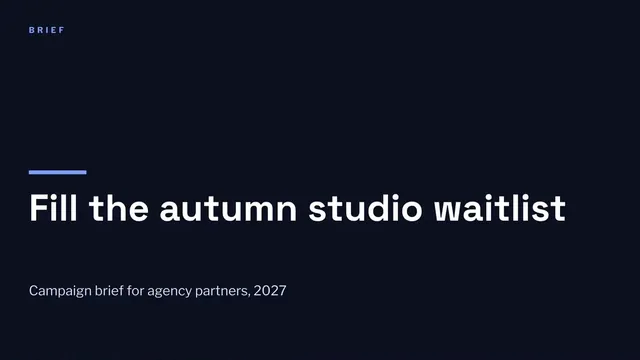
Slides + PowerPoint12 slides
Free









