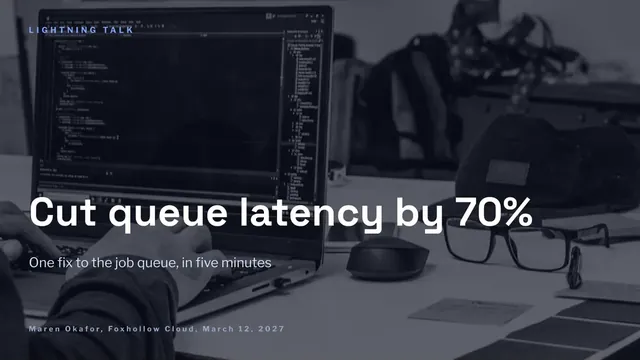
Five-Minute Lightning Talk Deck
Slides + PowerPoint12 slides
Free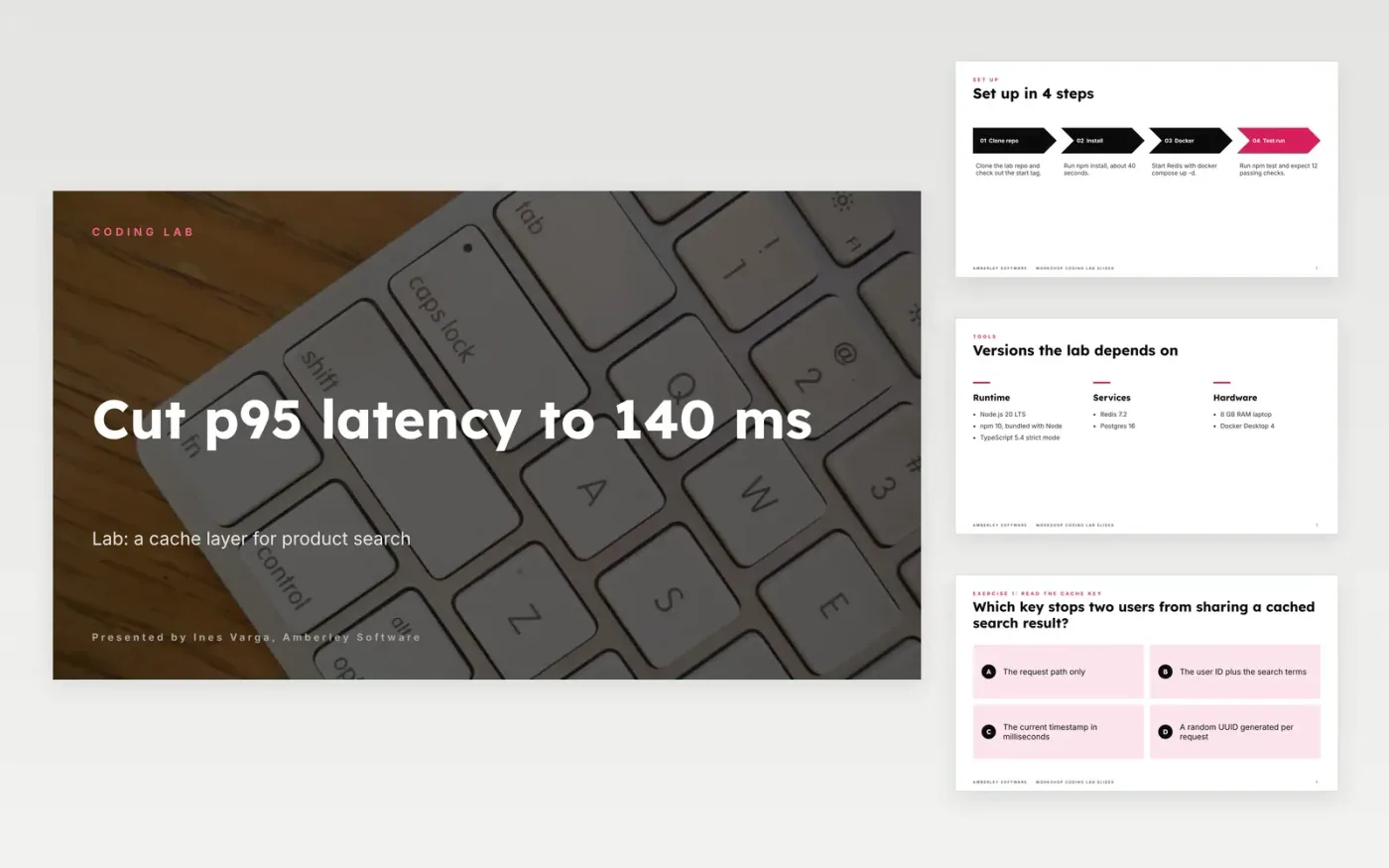
A coding lab fails when the audience gets lost on the first command or only sees the final answer. This deck runs a lab in the order people need it: set-up commands and versions, a quiz that asks the key question, exercise cards that each end in a visible result, checkpoints with a note for failures, a solution slide that tells the story of the fix, and a closing page with three takeaways. Short sentences and code that fits the screen keep it easy to follow as a technical presentation template.
The sample is Amberley Software running a cache lab, where p95 search latency drops from 480 ms to 140 ms and cost falls 35% for the same traffic. Replace the hook, the code samples and the benchmark with your own measurements, note the hardware and dataset beside each number, and keep the failed attempt in the story, because the audience learns more from dead ends than from a clean run.
Click Make a copy in Google Slides, then confirm on the Google page. The copy is saved to your own Google Drive.
Write the talk title and a one-sentence promise on the cover, and match them to your abstract.
Replace the hook and the benchmark with your own incident, numbers and hardware details.
Cut each code sample to the smallest fragment that makes your point, and enlarge it.
Delete the guide slide, then share the deck with attendees or present it at the event.
Yes. Keep the cover, the quiz, one exercise card and the solution slide, then cut the set-up slides to a single link to your repository. The layout still works in five minutes.
Yes. Amberley Software, the presenter, the example repo link and every latency, hit rate and cost figure are fictional, and the contact details use .example addresses, so the deck shows what a finished lab looks like.
Keep each sample to eight to twelve lines at 24 pt or larger, and cut it to the smallest fragment that makes one point. Anything longer belongs in the repository, linked from the closing slide.
More Google Slides templatesMore developer workflows templates
Slides + PowerPoint12 slides
Free
Slides + PowerPoint12 slides
Free
Slides + PowerPoint10 slides
Free
Slides + PowerPoint12 slides
Free
Slides + PowerPoint12 slides
Free
Slides + PowerPoint10 slides
Free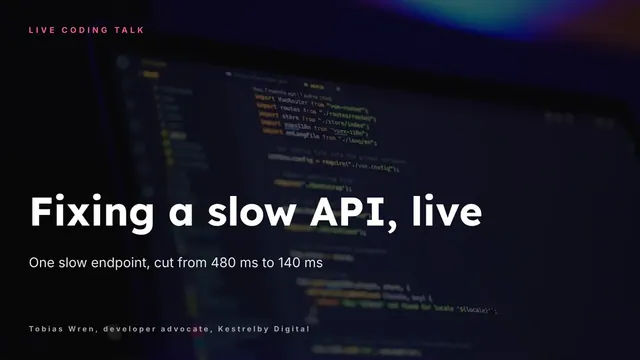
Slides + PowerPoint10 slides
Free
Slides + PowerPoint12 slides
Free
Slides + PowerPoint12 slides
Free
Slides + PowerPoint10 slides
Free










